Cecil Lee
Staff
-
Joined
-
Last visited
Everything posted by Cecil Lee
-
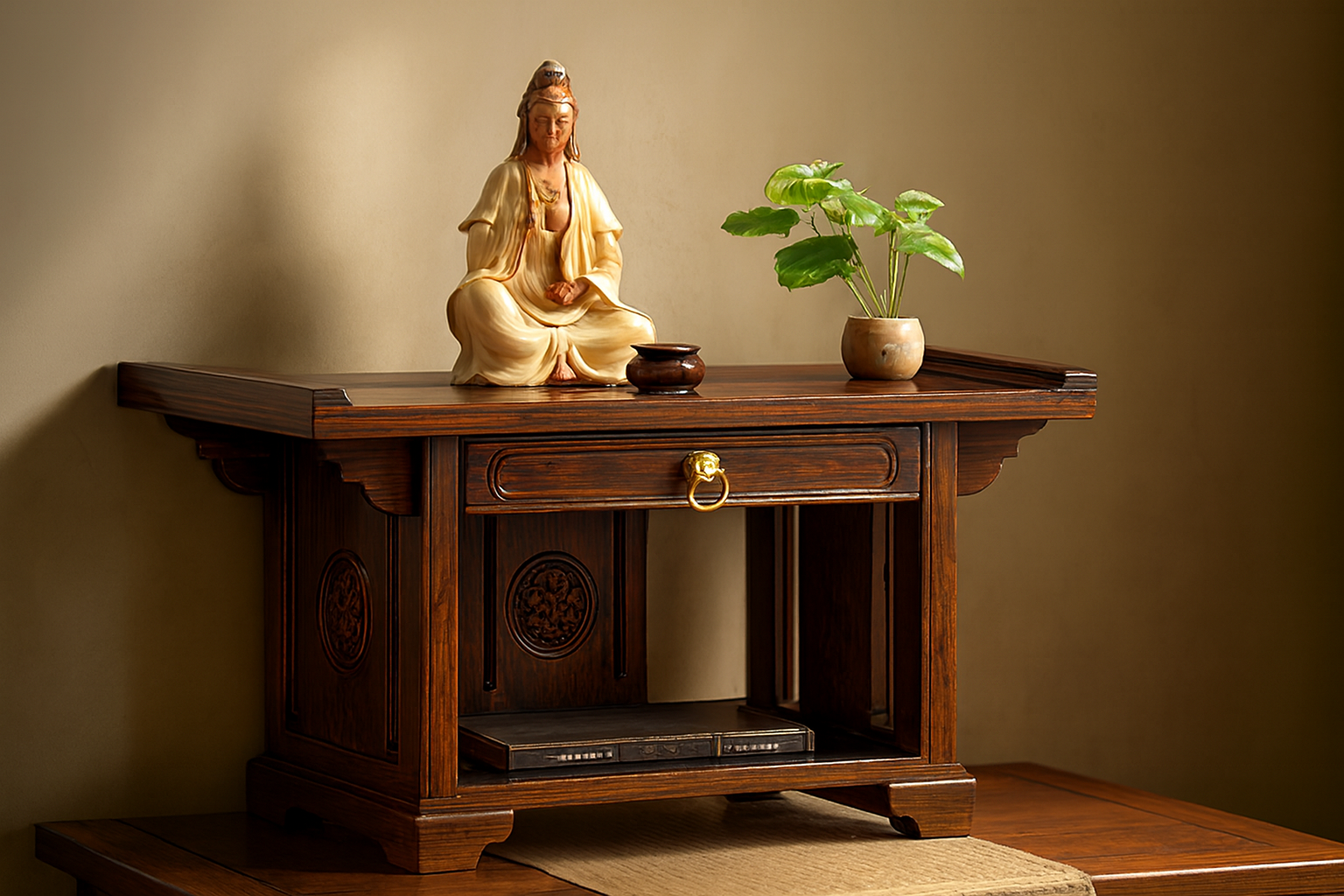
Get Expert Help from Master Cecil Lee for your Altar Placement

-
Get Expert Help from Master Cecil Lee for your Altar Placement
-
Get Expert Help from Master Cecil Lee for your Altar Placement
-
Cecil Lee replied to Cecil Lee's topic in OUR PICKS's New here? Not sure where to start? Start here!Get Expert Help from Master Cecil Lee for your Altar Placement
-
Get Expert Help from Master Cecil Lee for your Altar Placement
-
Get Expert Help from Master Cecil Lee for your Altar Placement
-
Get Expert Help from Master Cecil Lee for your Altar Placement
-
Get Expert Help from Master Cecil Lee for your Altar Placement
-
Get Expert Help from Master Cecil Lee for your Altar Placement
-
Get Expert Help from Master Cecil Lee for your Altar Placement
-
Get Expert Help from Master Cecil Lee for your Altar Placement
-
Get Expert Help from Master Cecil Lee for your Altar Placement
-
-
Get Expert Help from Master Cecil Lee for your Altar Placement
-
Get Expert Help from Master Cecil Lee for your Altar Placement
-
Get Expert Help from Master Cecil Lee for your Altar Placement
-
Get Expert Help from Master Cecil Lee for your Altar Placement
-
Get Expert Help from Master Cecil Lee for your Altar Placement
-
Get Expert Help from Master Cecil Lee for your Altar Placement
-
Get Expert Help from Master Cecil Lee for your Altar Placement
-
Get Expert Help from Master Cecil Lee for your Altar Placement
-
Get Expert Help from Master Cecil Lee for your Altar Placement
-
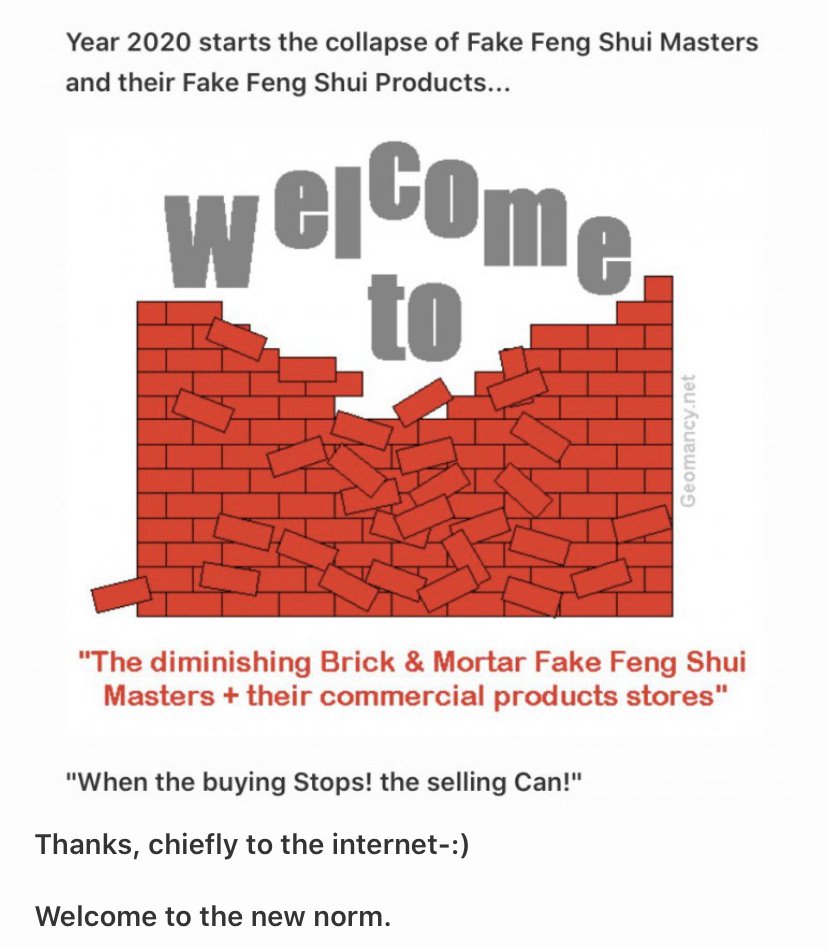
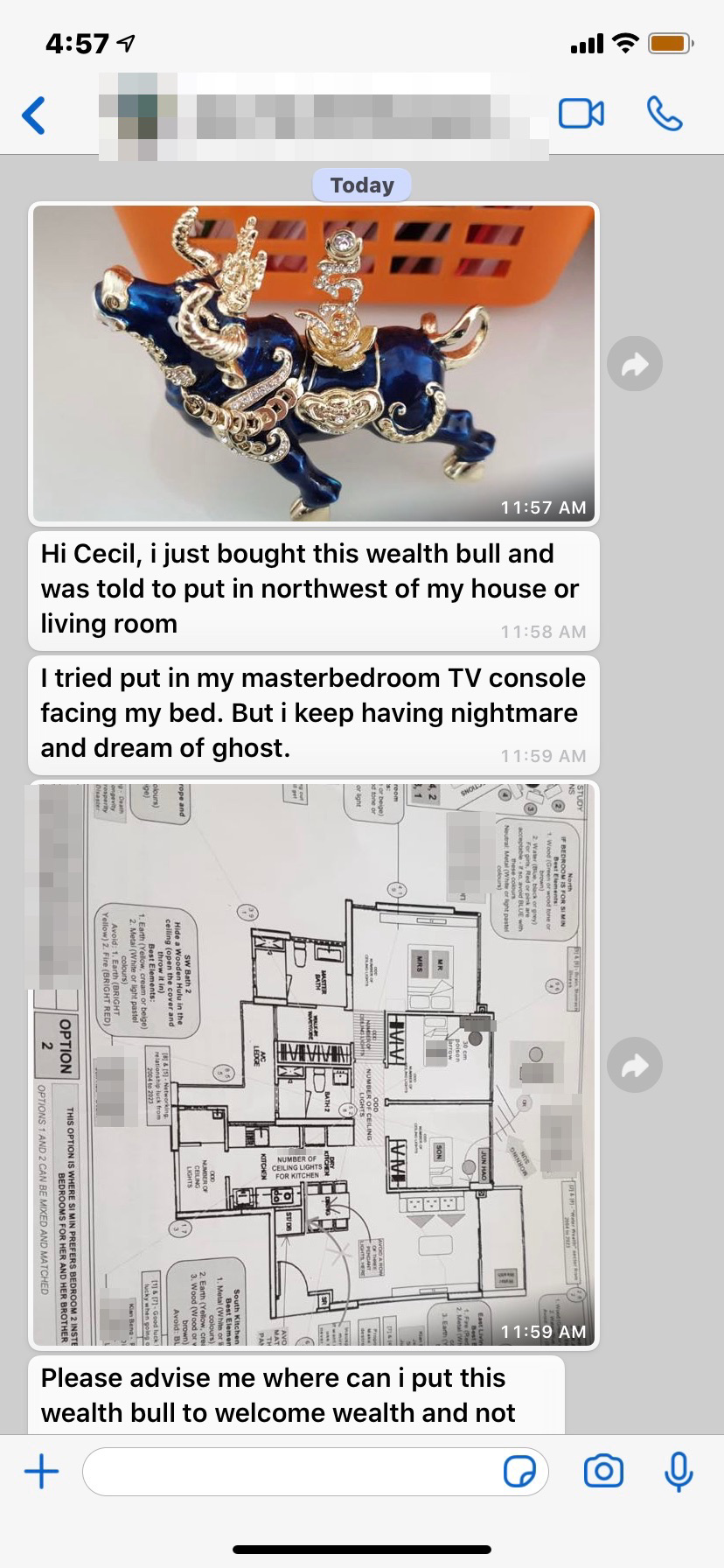
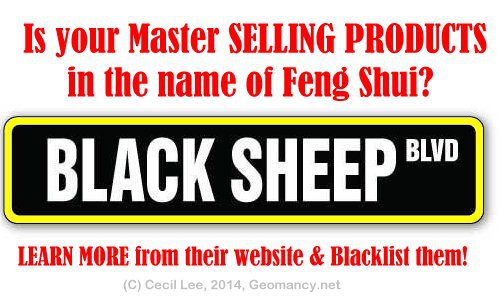
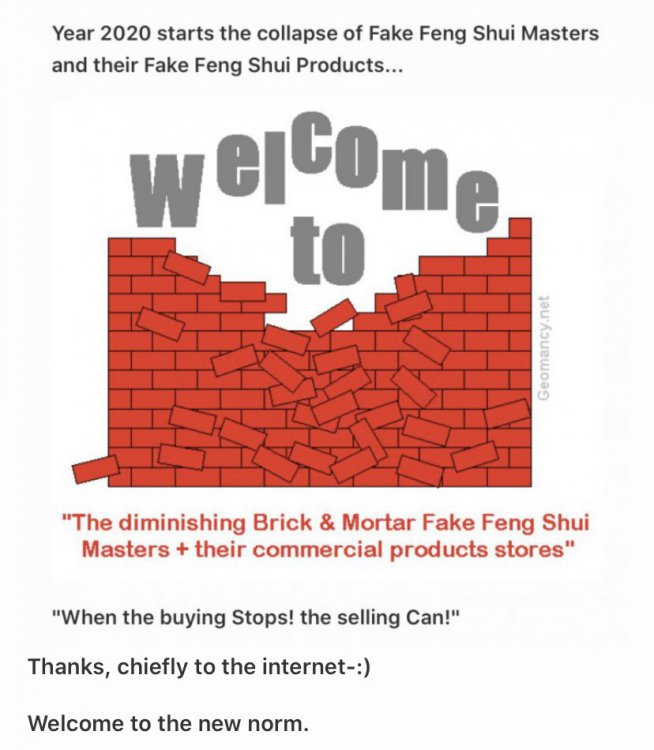
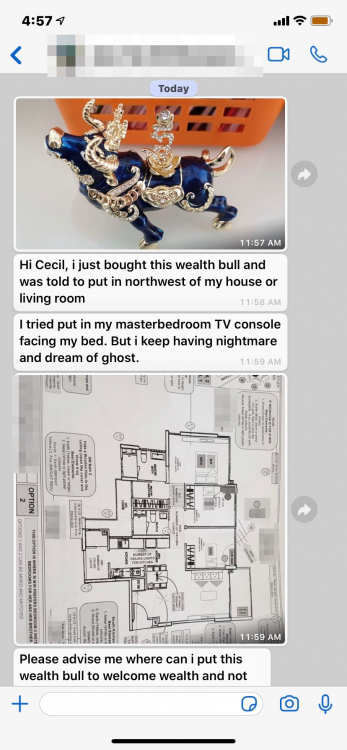
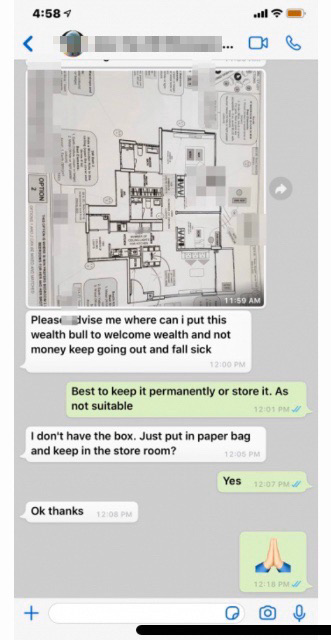
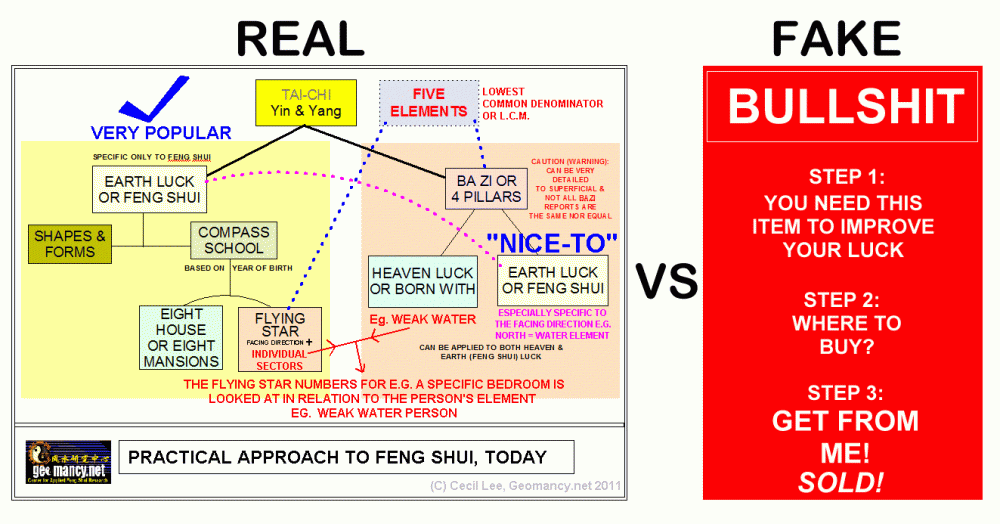
BEWARE OF THIS AGE-OLD FENG SHUI SCAM 1. Some Singapore Feng Shui Masters, particularly those with ancestral connections, operate under the guise of a Feng Shui Store. 2. They often choose to give their store an appealing name such as "Lifestyle Living." BEWARE OF THIS AGE-OLD FENG SHUI SCAM No wonder, Feng Shui suffers from a bad reputation, today Many Feng Shui Masters are a Feng Shui Store. Their core business is not authentic Feng Shui. But rather making big bucks by selling lots of useless commercial products in the name of Feng Shui. Please give me a good reason not to buy such products. Here's one: Okay, the above was written prior to the knowledge of COV-19. Here’s to another reason, why. Many Feng Shui Masters and their shops are FAKES! On Saturday, 14 March 2020, a WhatsApp from a past client P.S. Frankly, I was just being extremely polite. Actually if one got the hint, as the British always say just throw the "bloody" thing away! ASK! MUST I BUY FROM YOU? When the buying Stops! The selling Can! Yes! Ask: "Must I buy from YOU?"


.thumb.png.5d36232667c117aff70d0f27489bd1e5.png)
.png.c0275297a424b760491eaa12c35b1d30.png)
.png.a4a889053737bed4b9f1b4db20d9dbc6.png)

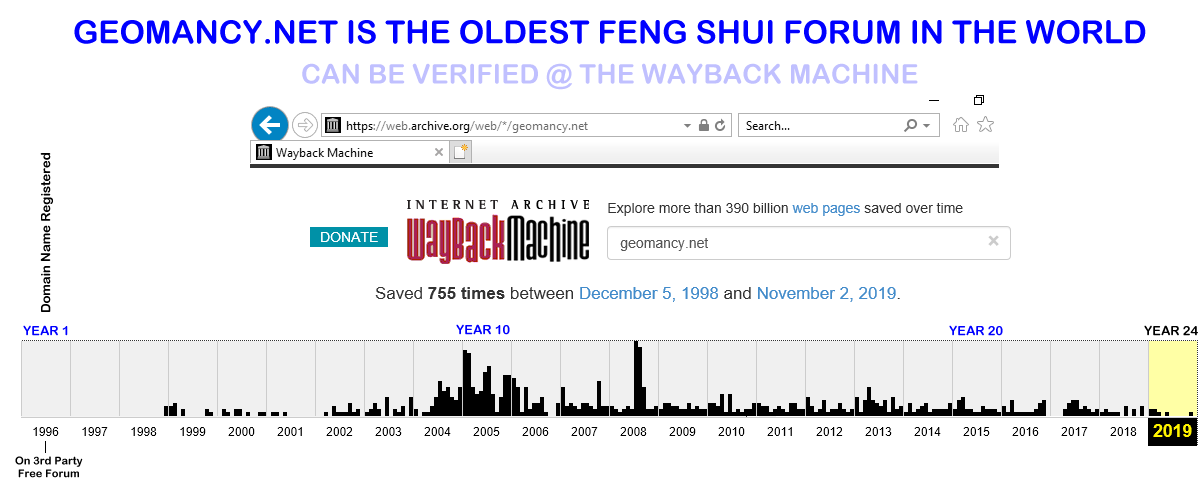
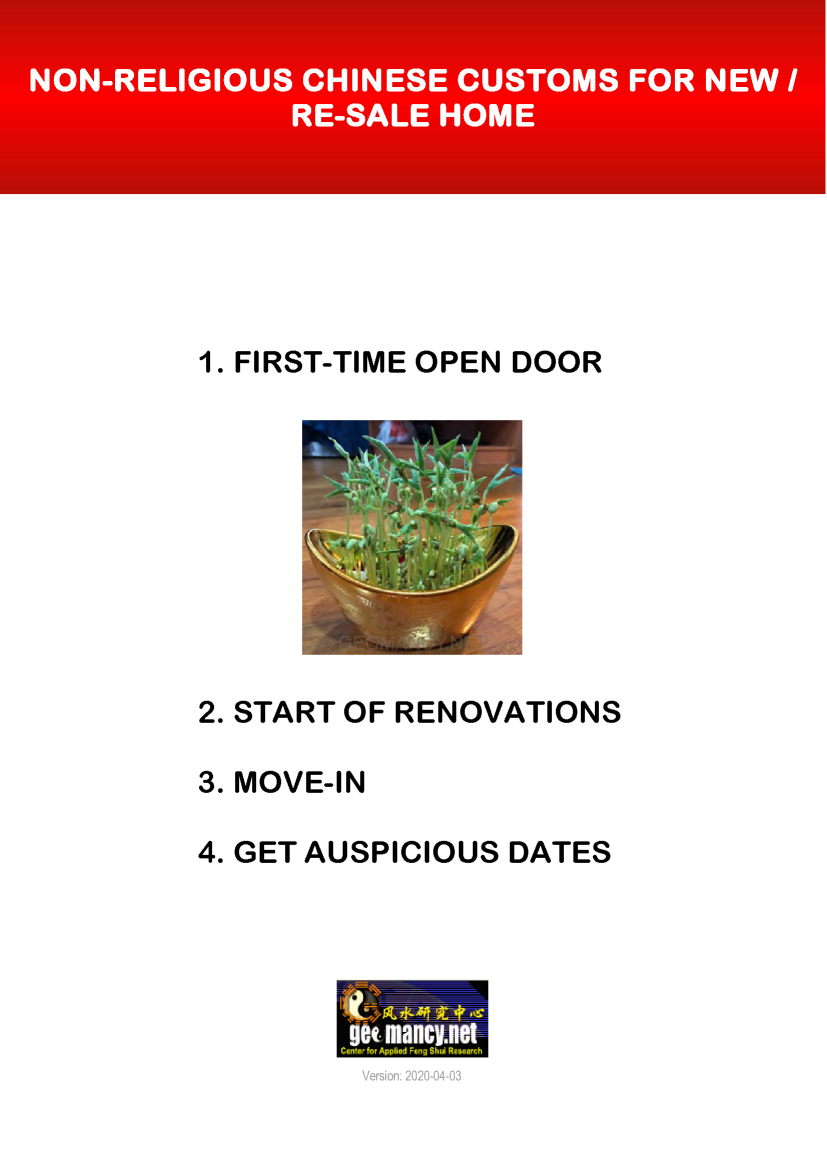
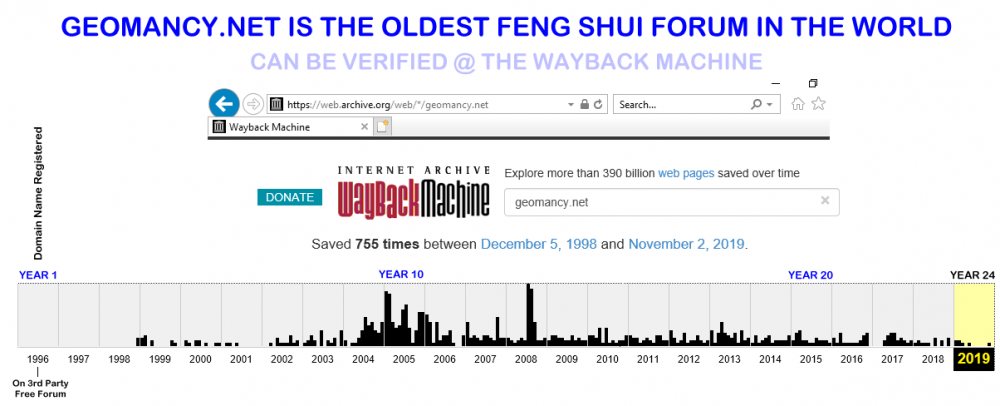
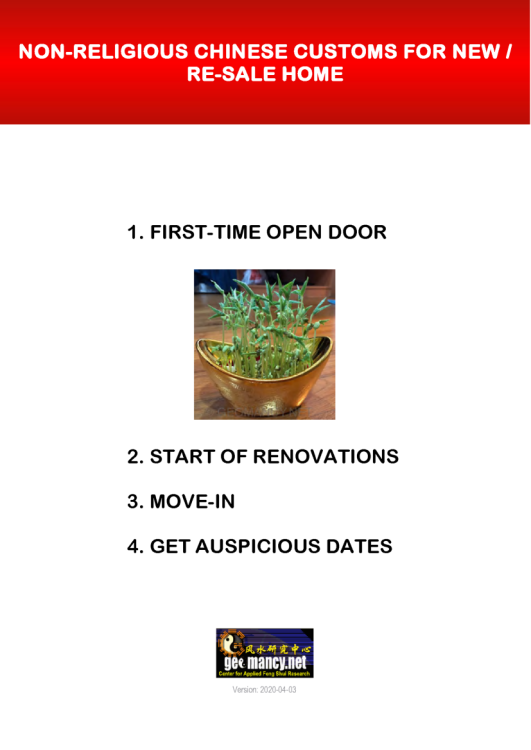
 25th Anniversary in 2019 How can we help you today? GET EXPERT HELP: IMPROVE YOUR HEALTH, WEALTH & HAPPINESS TODAY Comprehensive Home Package [A.]: On-site or [B.]: Off-site for HDB / Condo / EC & Landed Properties for New/Re-Sale House or facing financial/ marriage/ relationship/ health issues Do you offer a 1 visit On-site audit? How much? " As much as we see, Geomancy.net has great web presence built up over the years and is seen as one of the SG market leaders in residential house audit. " Success starts with good Feng Shui Transparent Pricing & No Hidden Costs. No Purchase of Products. Cecil Lee, +65 9785-3171 / support@geomancy.net House Hunting? We will help you select the most auspicious unit! Learn More The Experts in House Hunting Please visit 30 Days Auspicious Date for ONE or TWO Person(s) - FengShui.Geomancy.Net +++ Related: Non-Religious Chinese Customs For New Re-Sale Home




.png.e5597e77be0644f87606cbd5642a37b6.png)