



Cecil Lee
Staff
-
Joined
-
Last visited
Everything posted by Cecil Lee
-
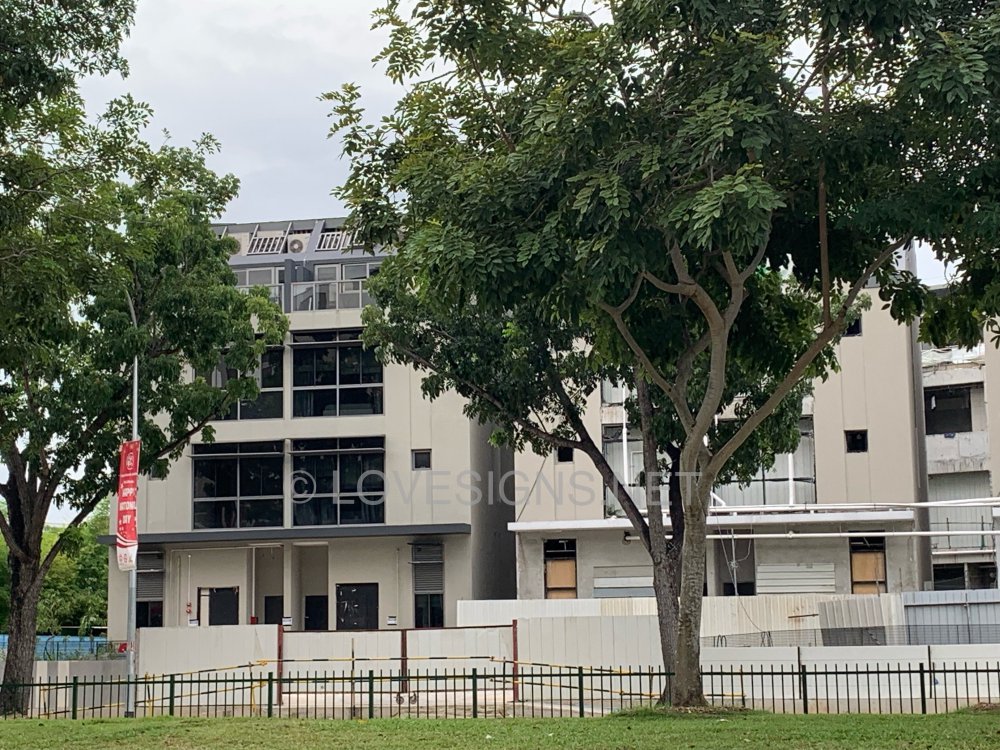
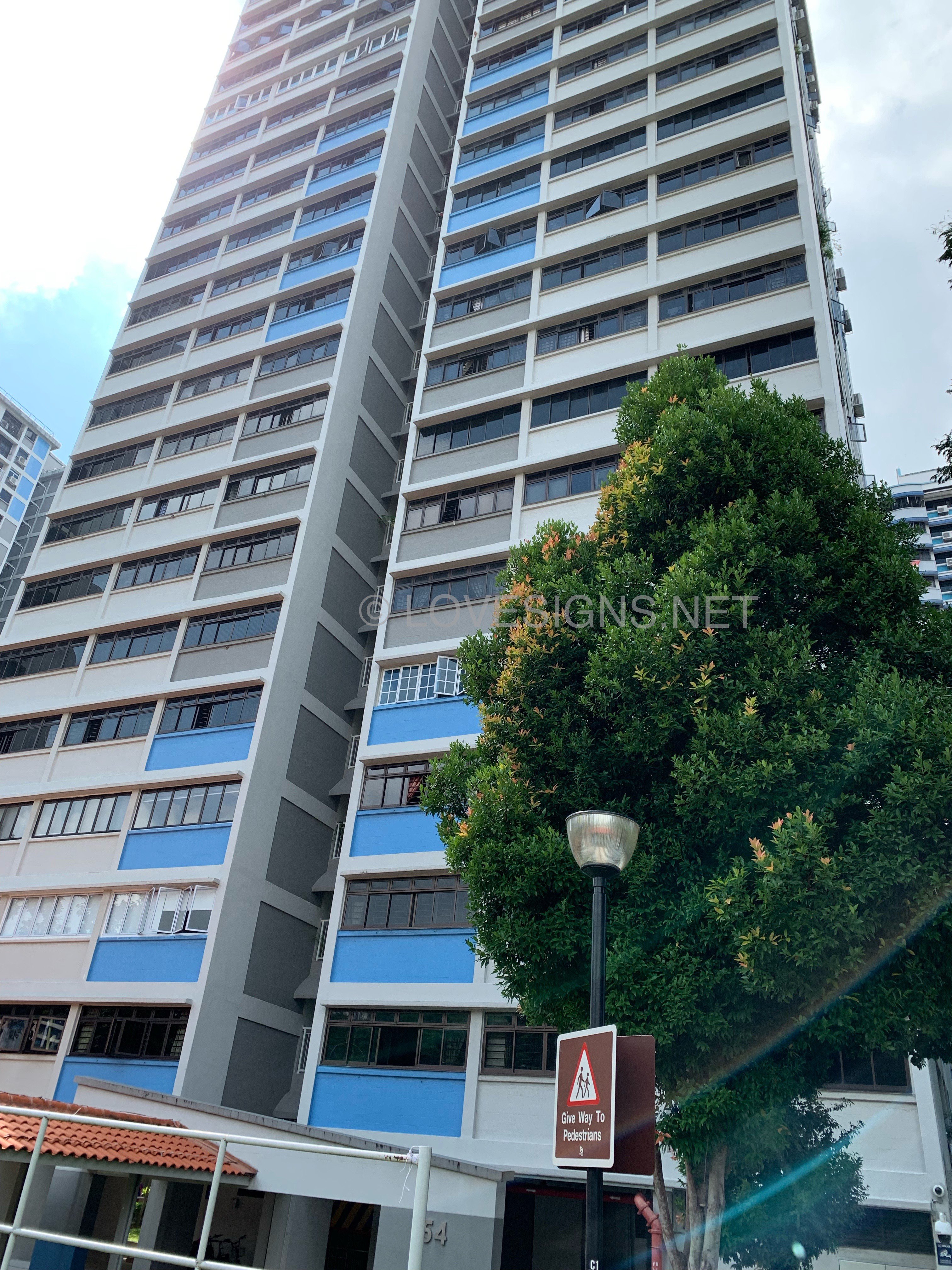
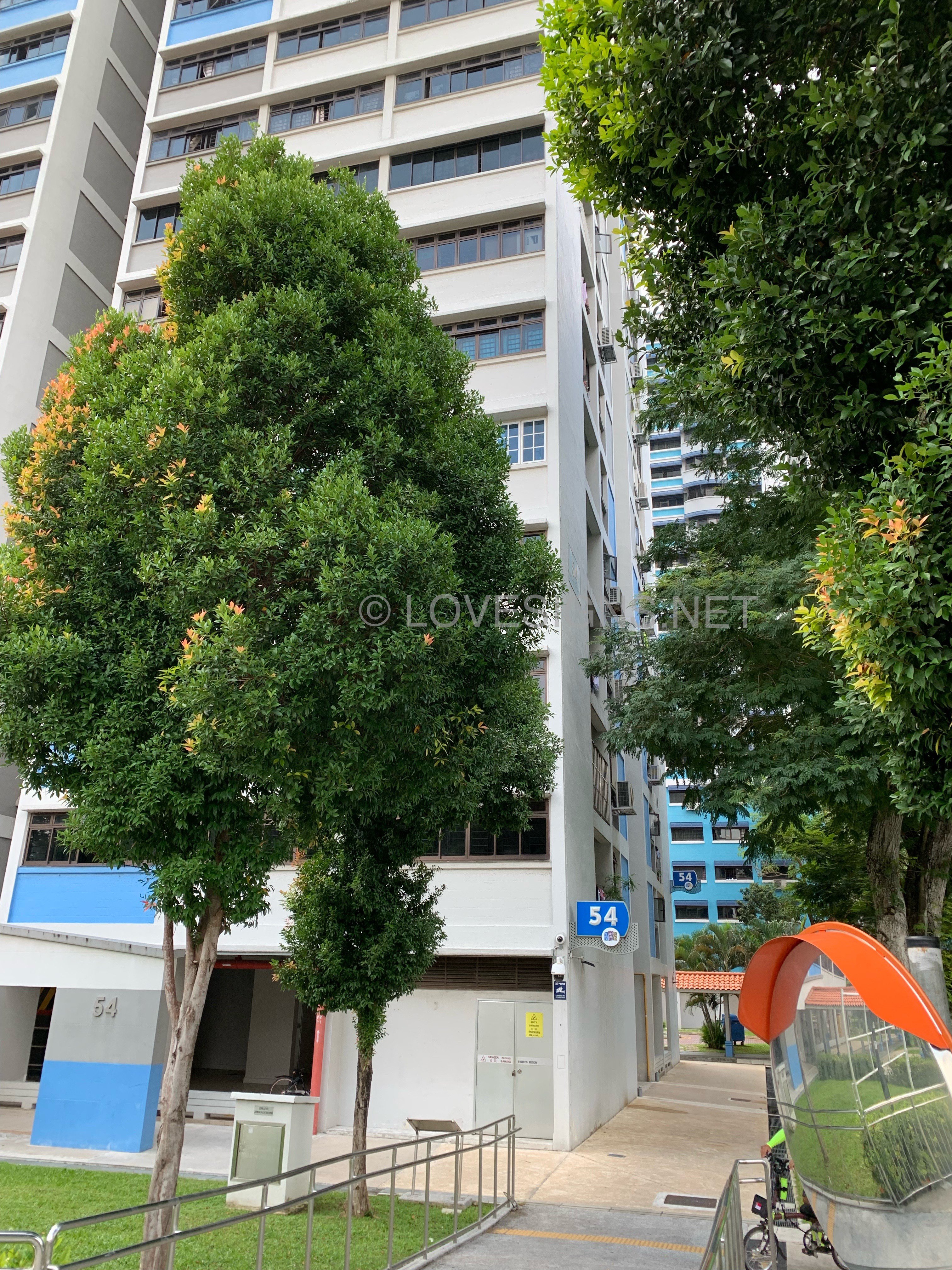
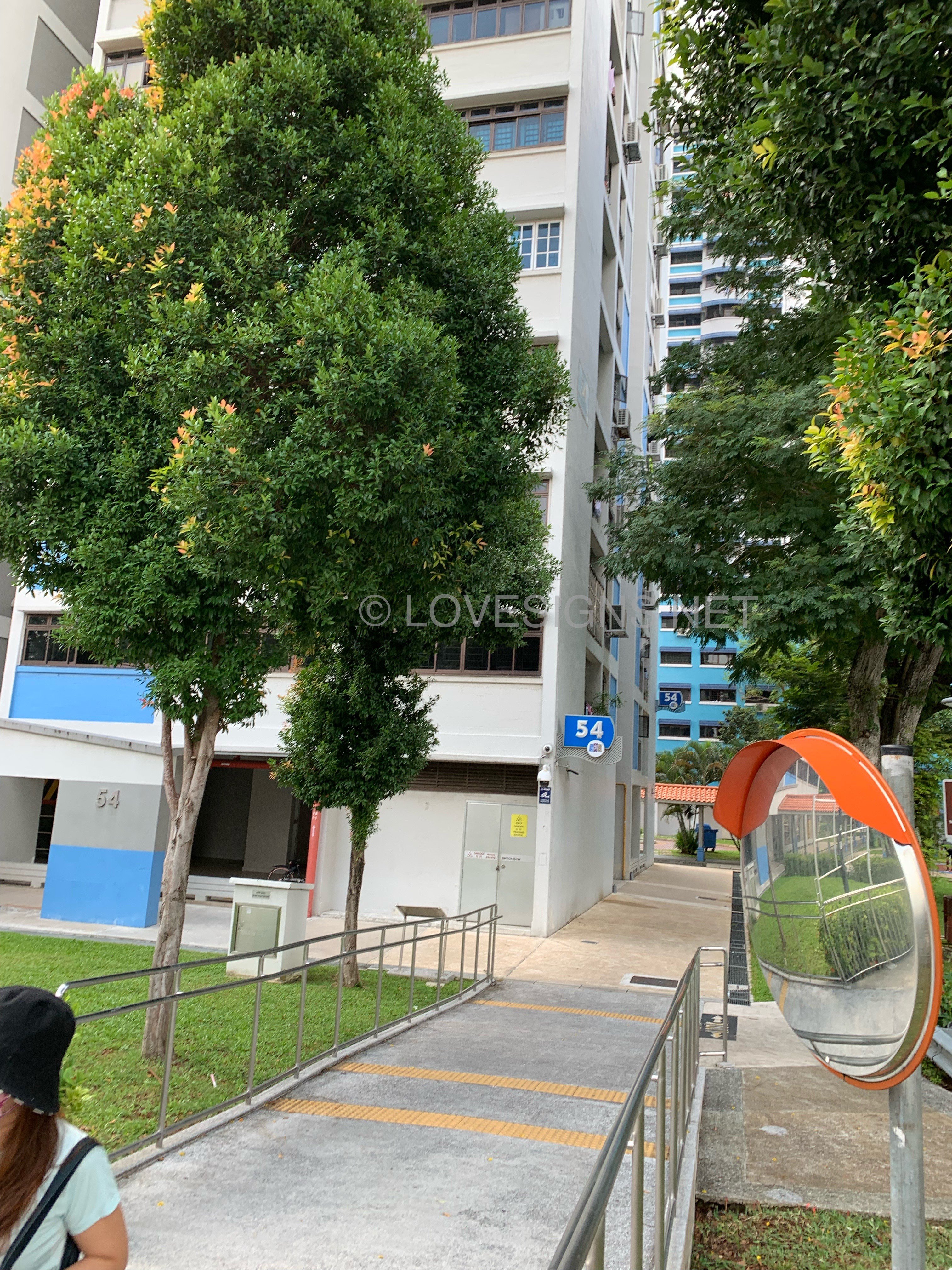
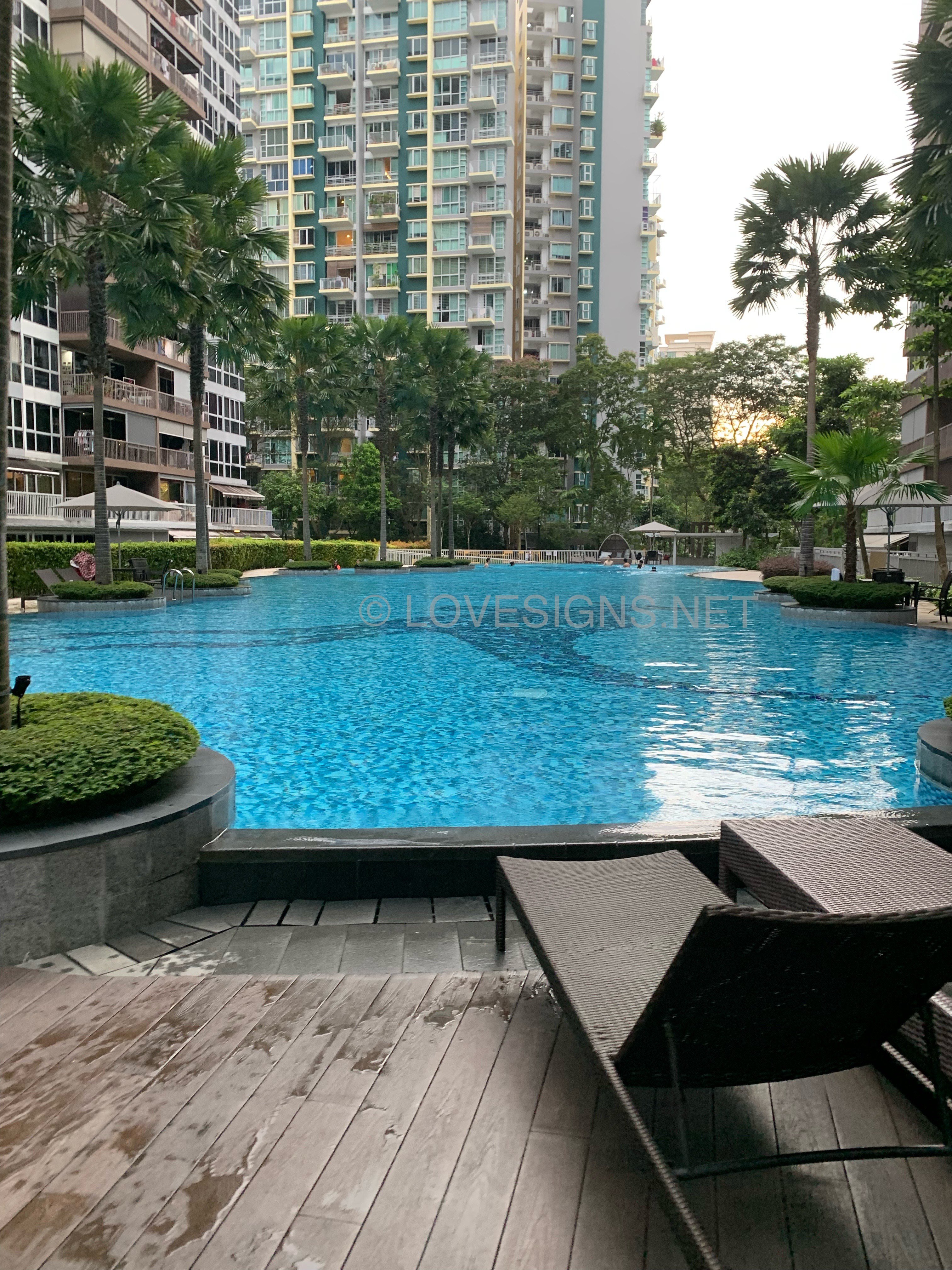
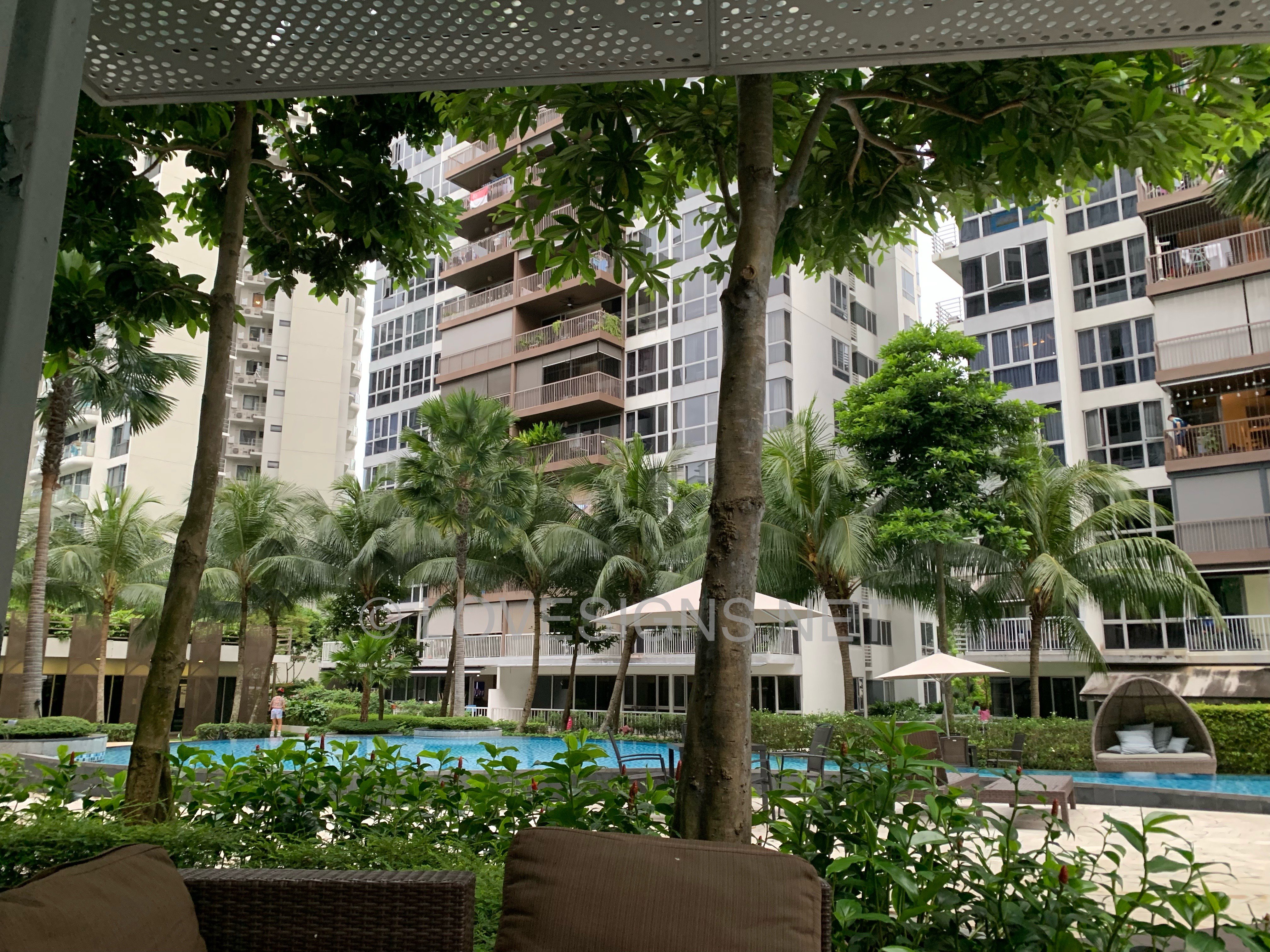
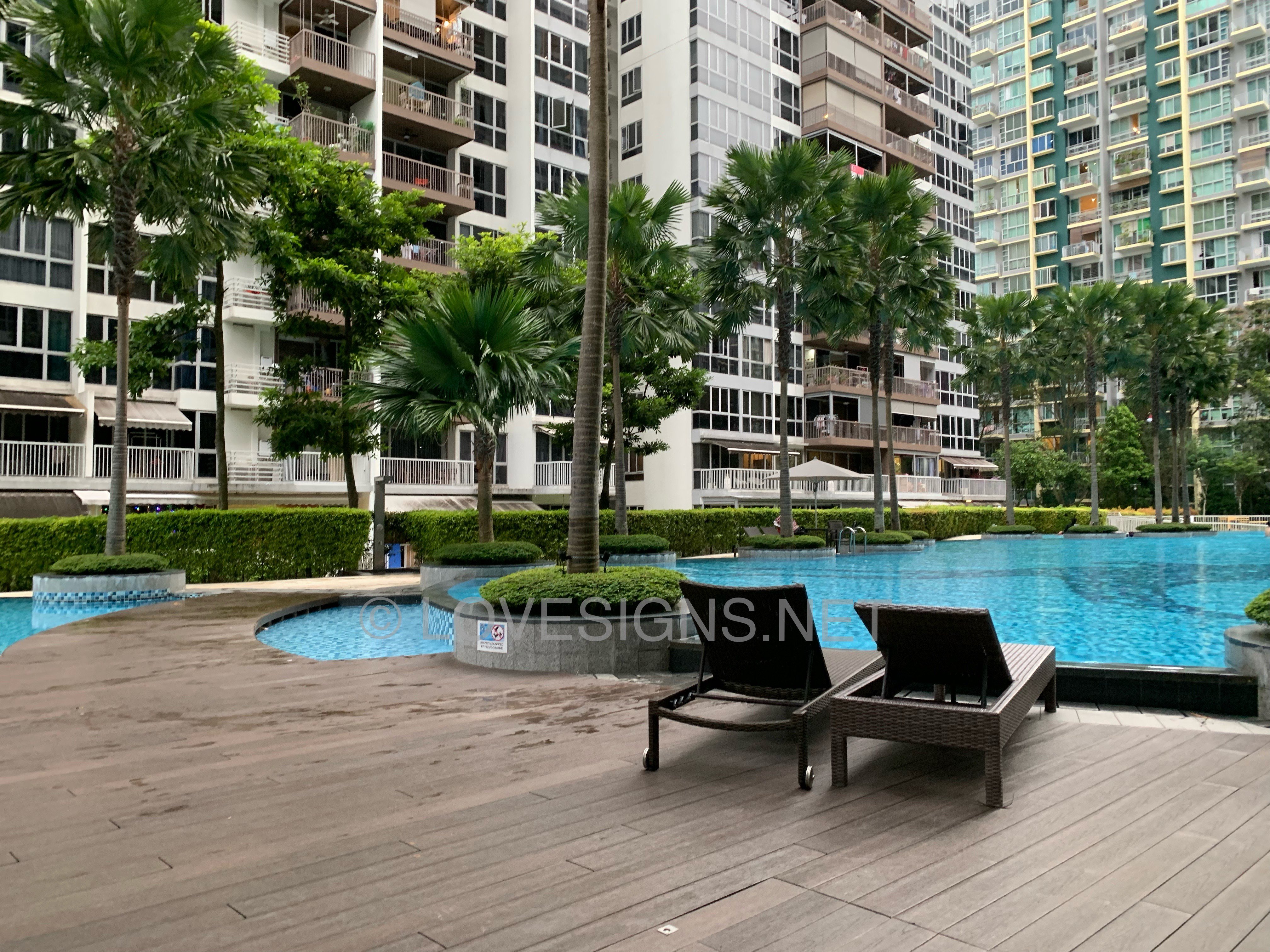
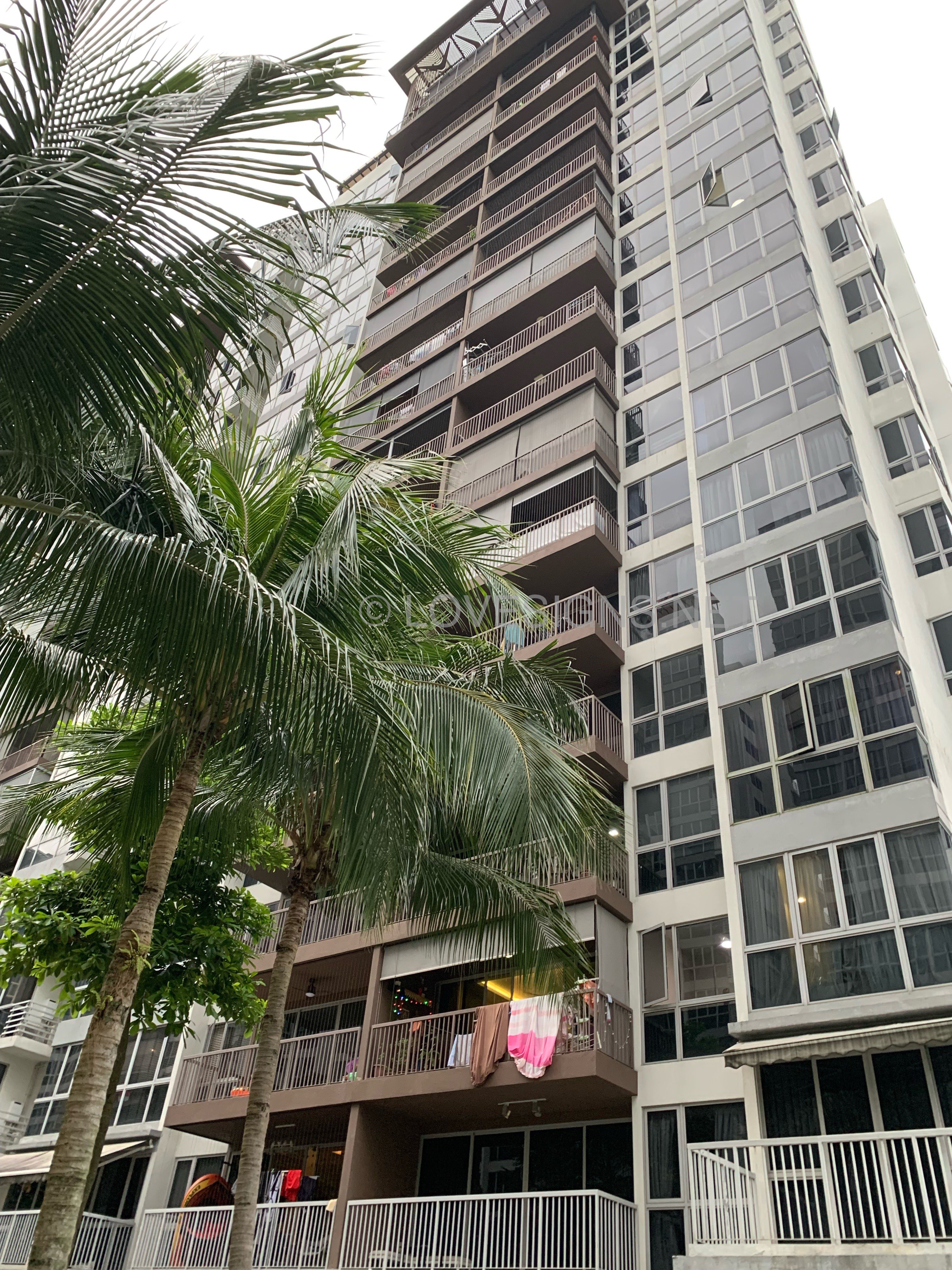
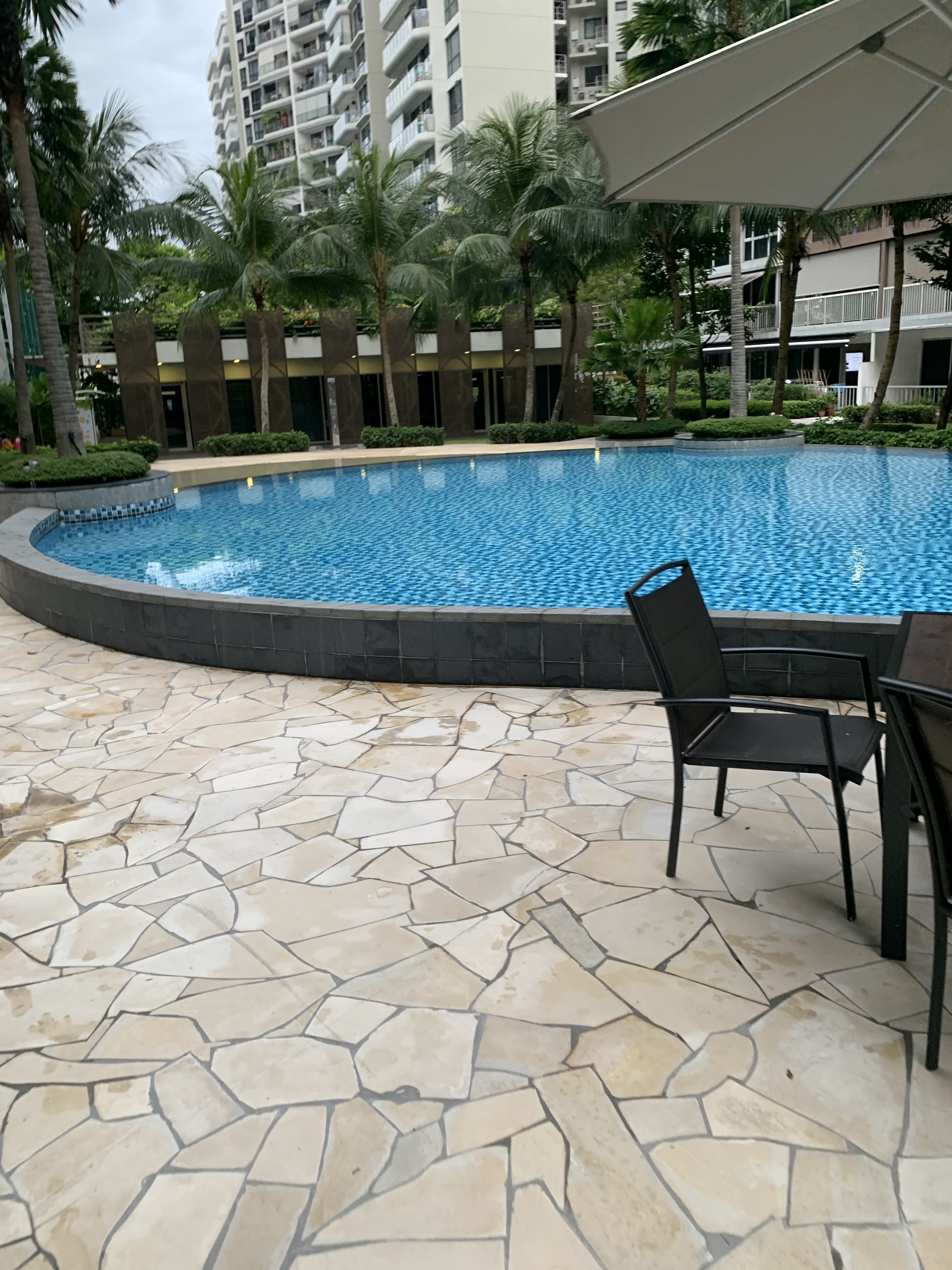
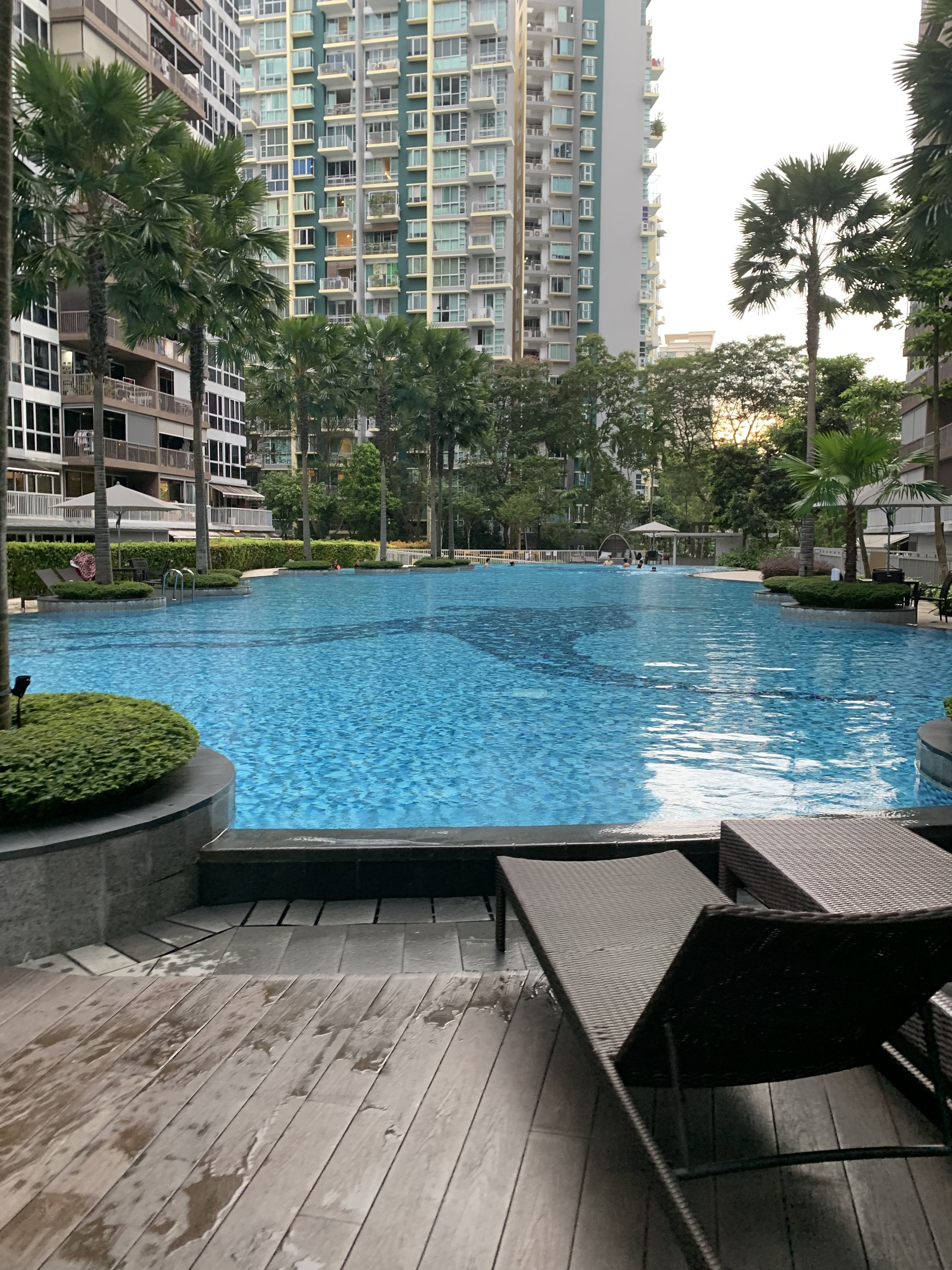
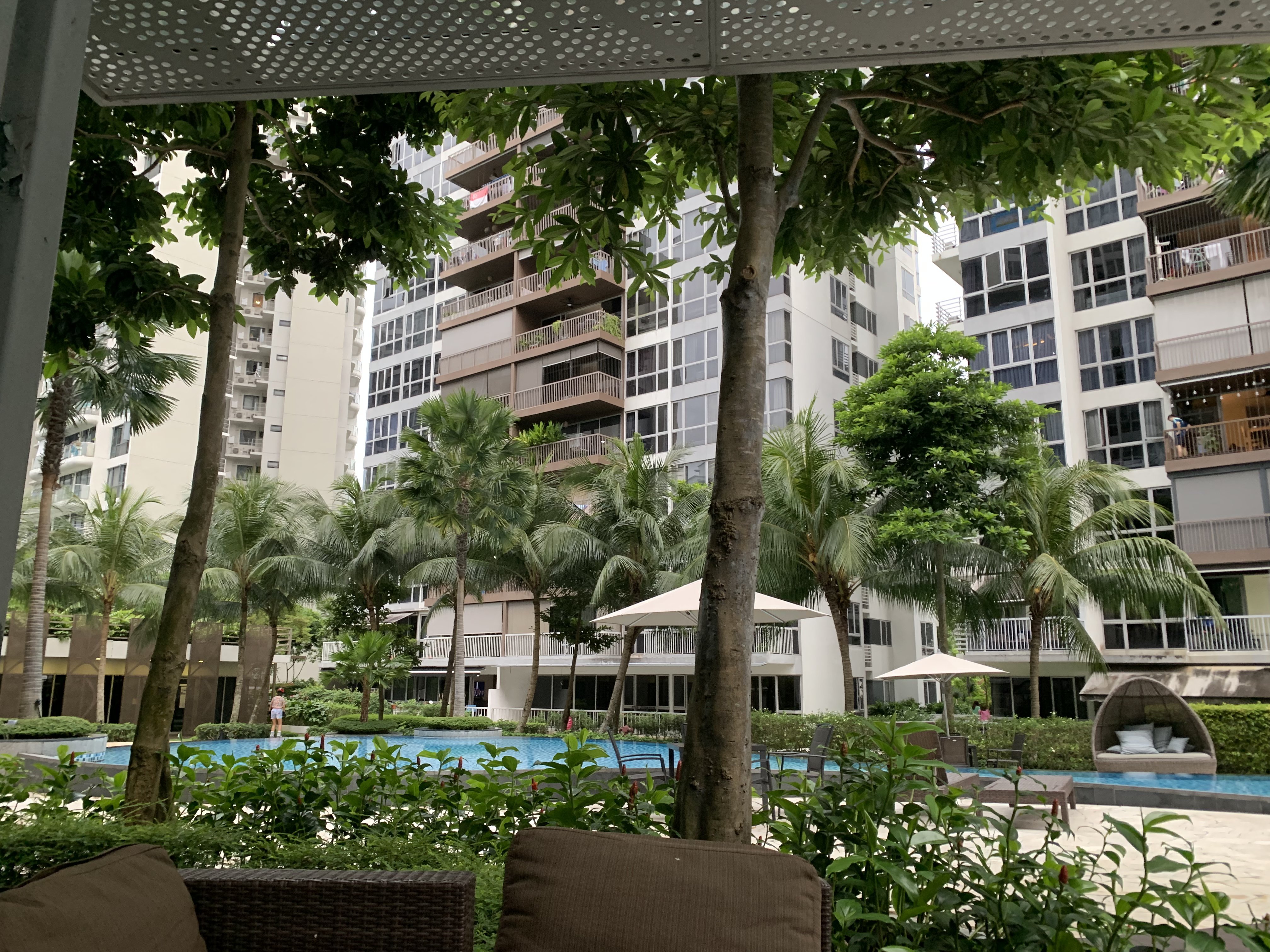
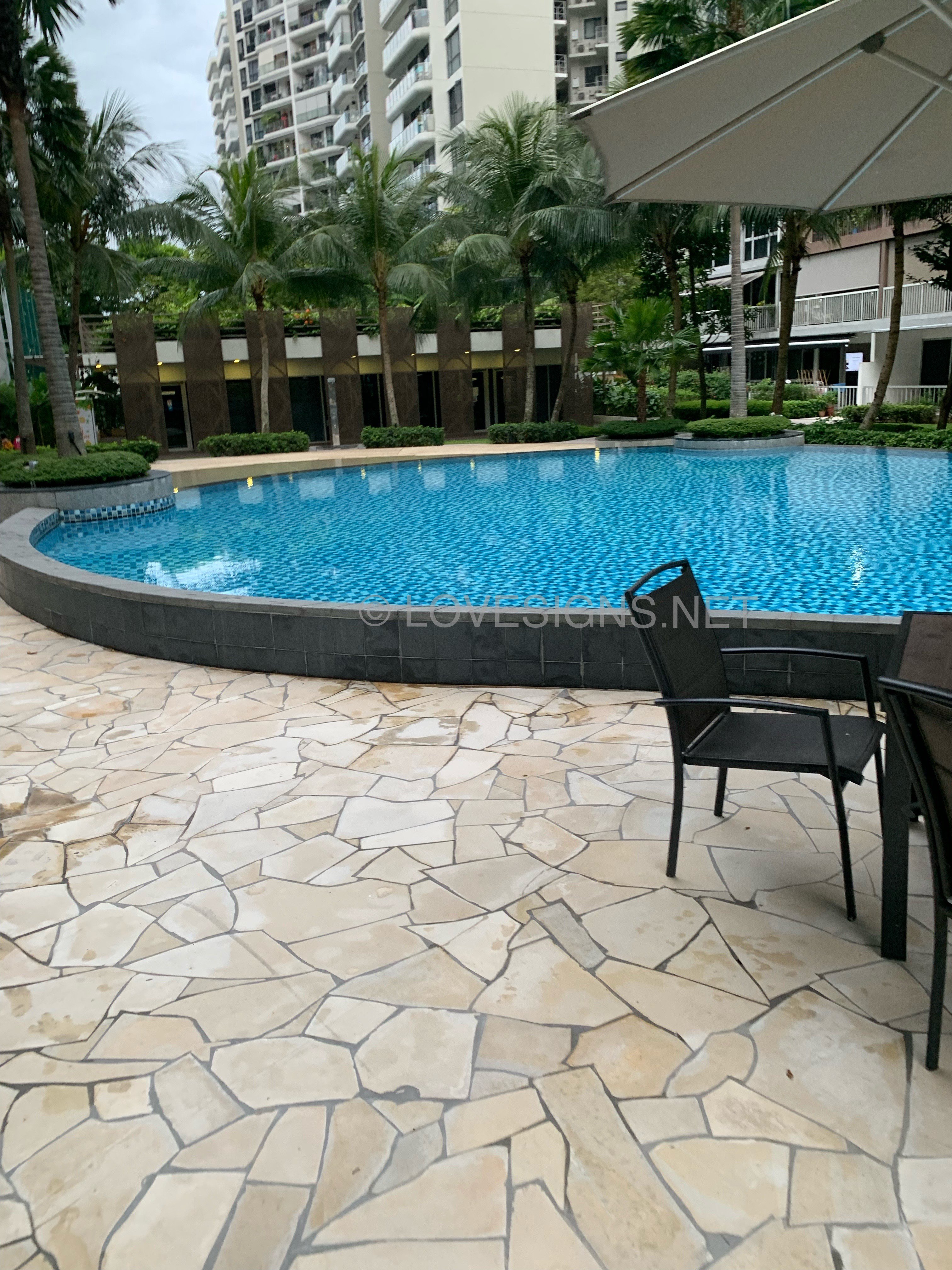
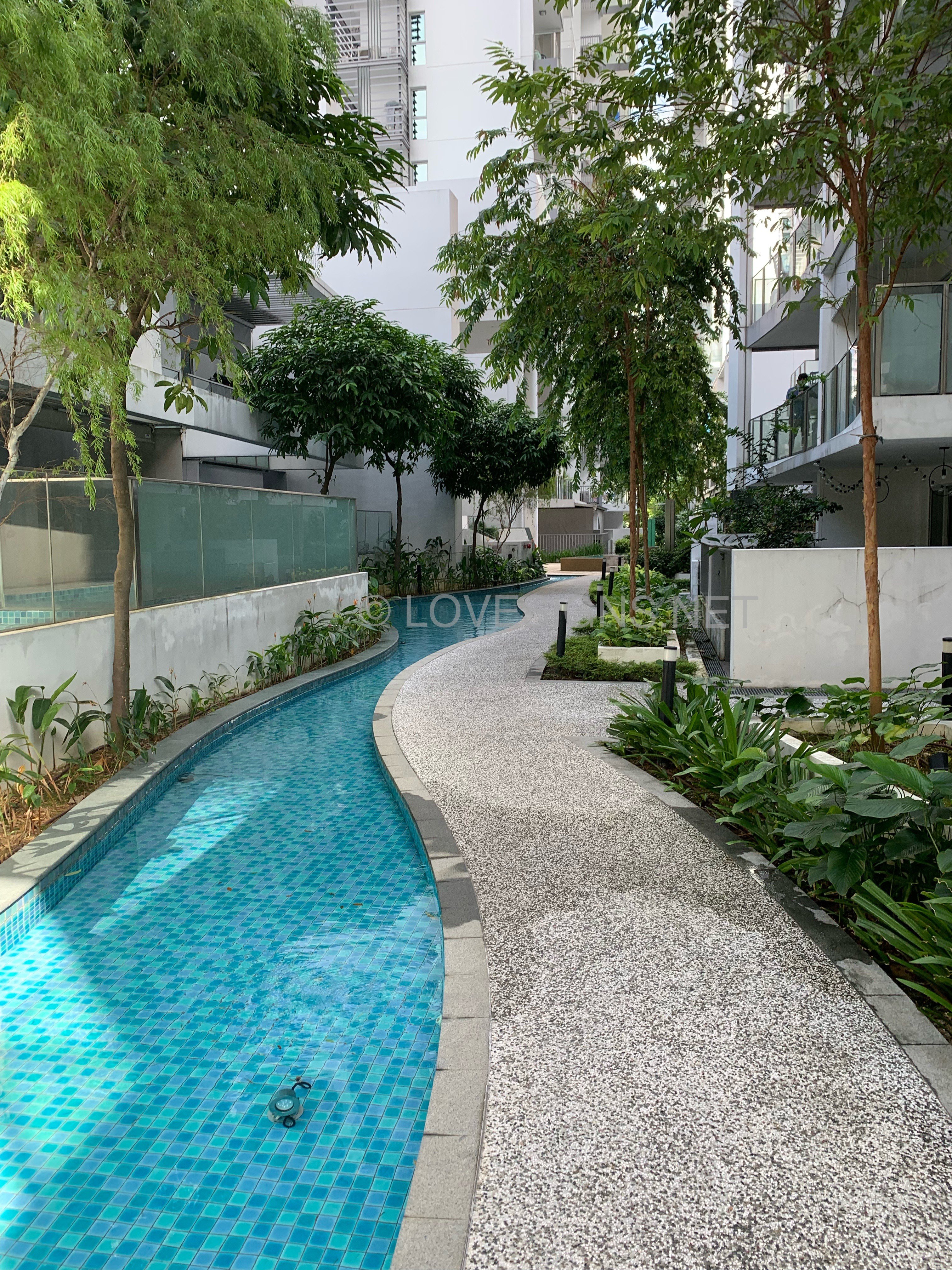
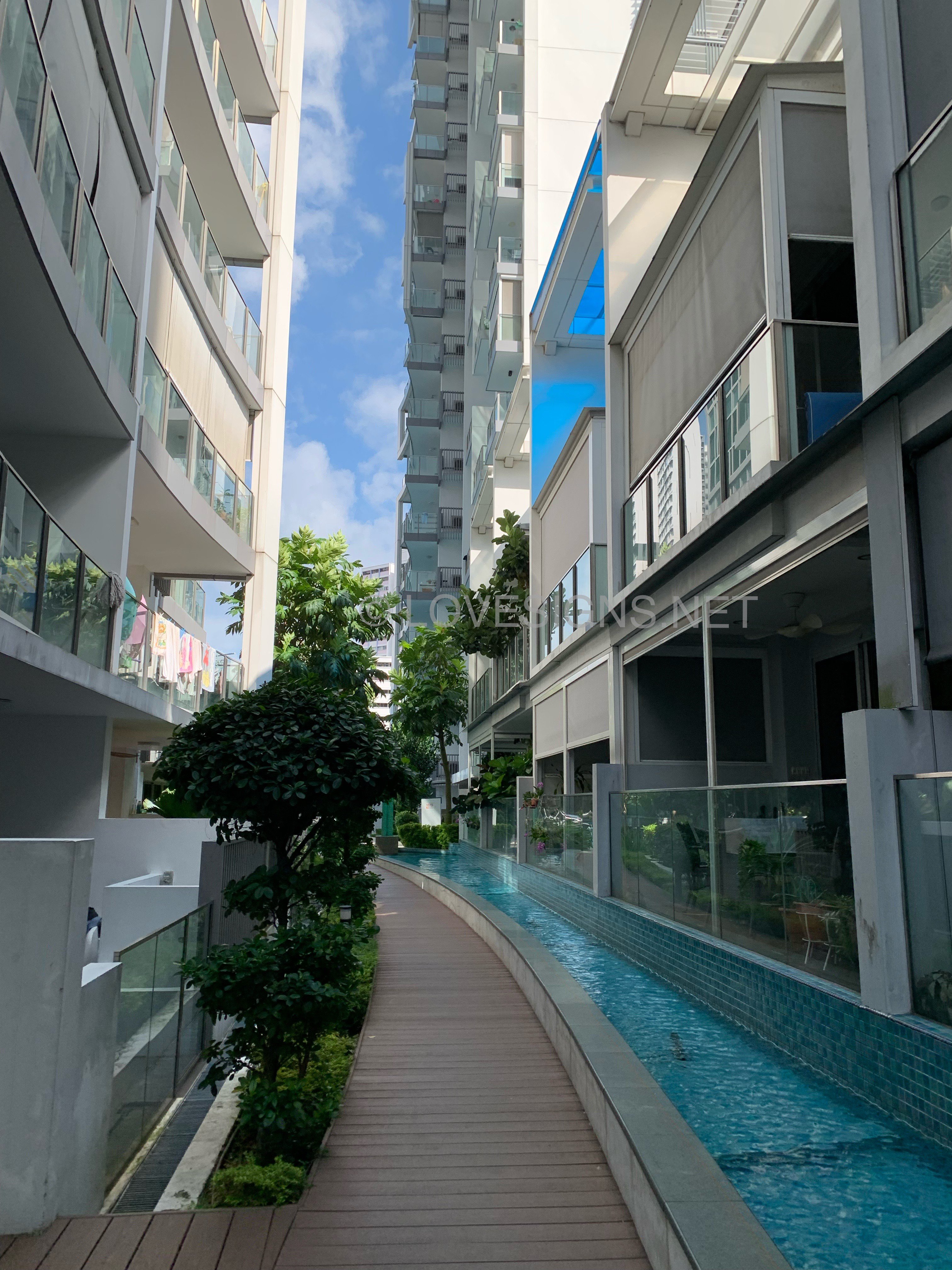
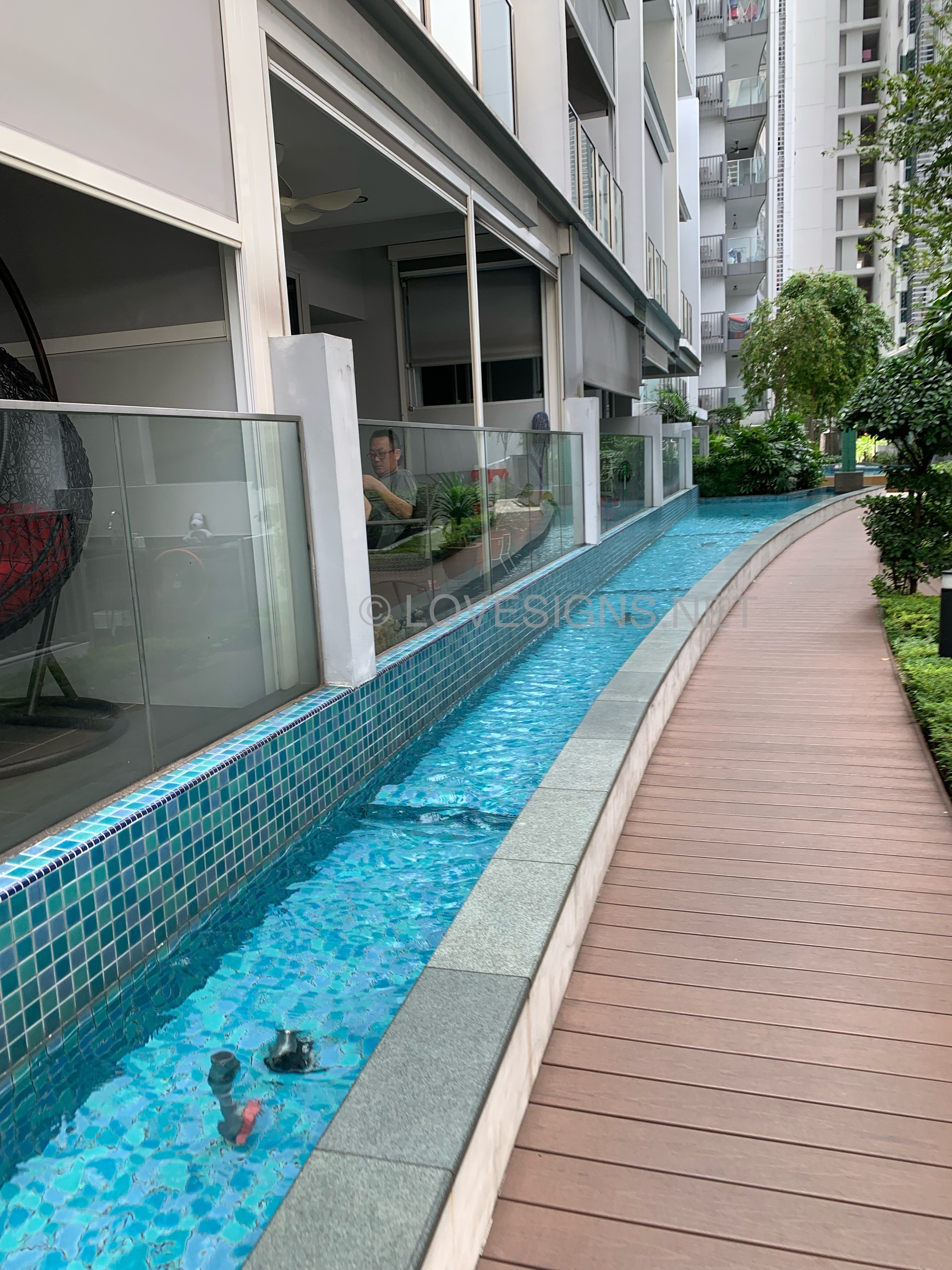
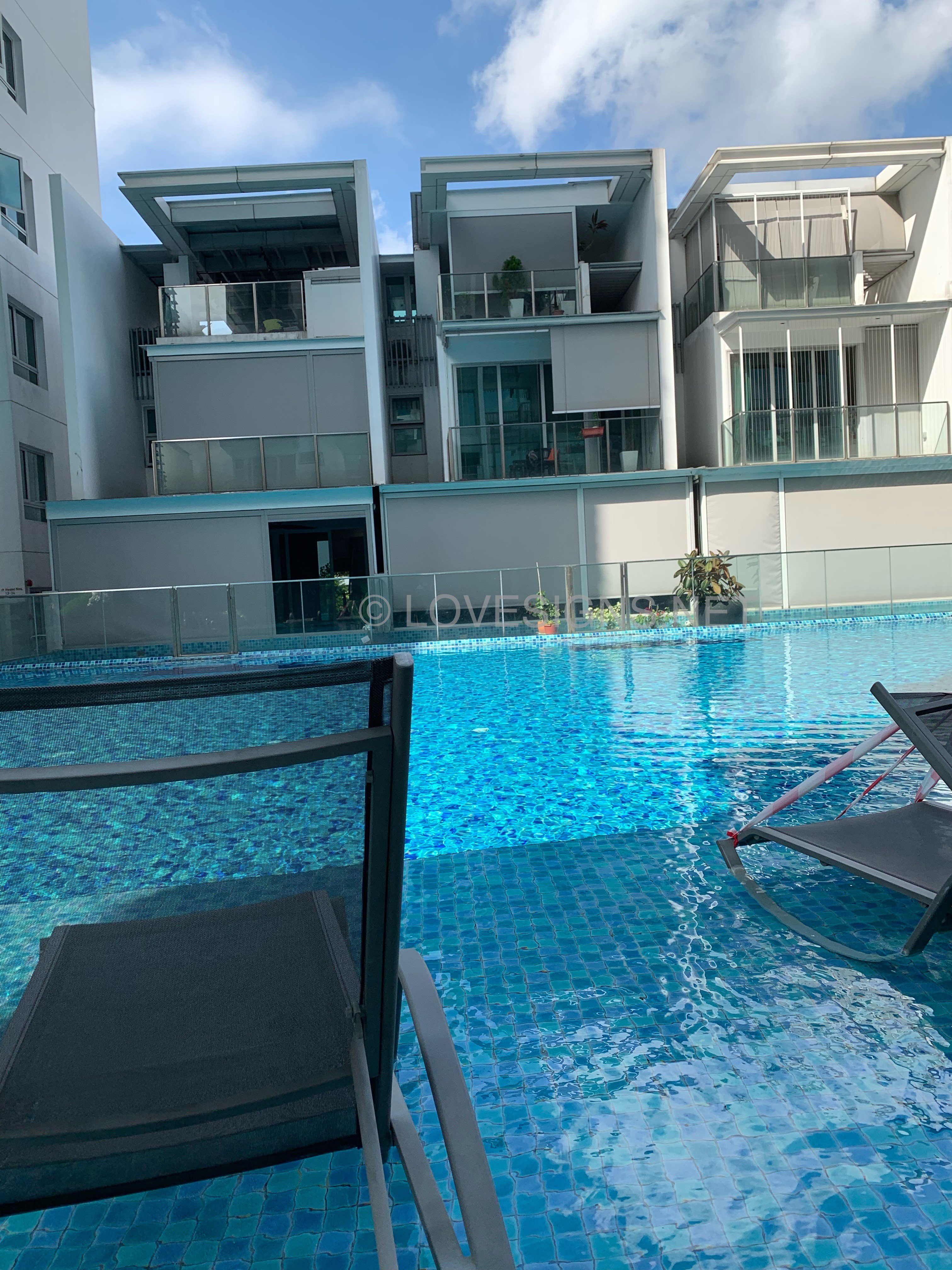
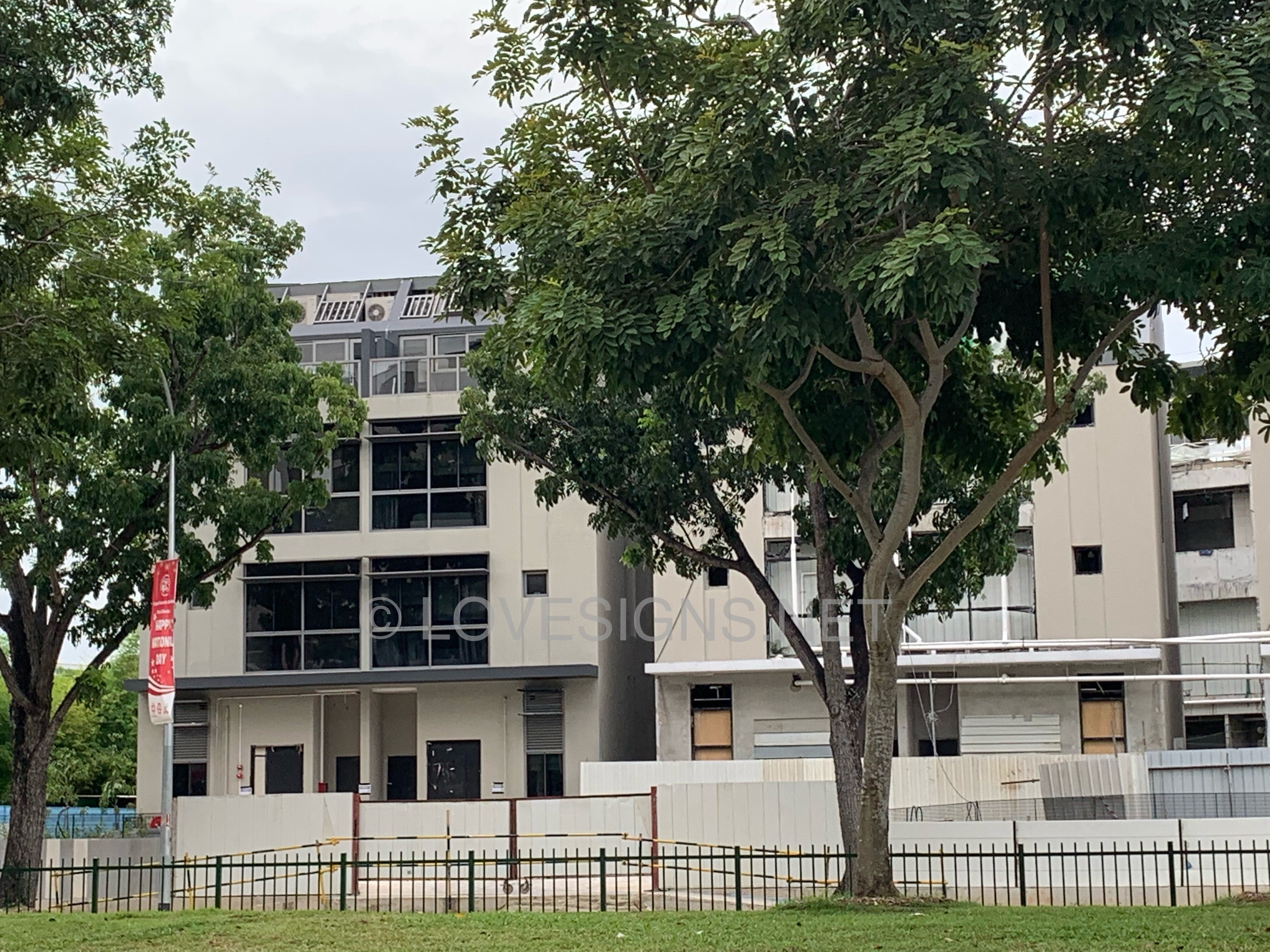
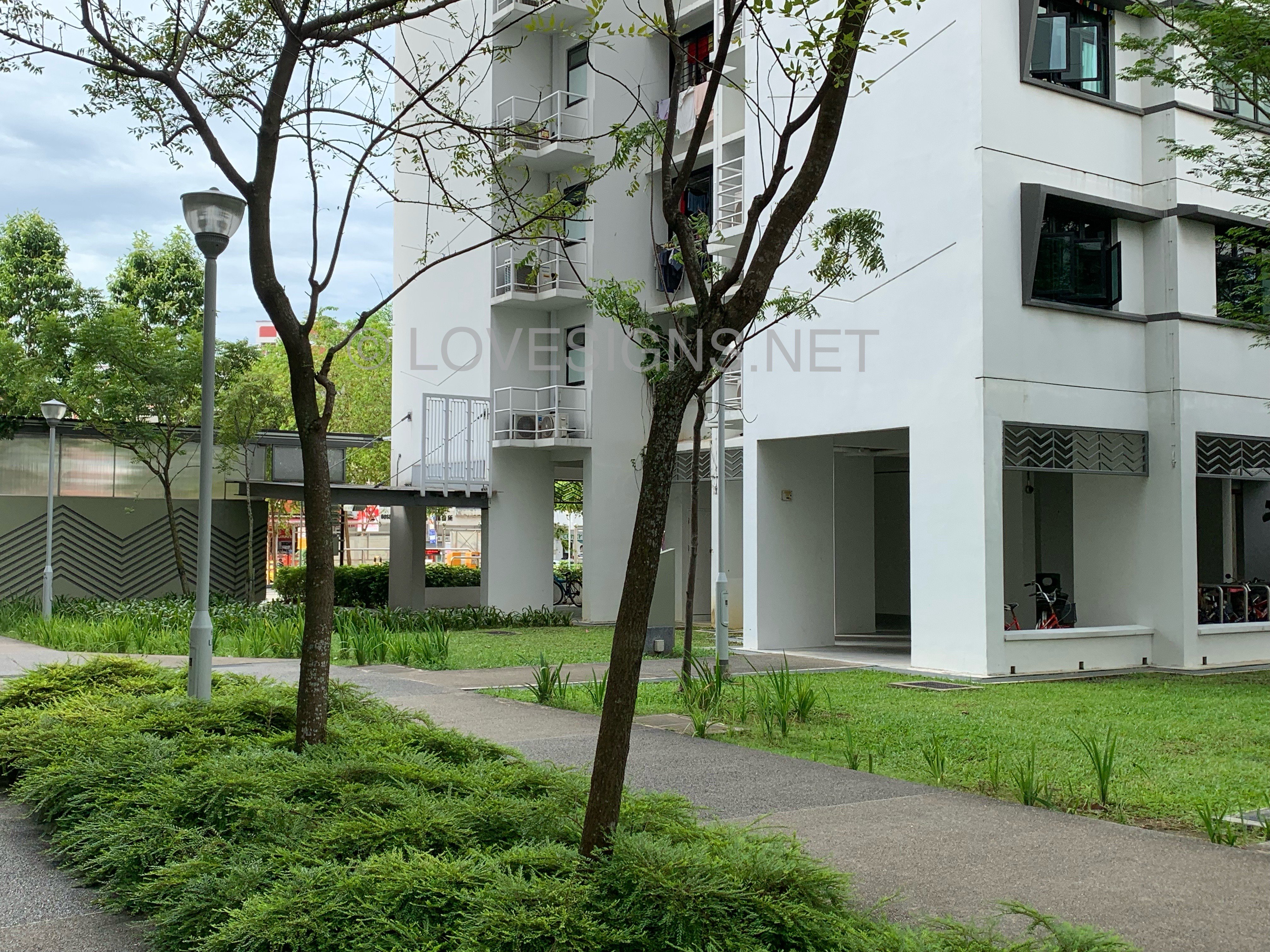
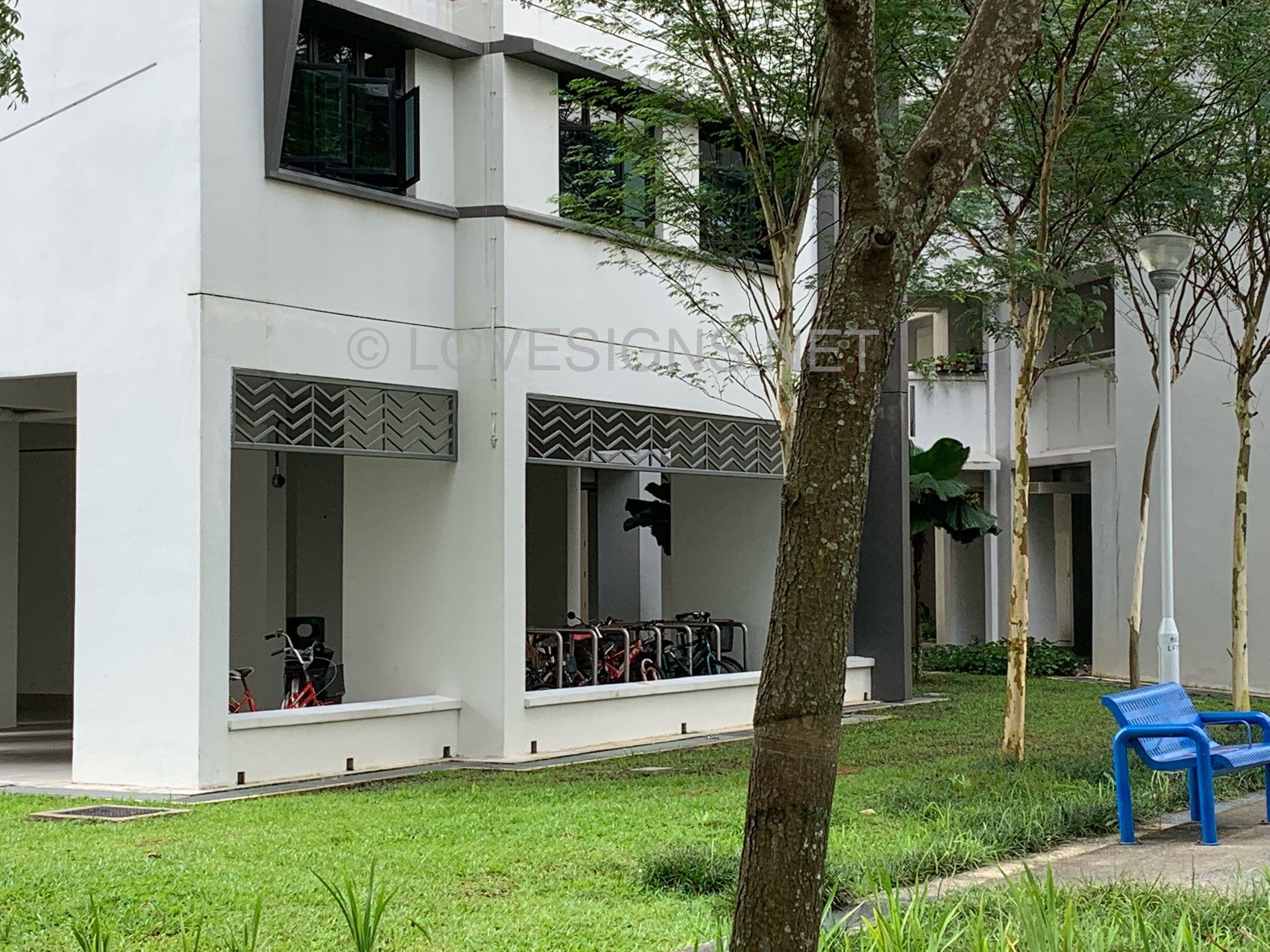
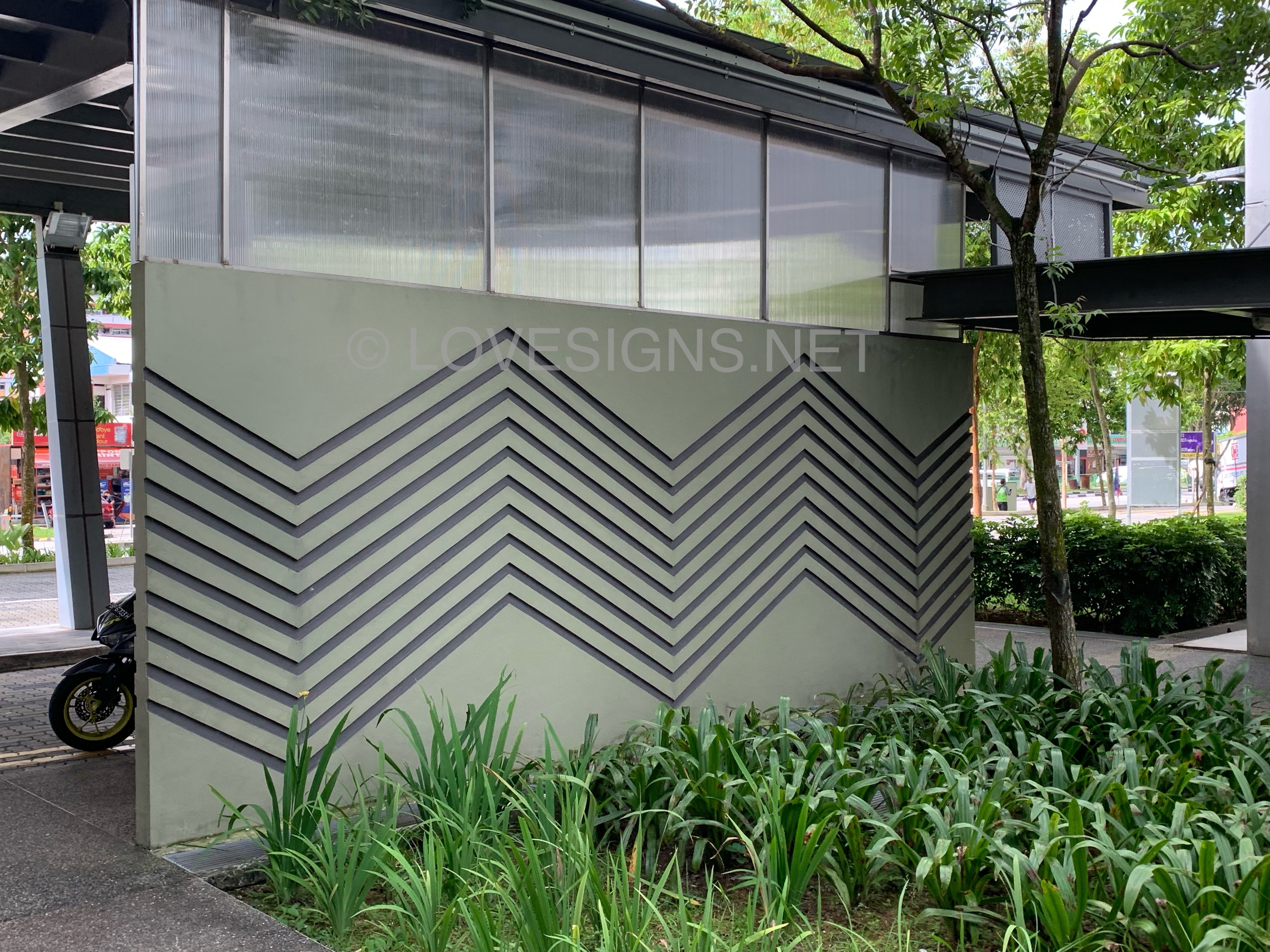
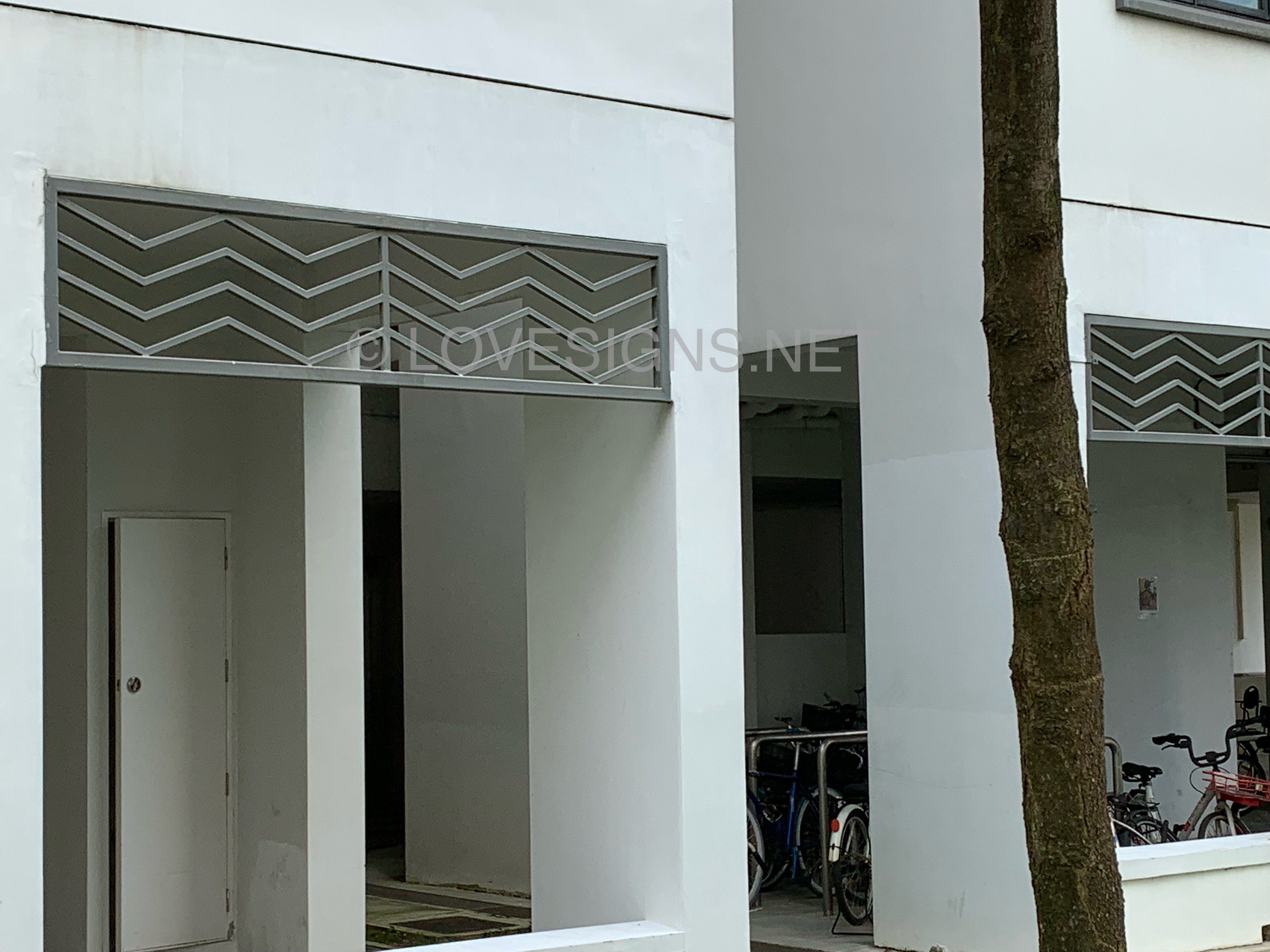
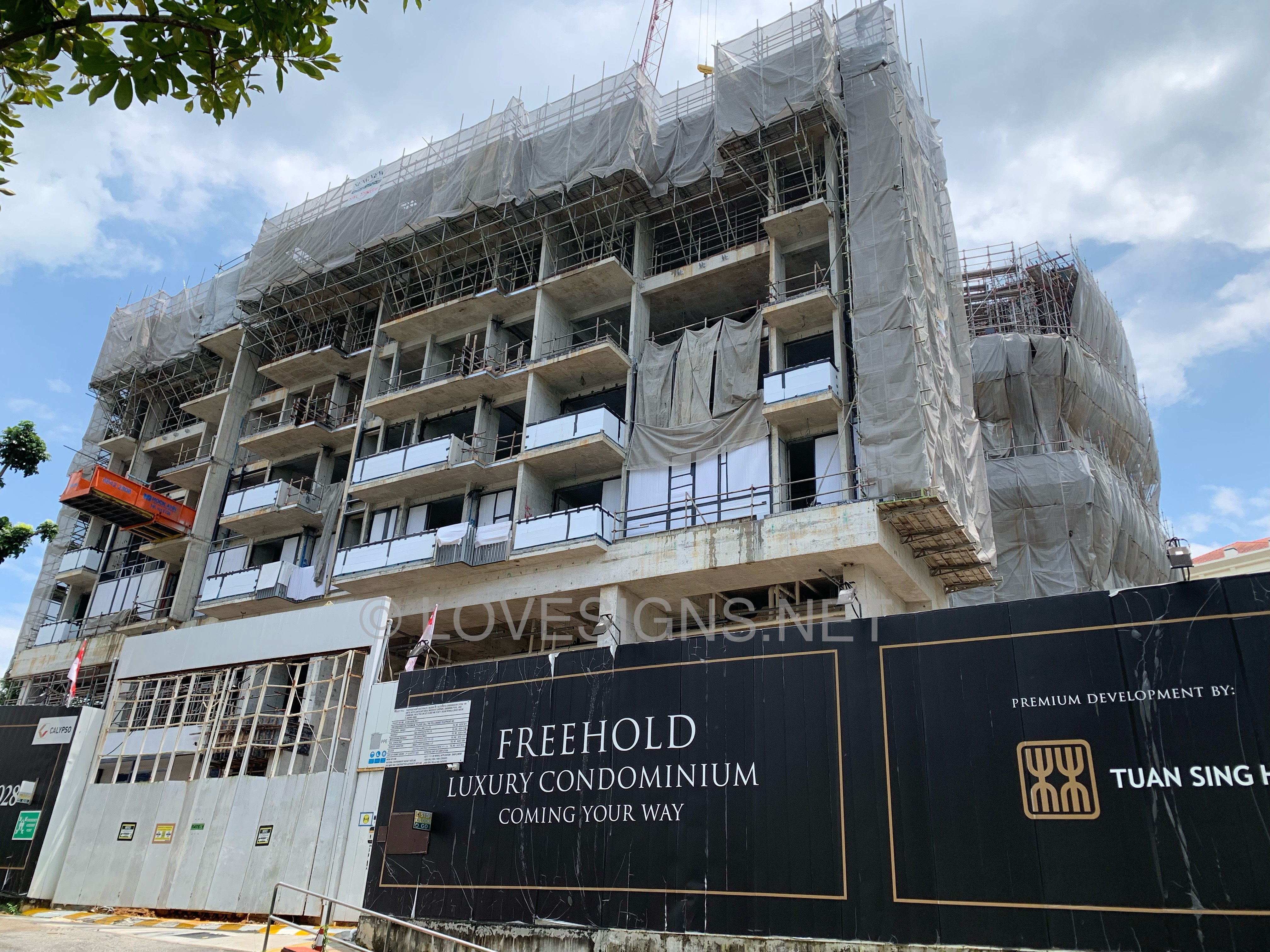
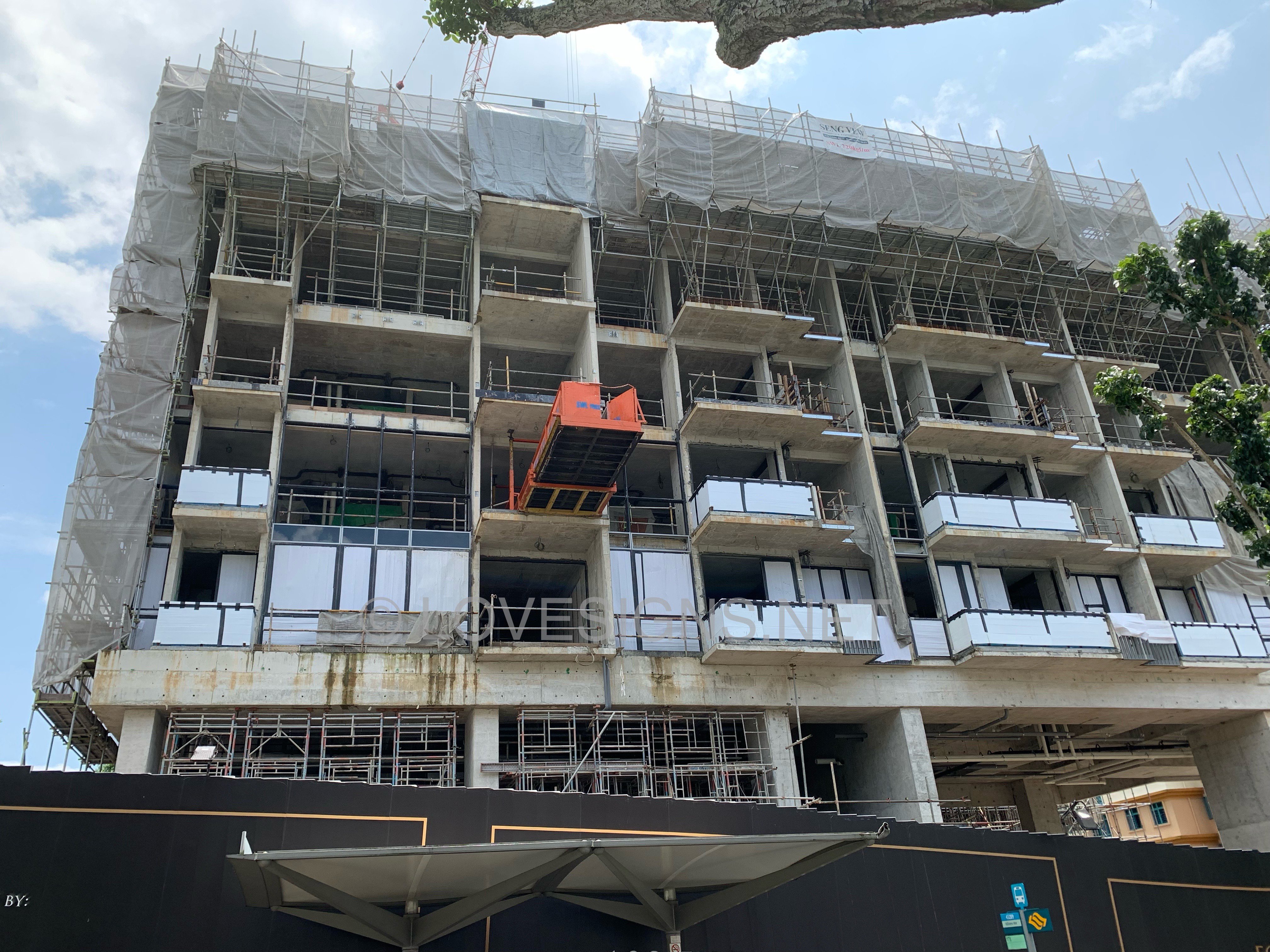
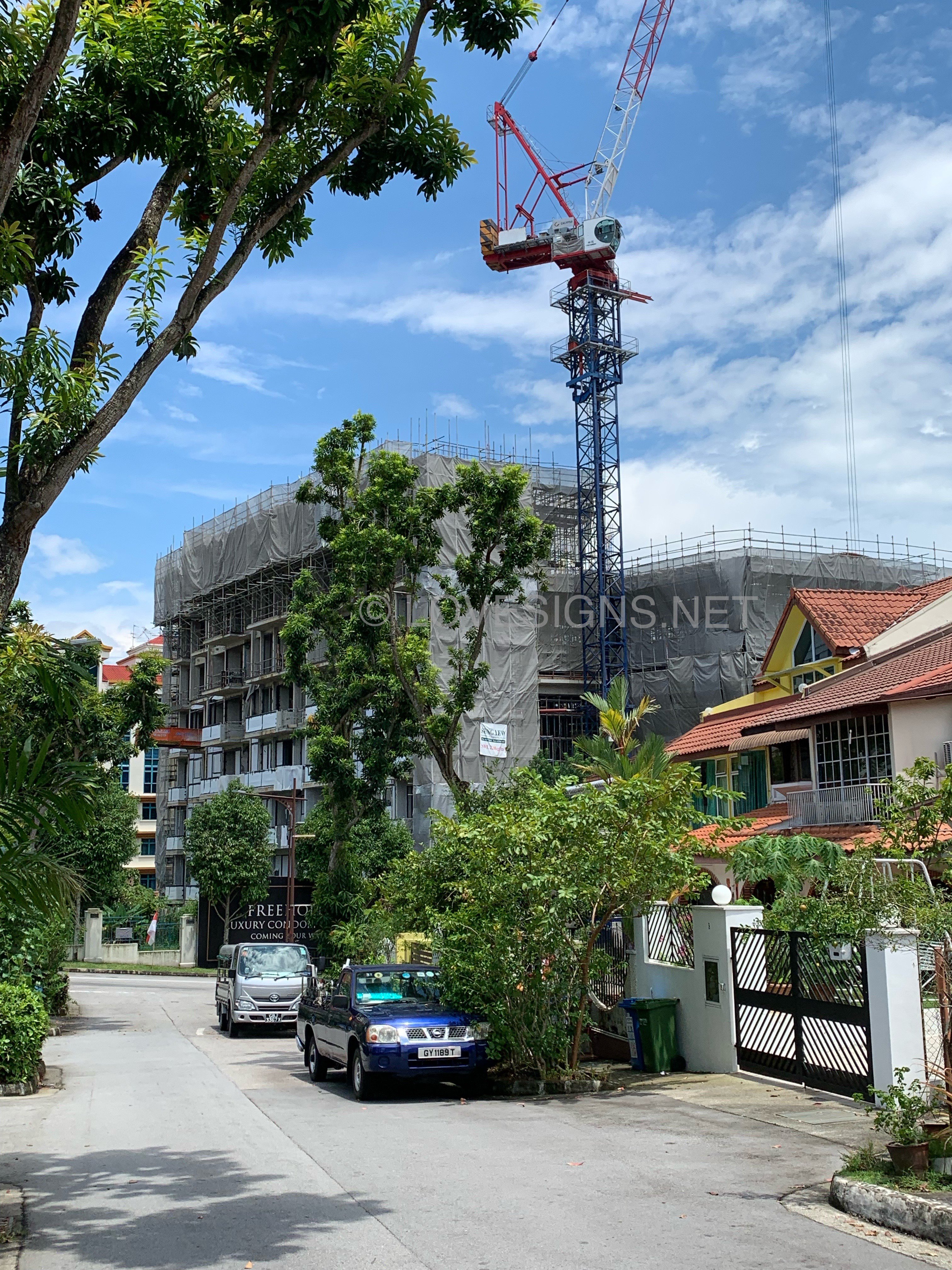
Nearby block in the same estate, today…
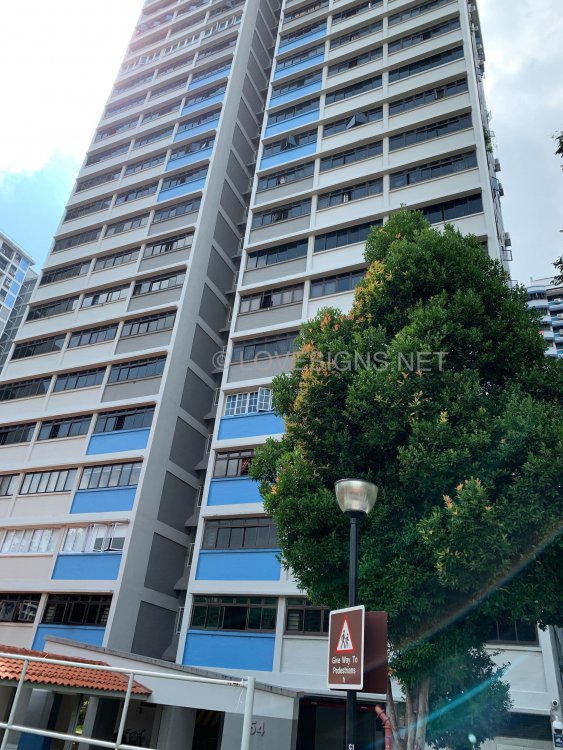
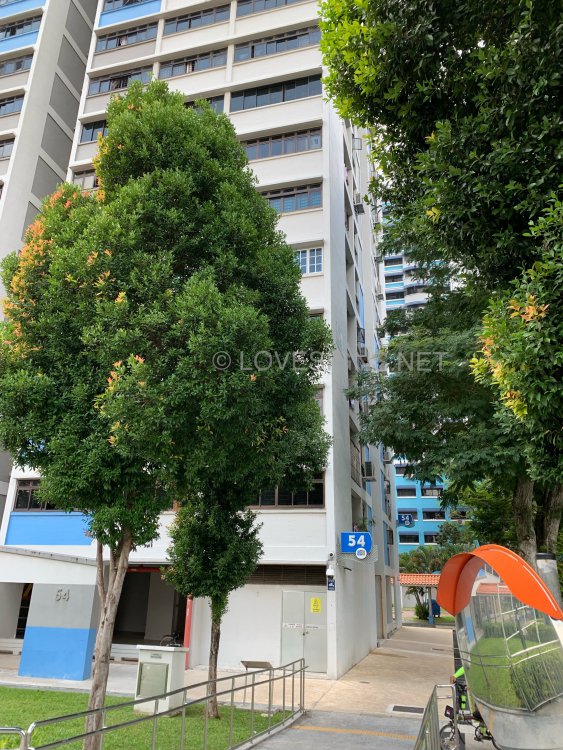
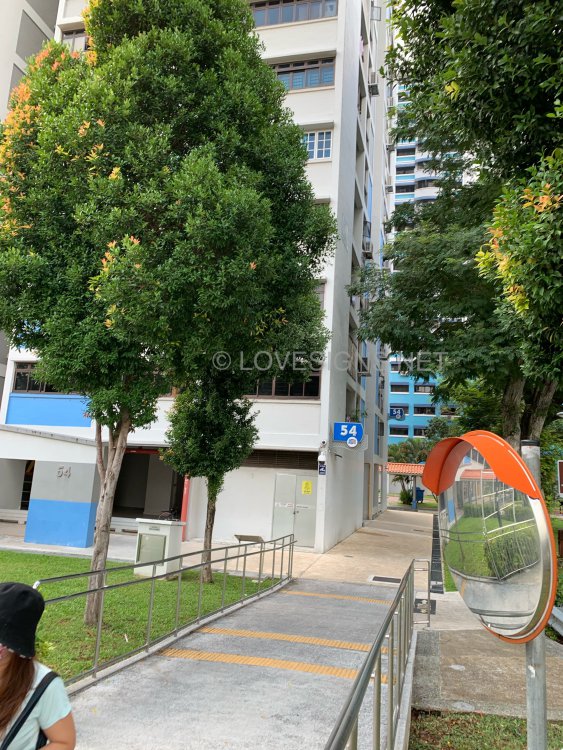
-
Related:
-
Related:
-
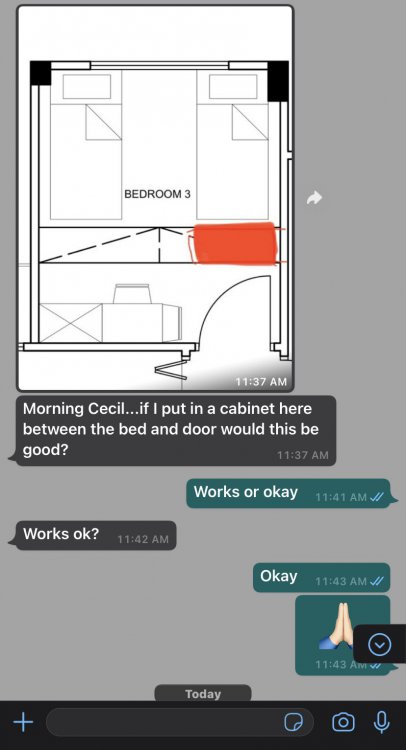
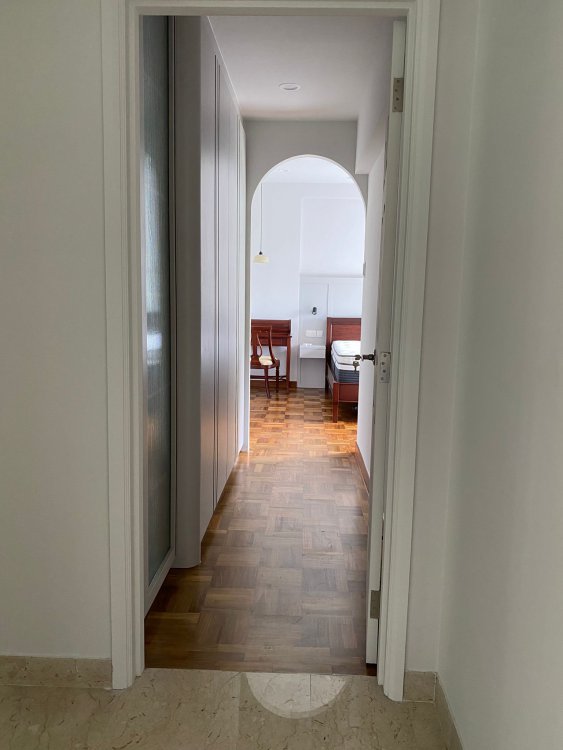
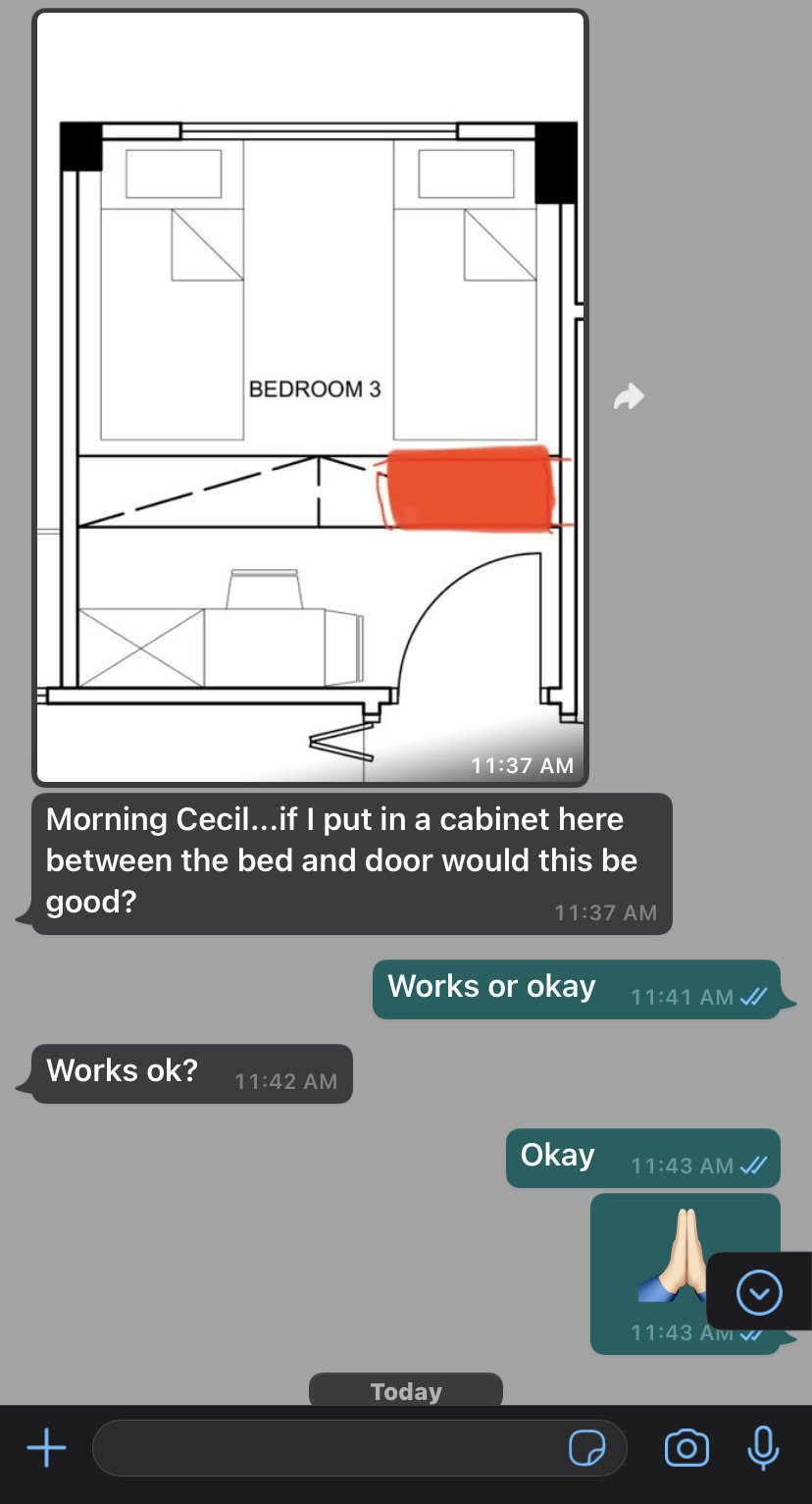
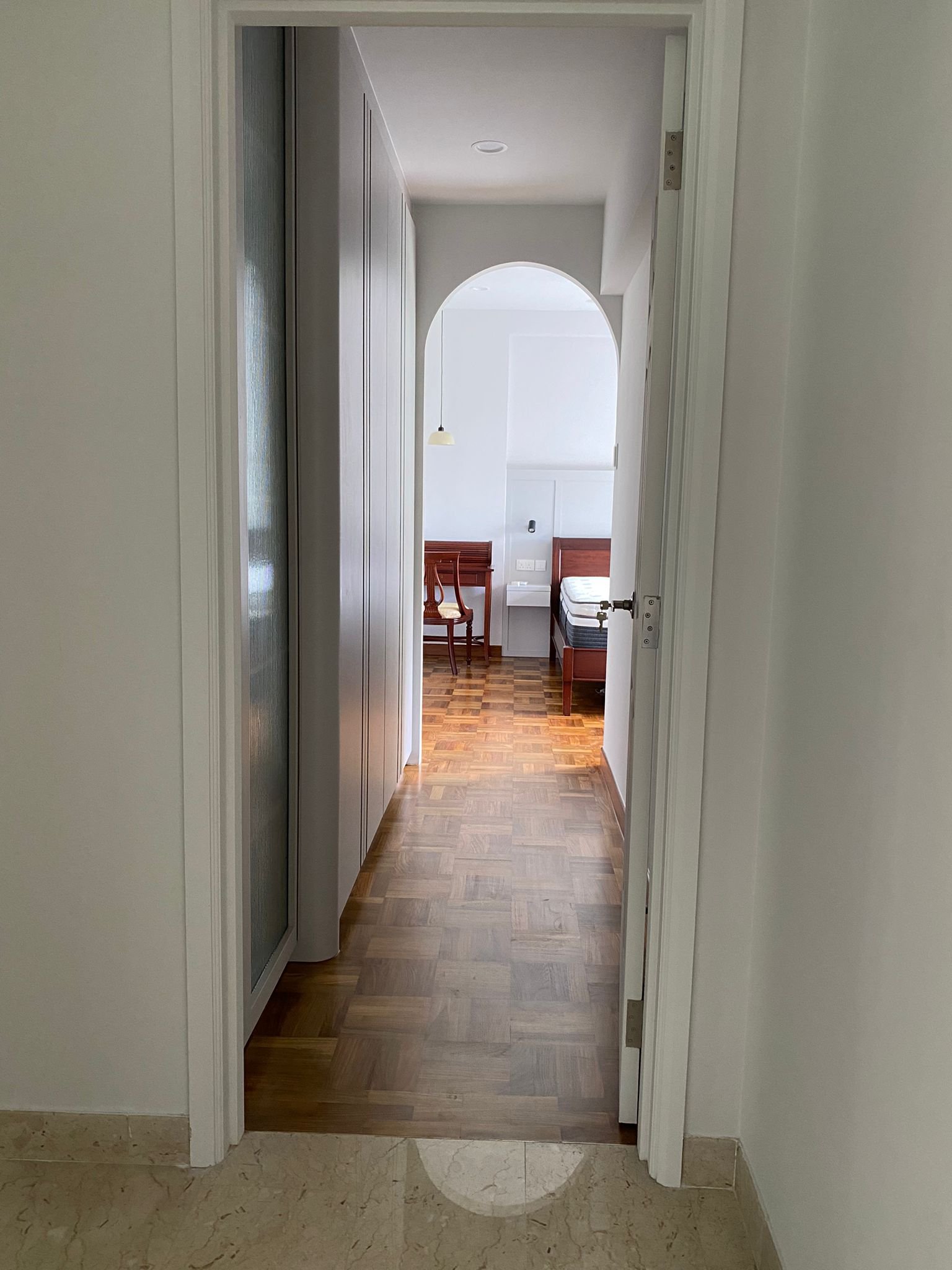
Morning Cecil...if I put in a cabinet here between the bed and door would this be good?
-
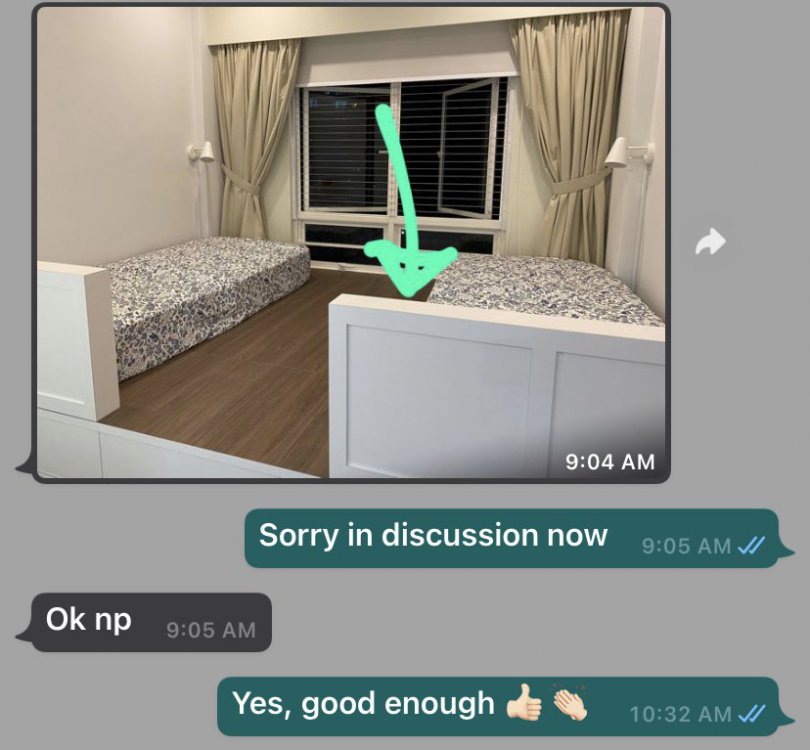
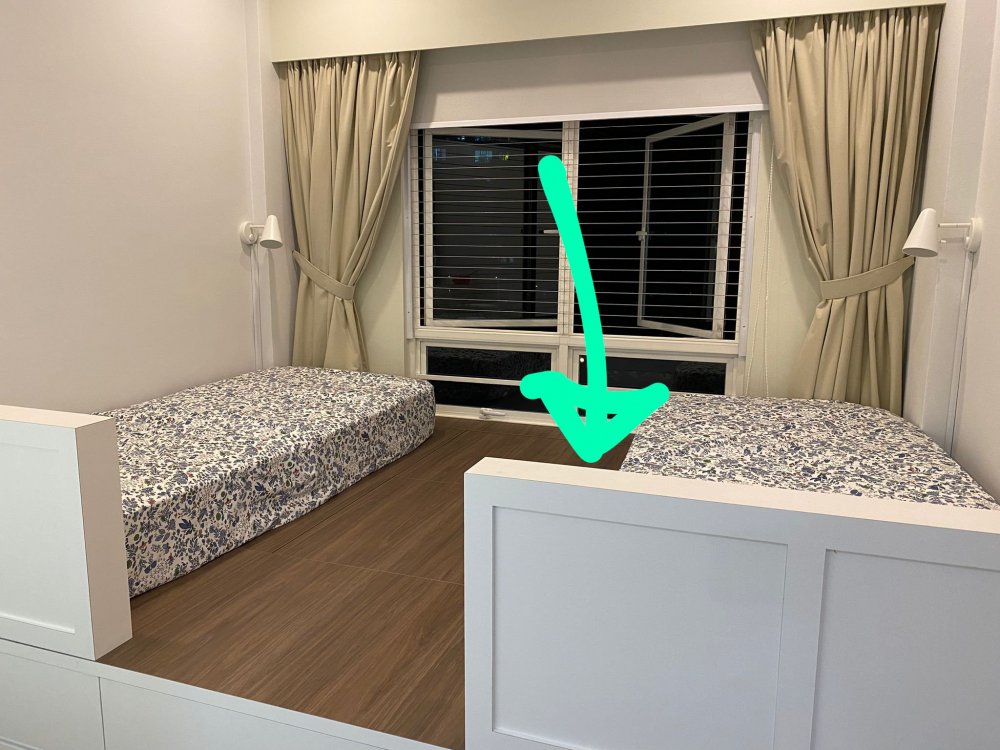
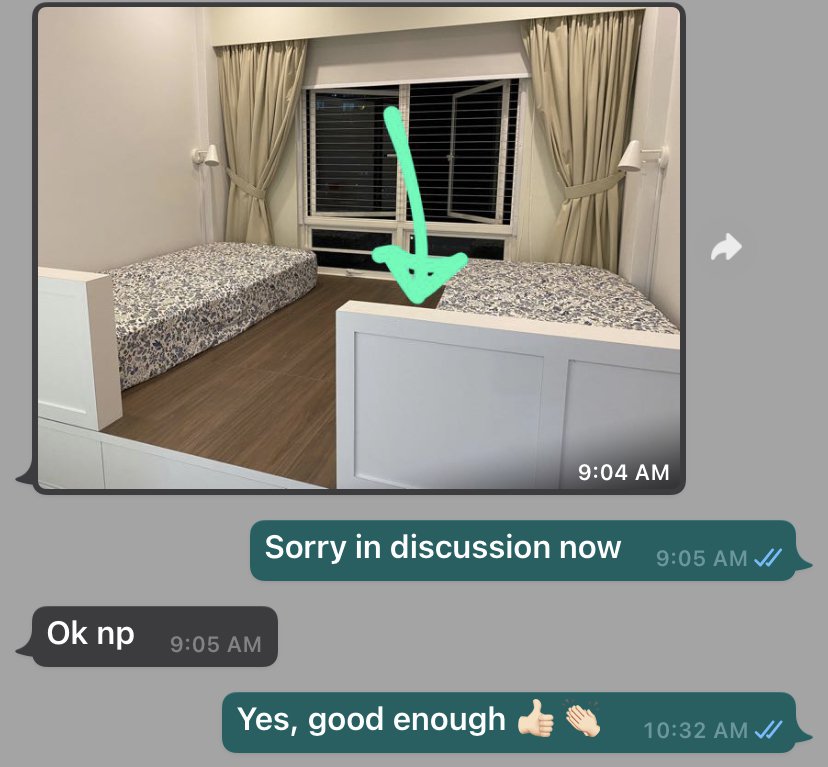
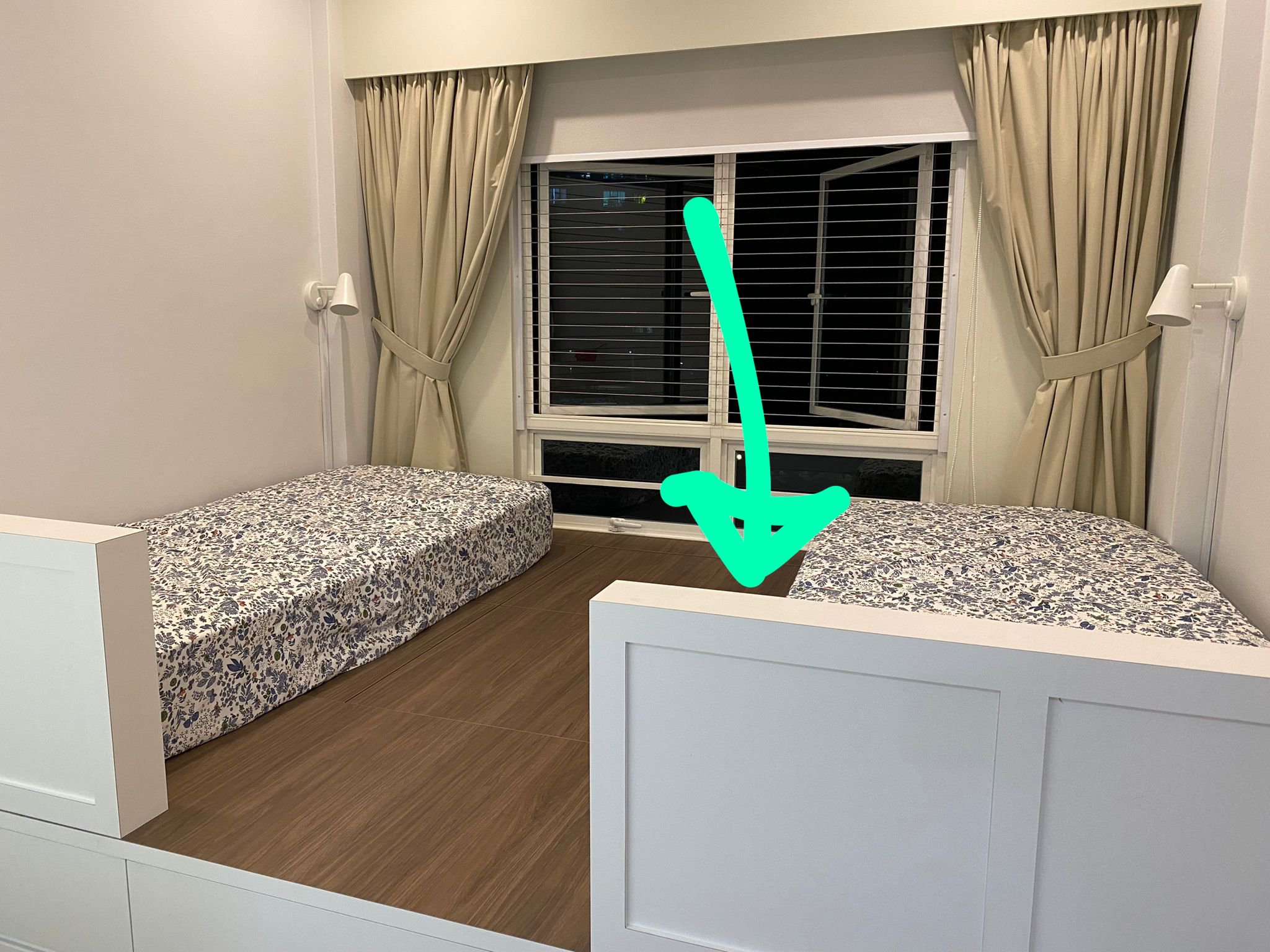
Just wanted to share with u what we managed to improvise with the bed facing door issue in our new home Can u check if this is sufficient?
-
On 10 September 2021


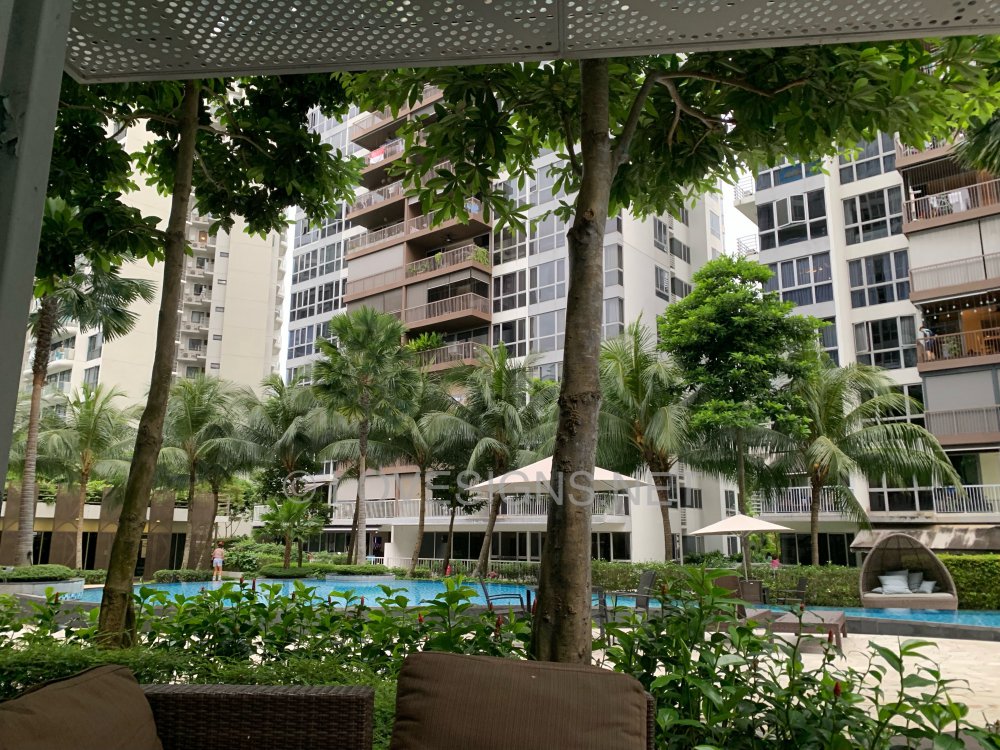
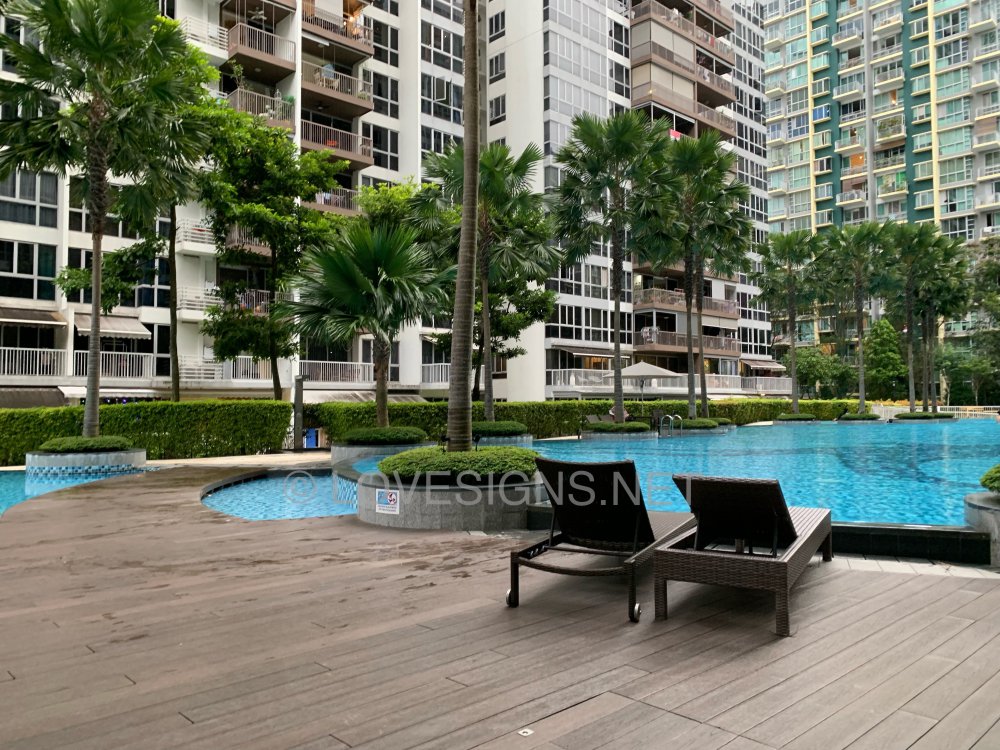

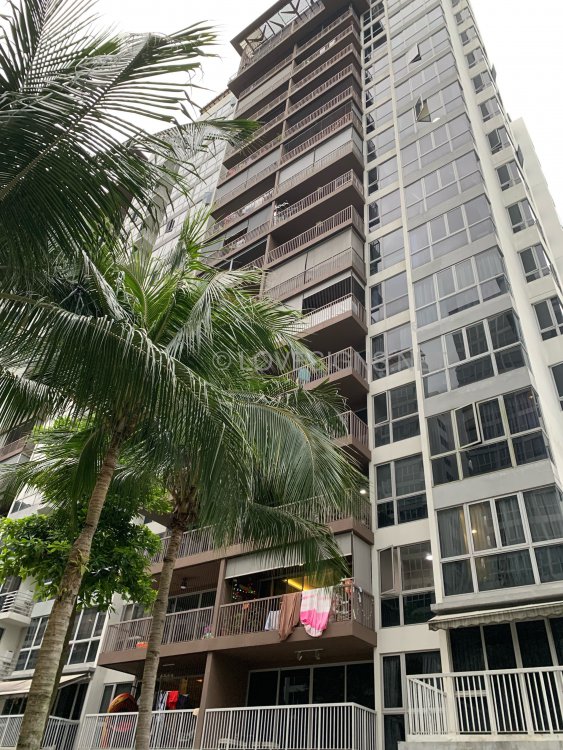

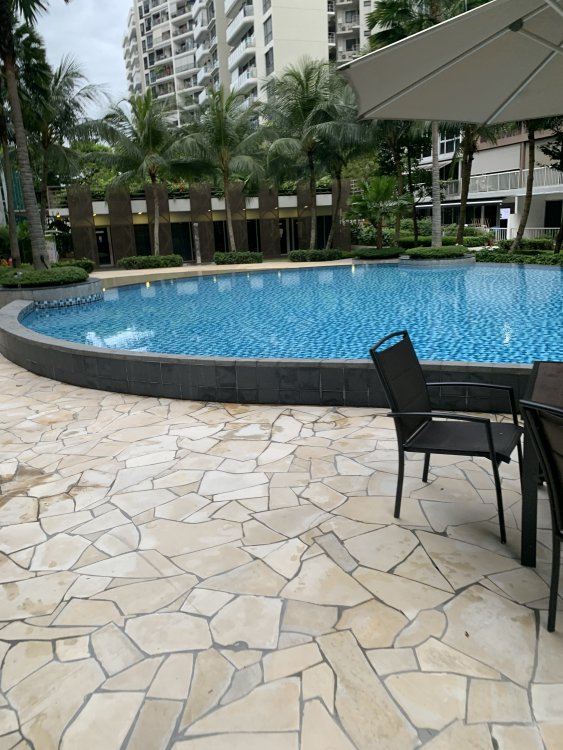

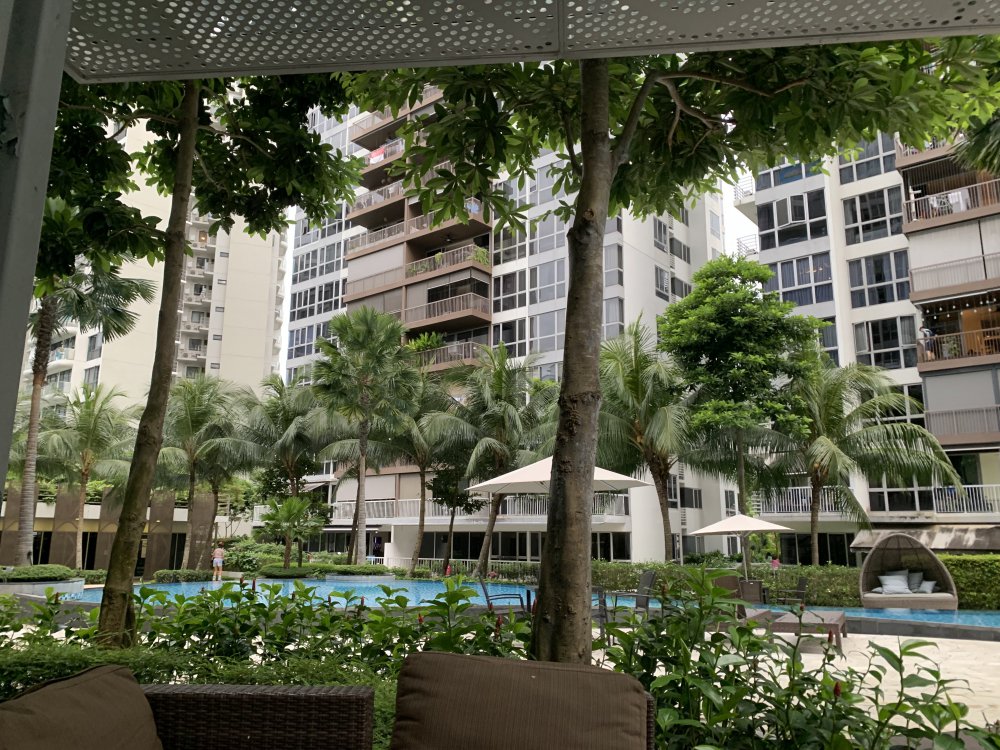
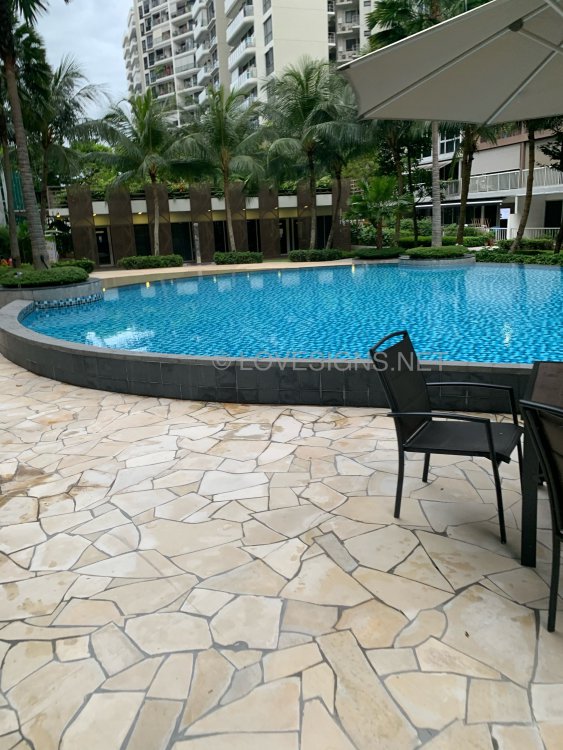
-
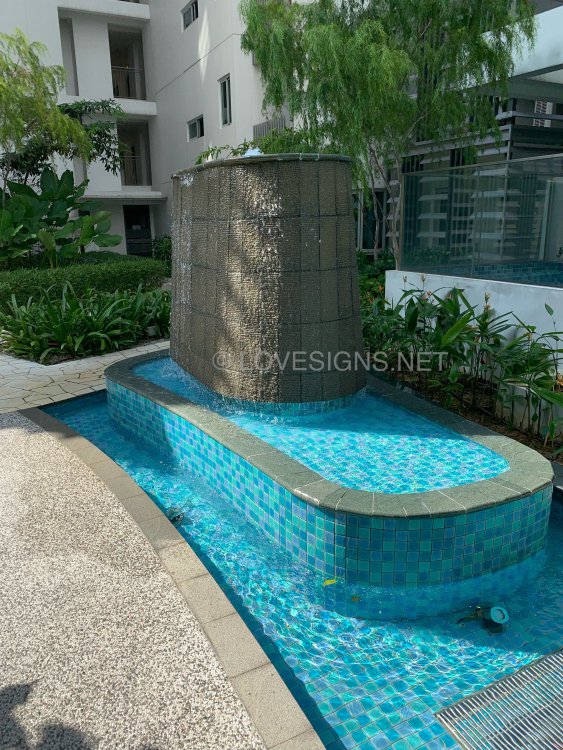
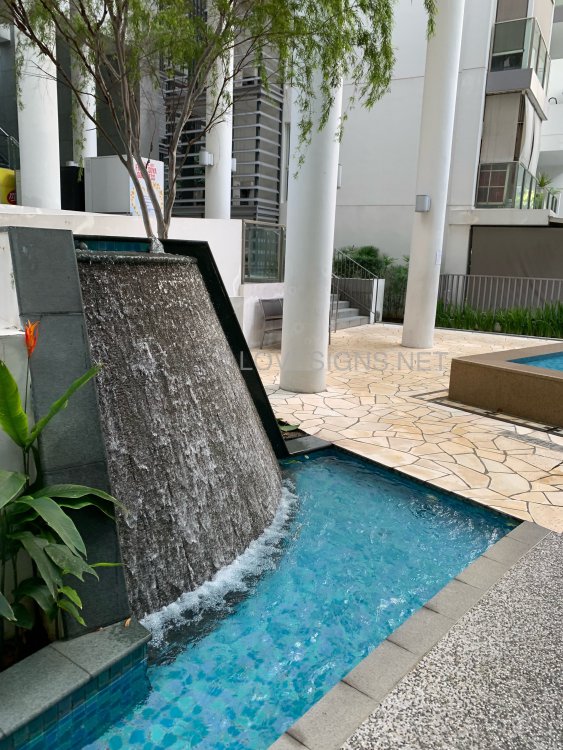
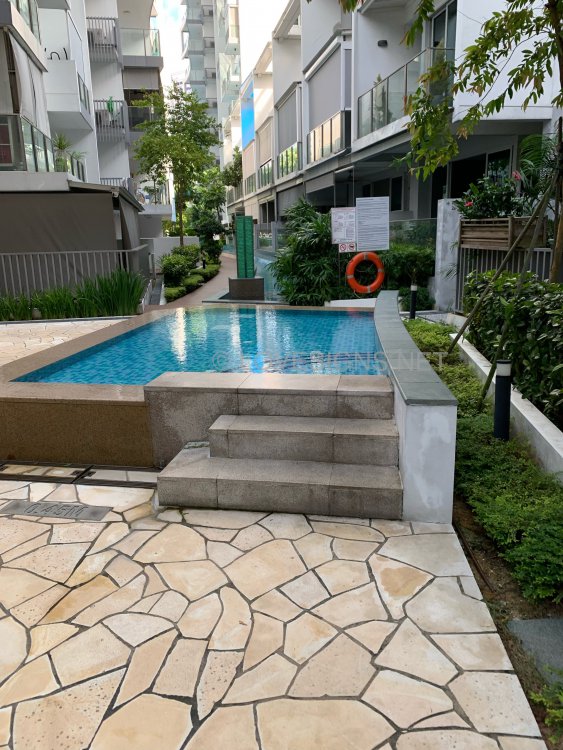
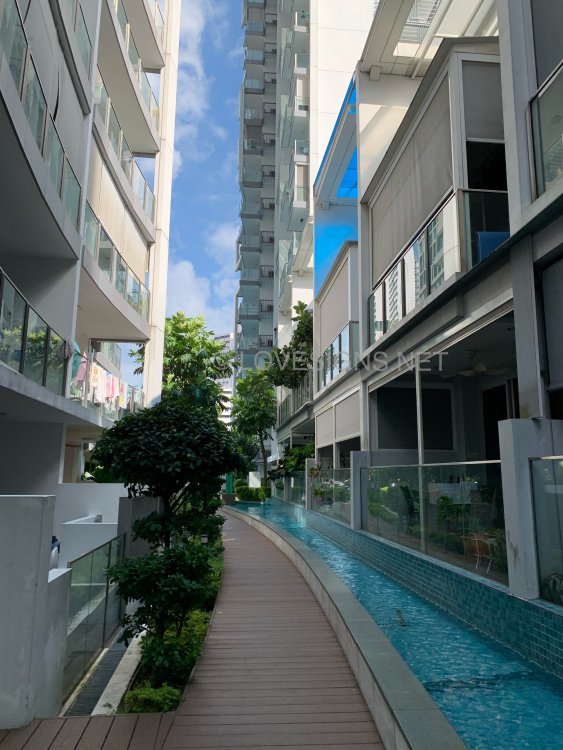
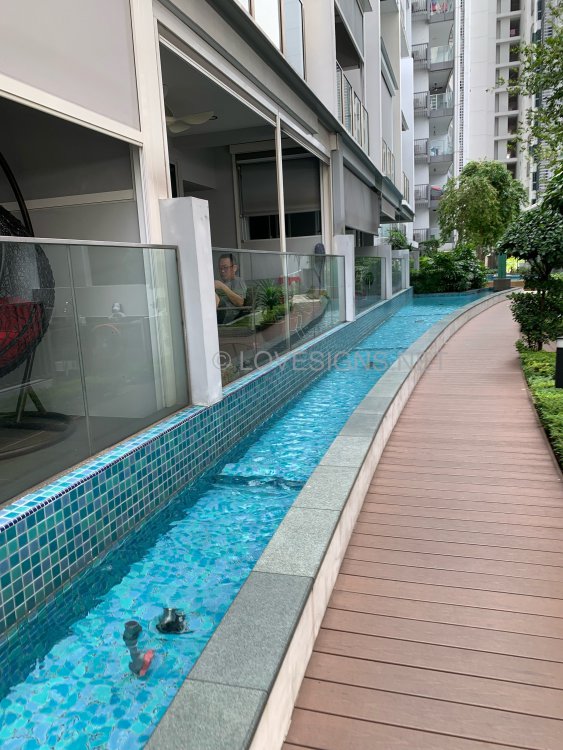
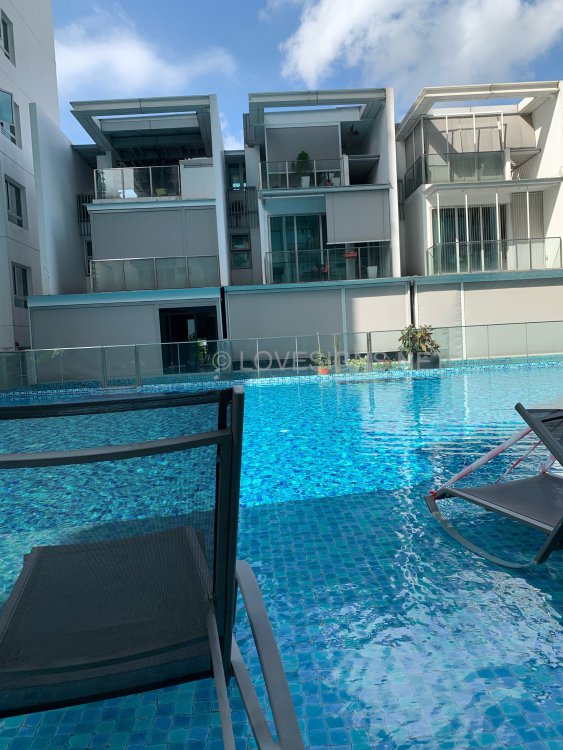
On 9 September 2021 [Below] Neighbour - Block 34 Whampoa West - Singapore's longest HDB Block
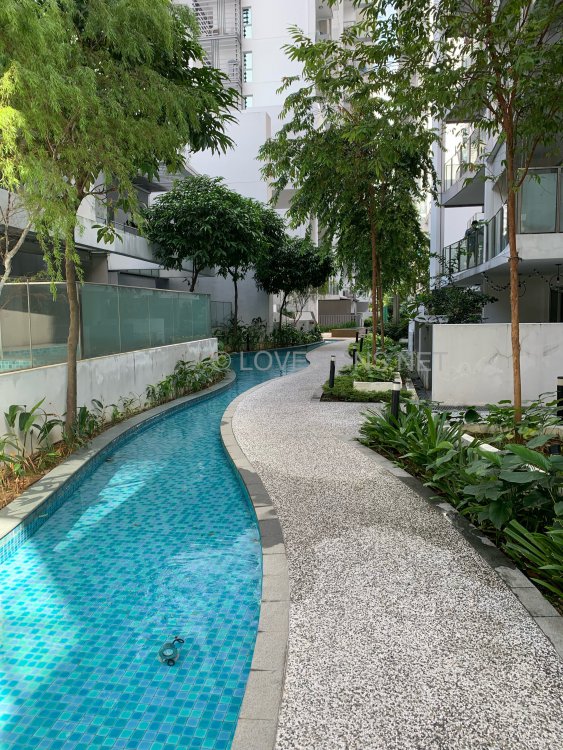

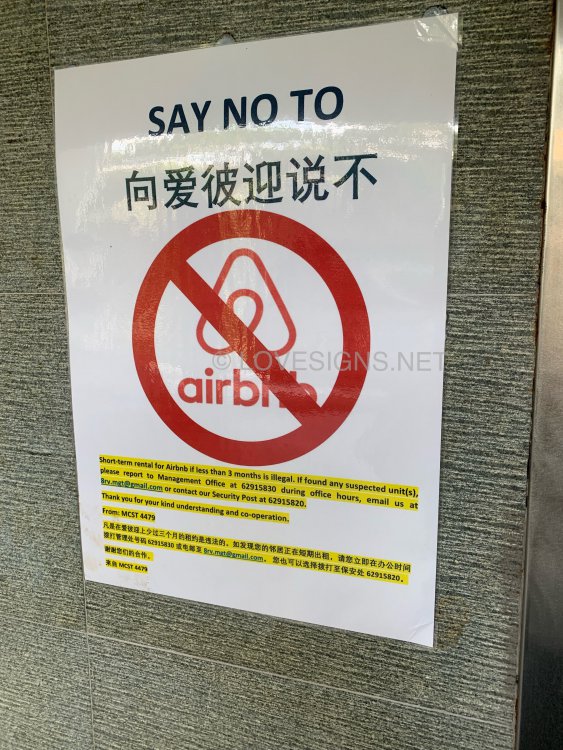


-
On 10 September 2021

-
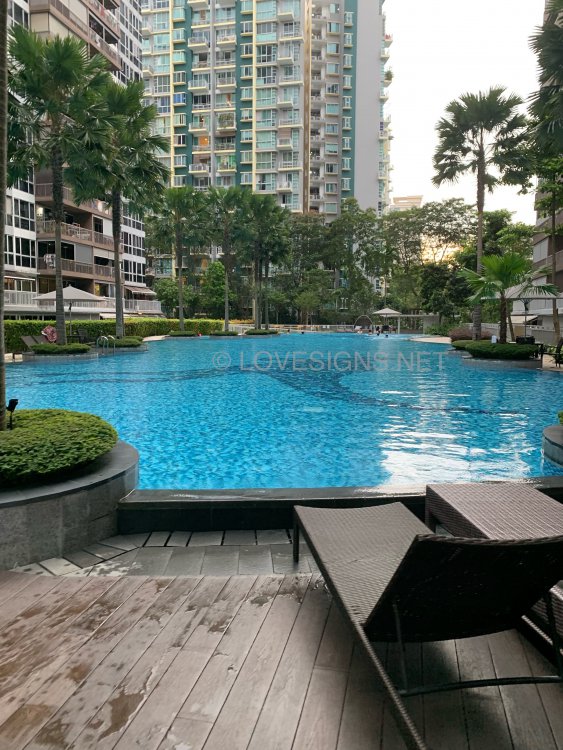
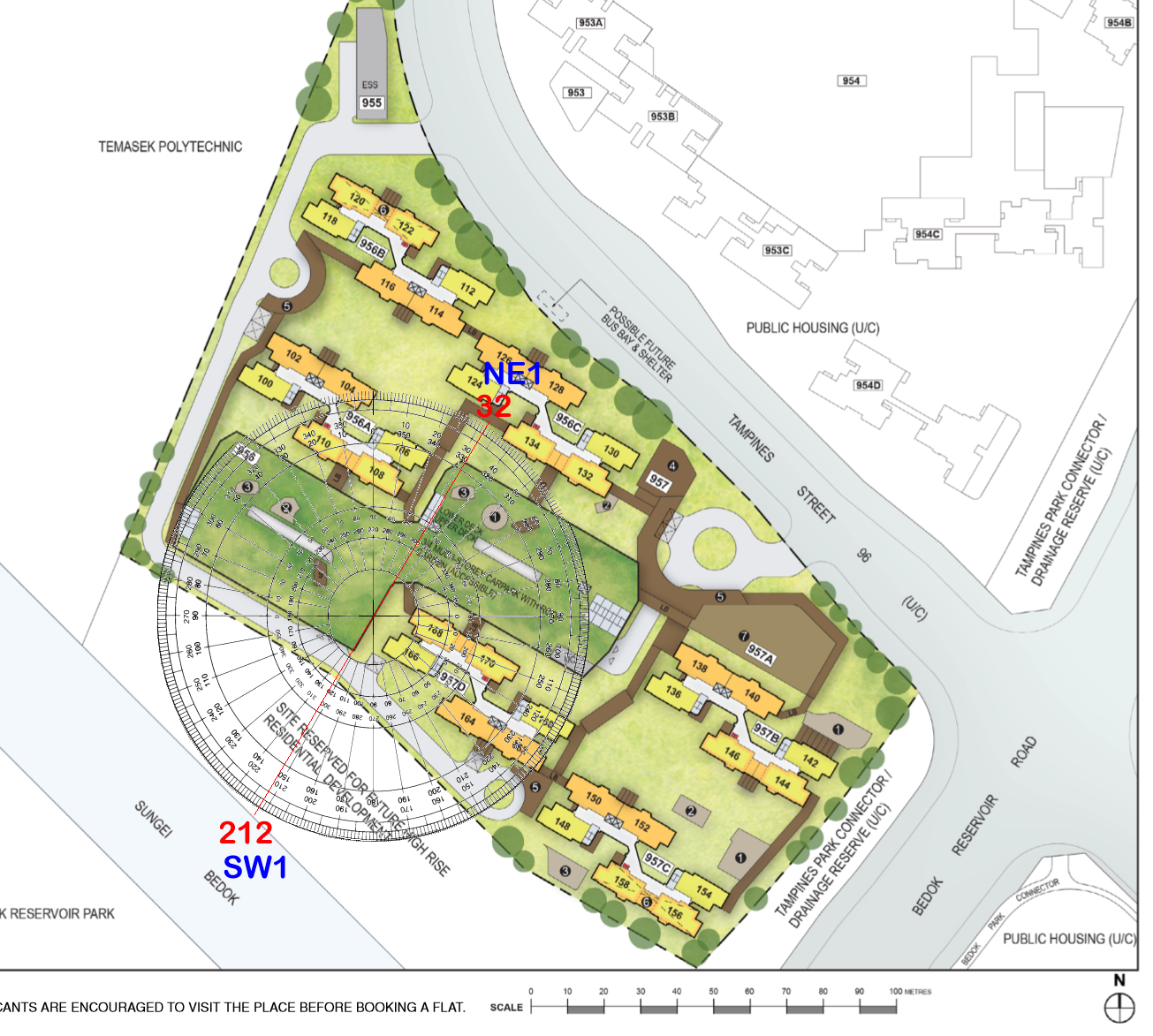
Water flow is towards SE

-
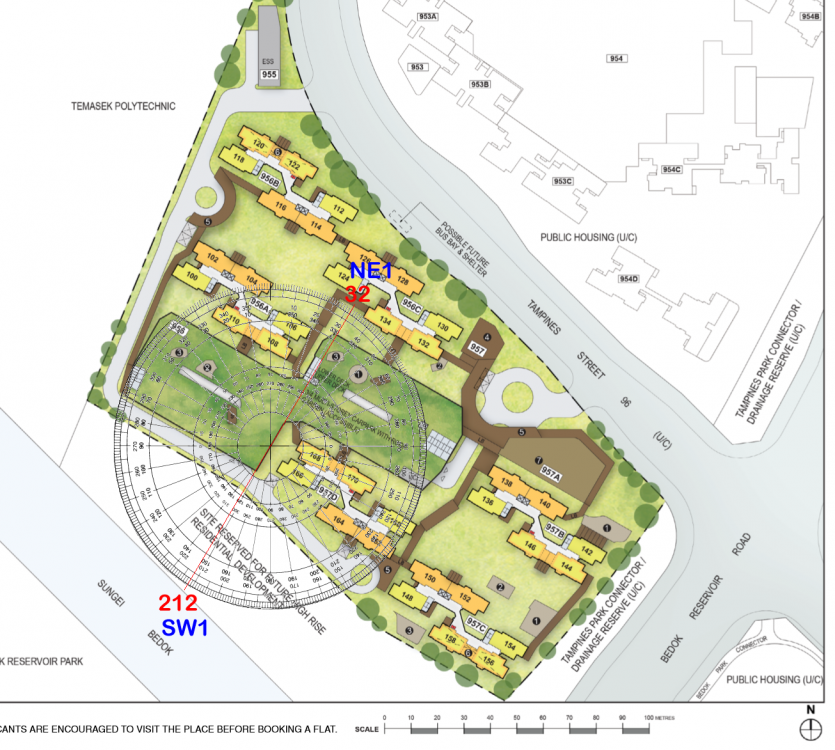
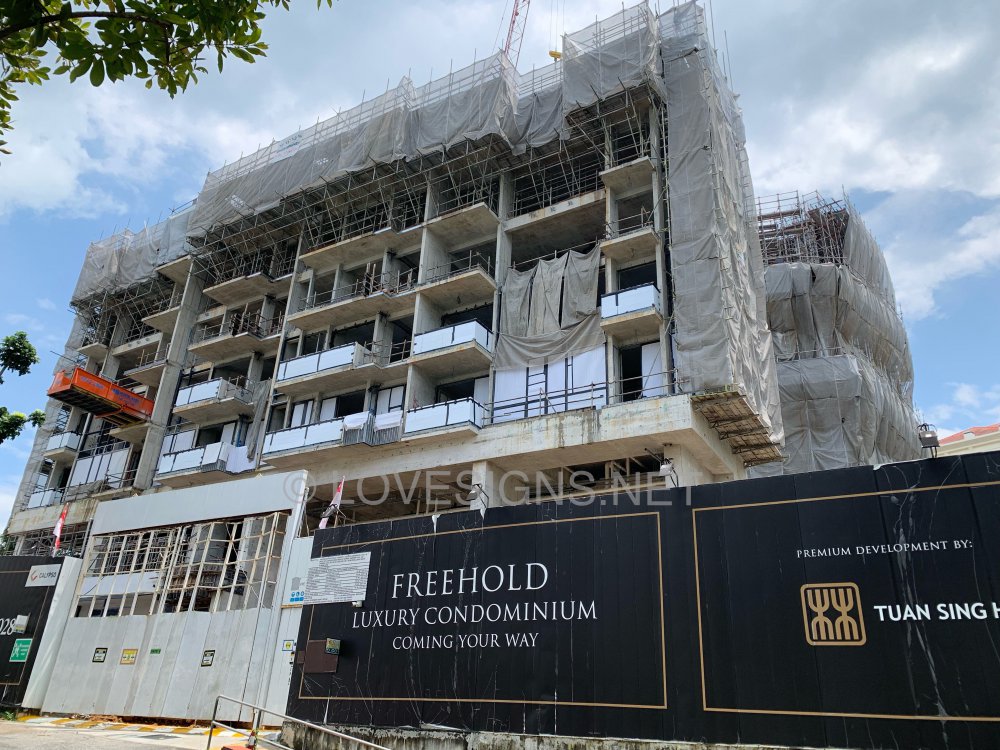
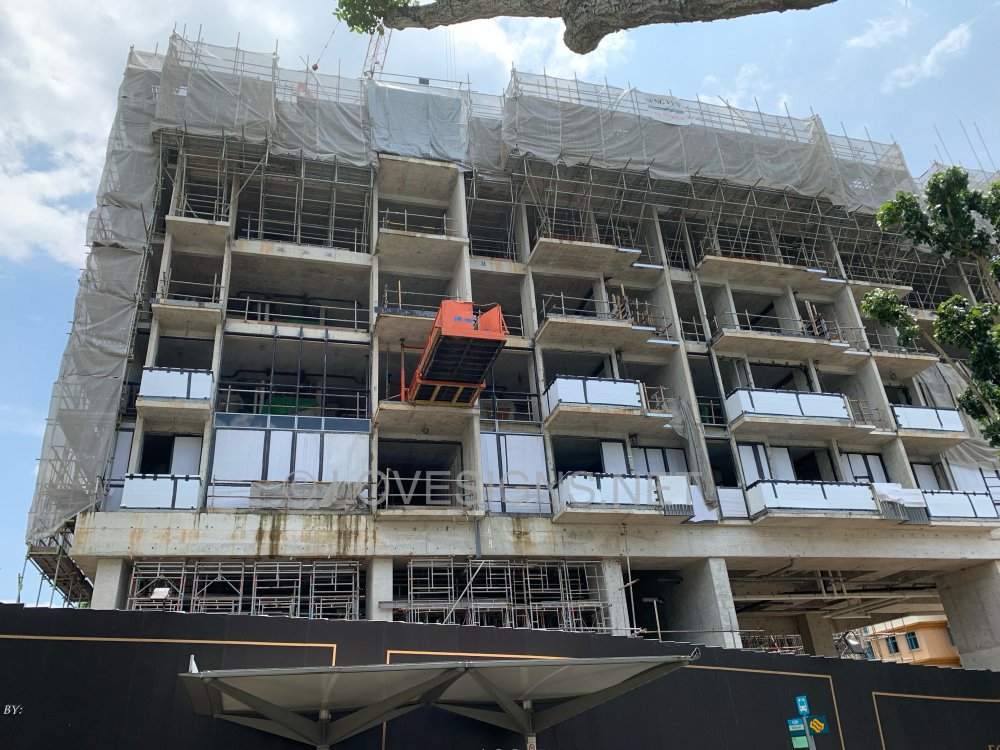
All stacks/units in this development either face Flying Star NE1 or SW1

-
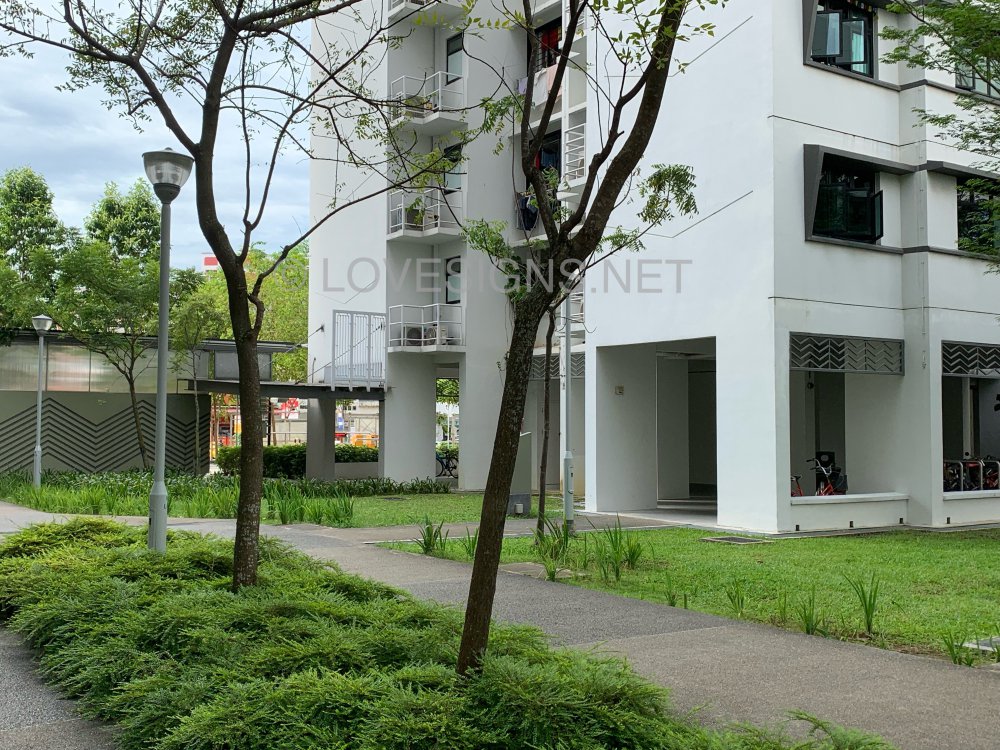
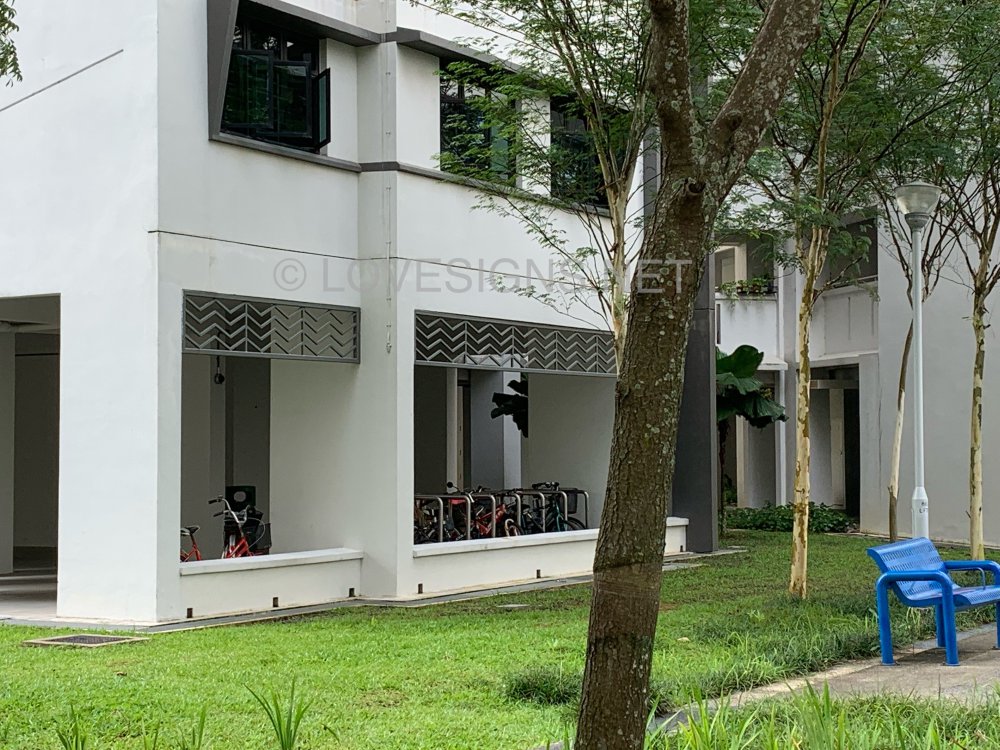
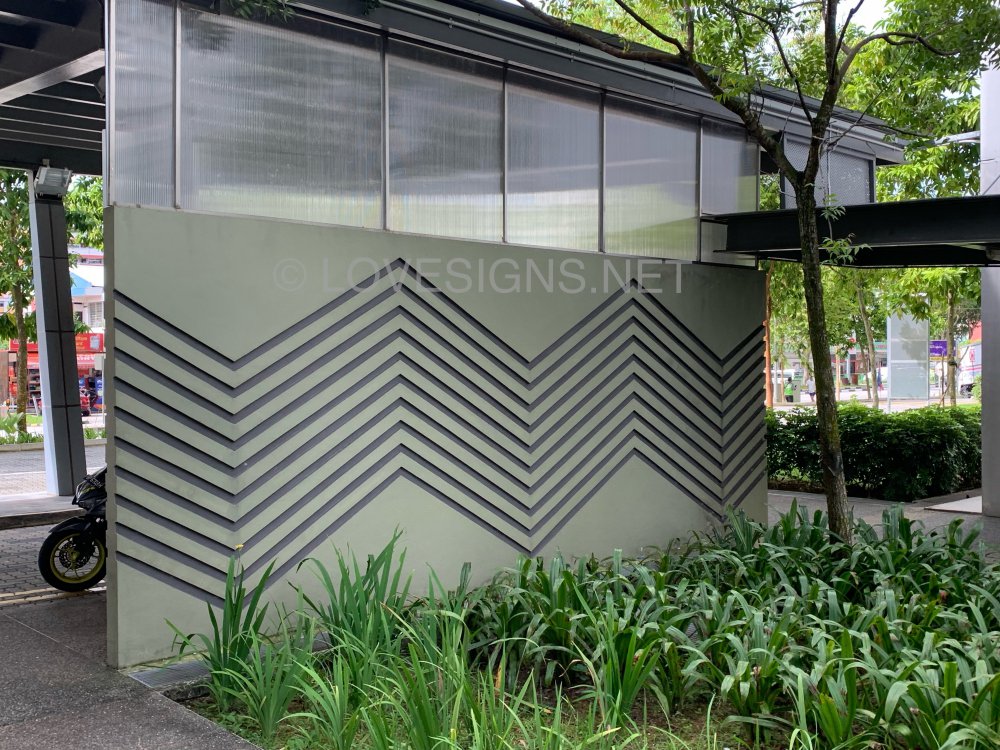
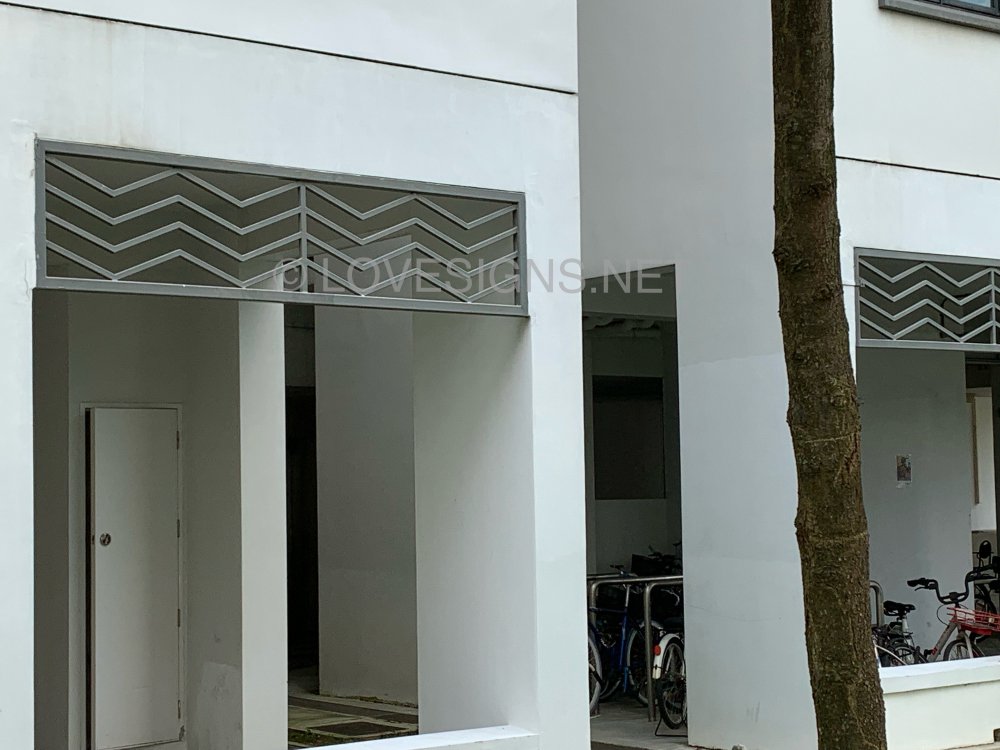
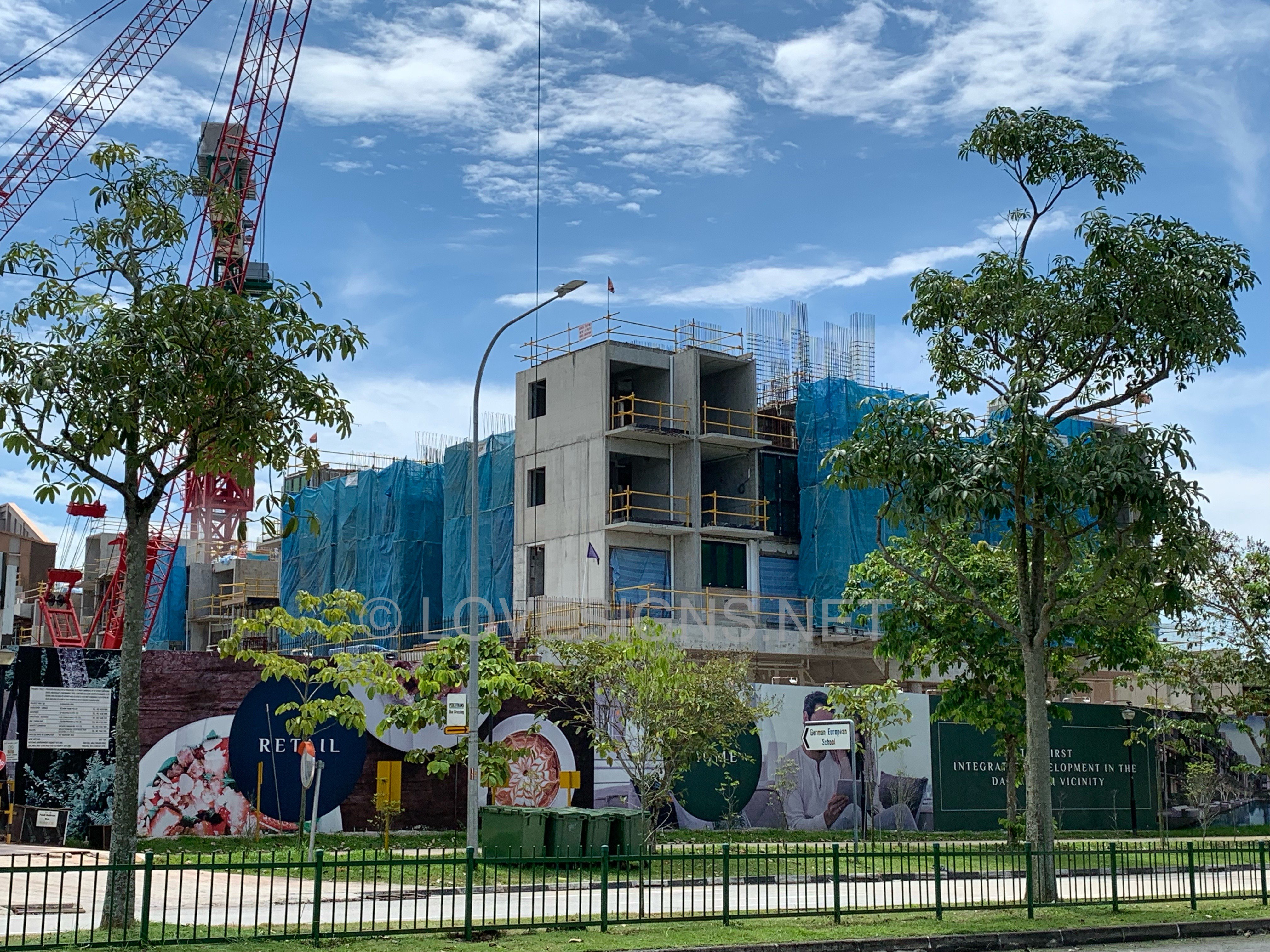
On 7 September 2021 Keat Hong Axi and it’s surroundings





-
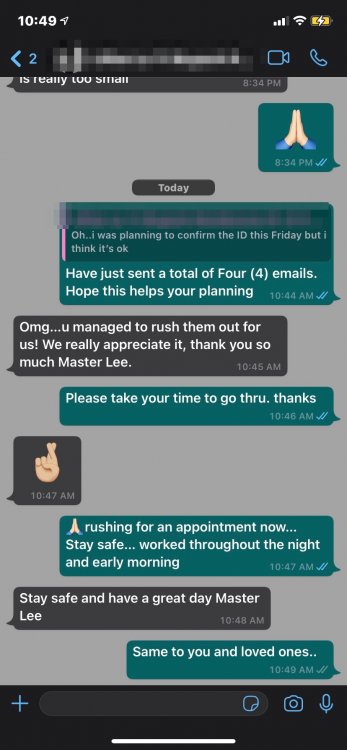
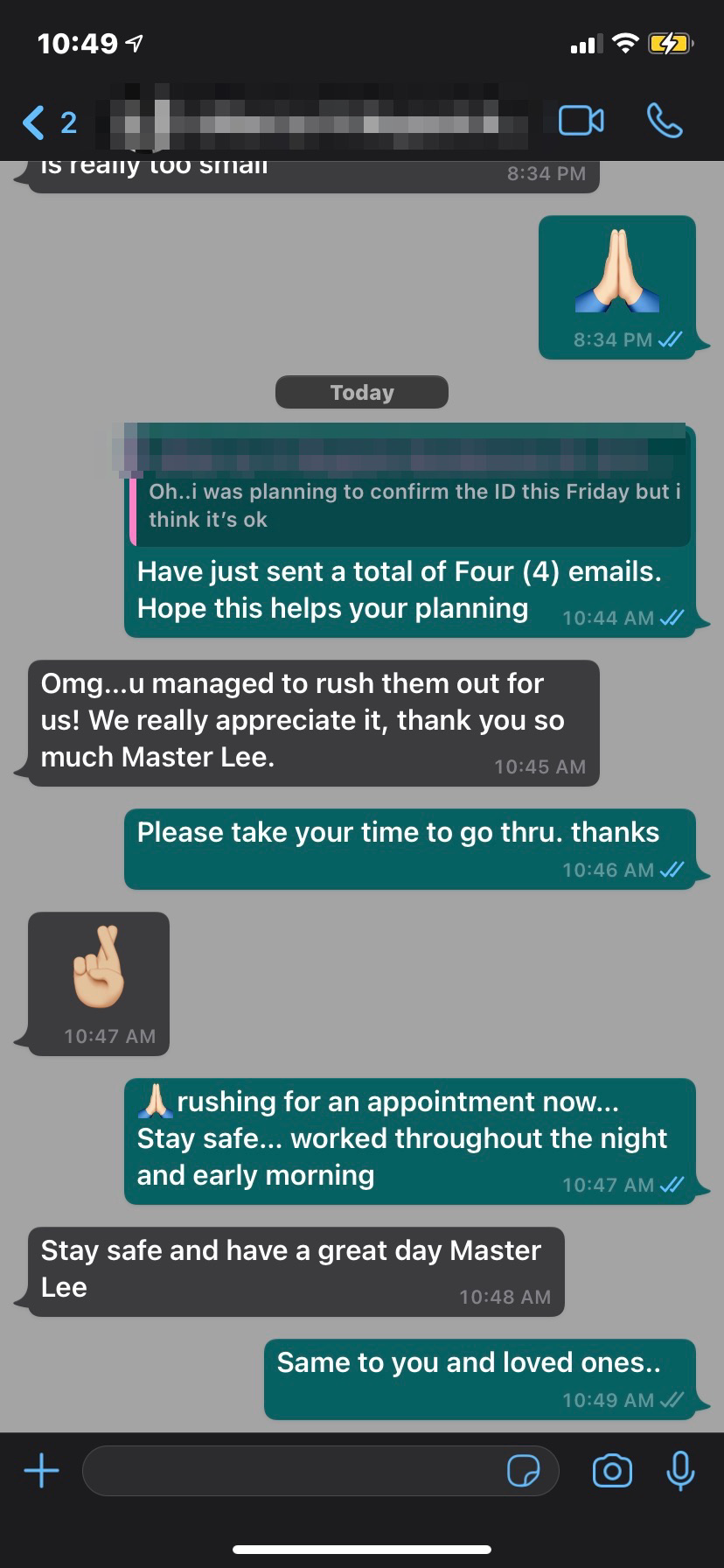
Please understand that there is no way, one can cover every single stack in every development.Omg…u managed to rush them out for us! We really appreciate it, thank you so much Master Lee.
 Yes, literally does NOT work. Or rather wishful thinking.On 7 September 2021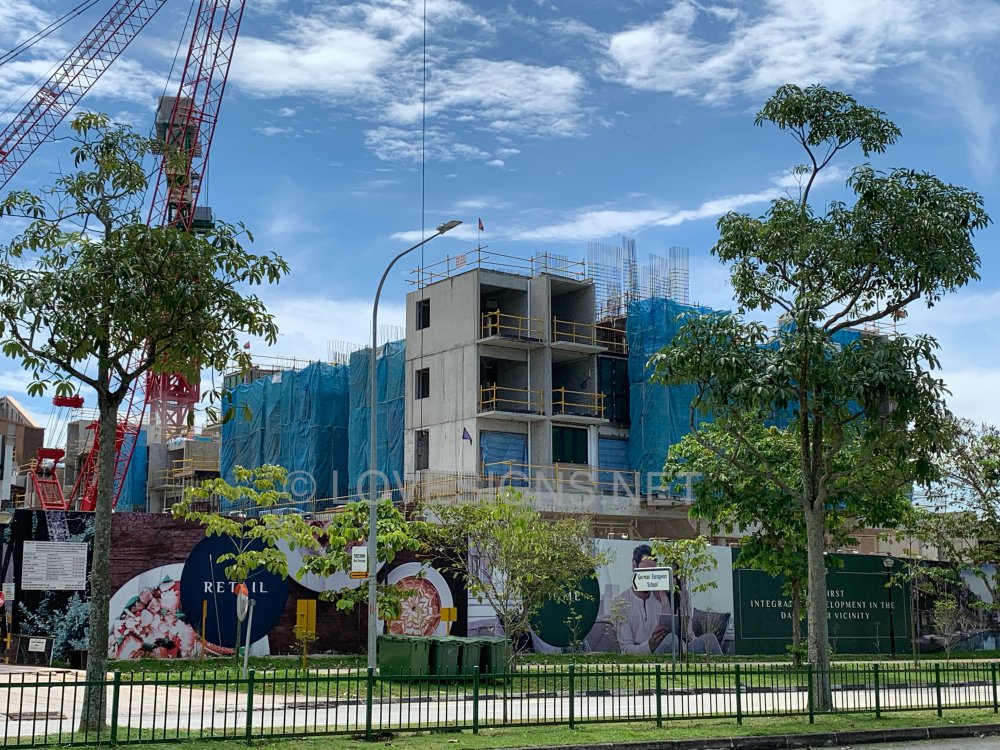

 On 7 September 2021



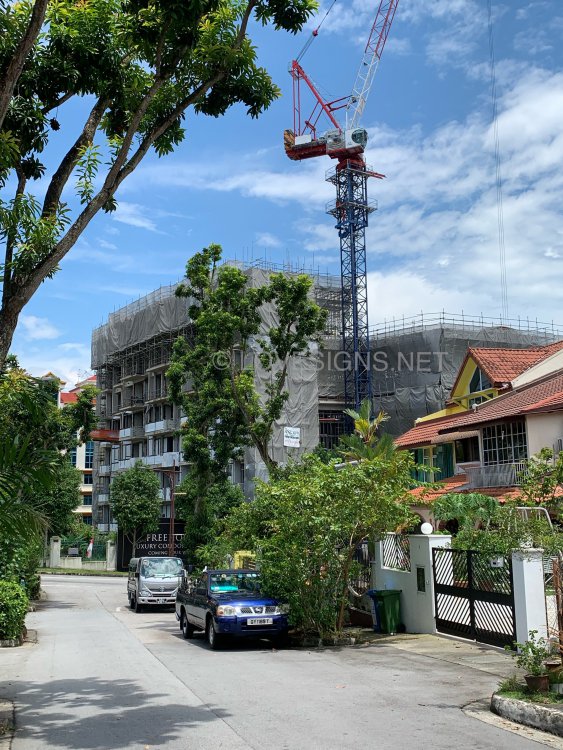

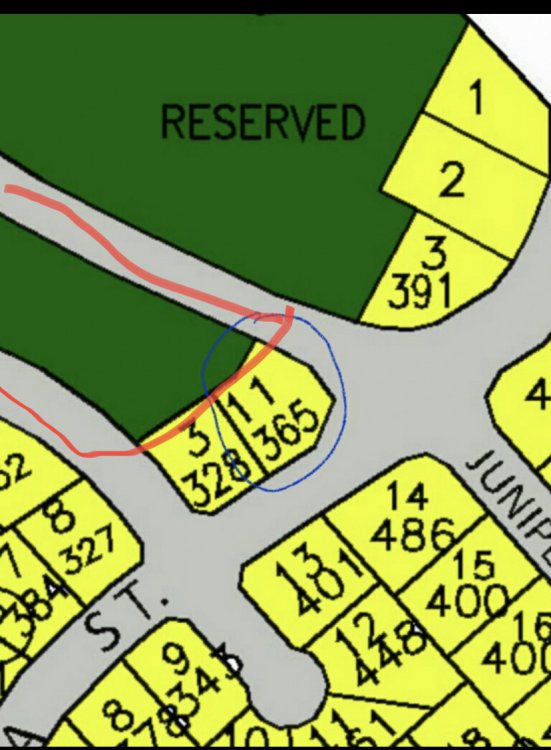
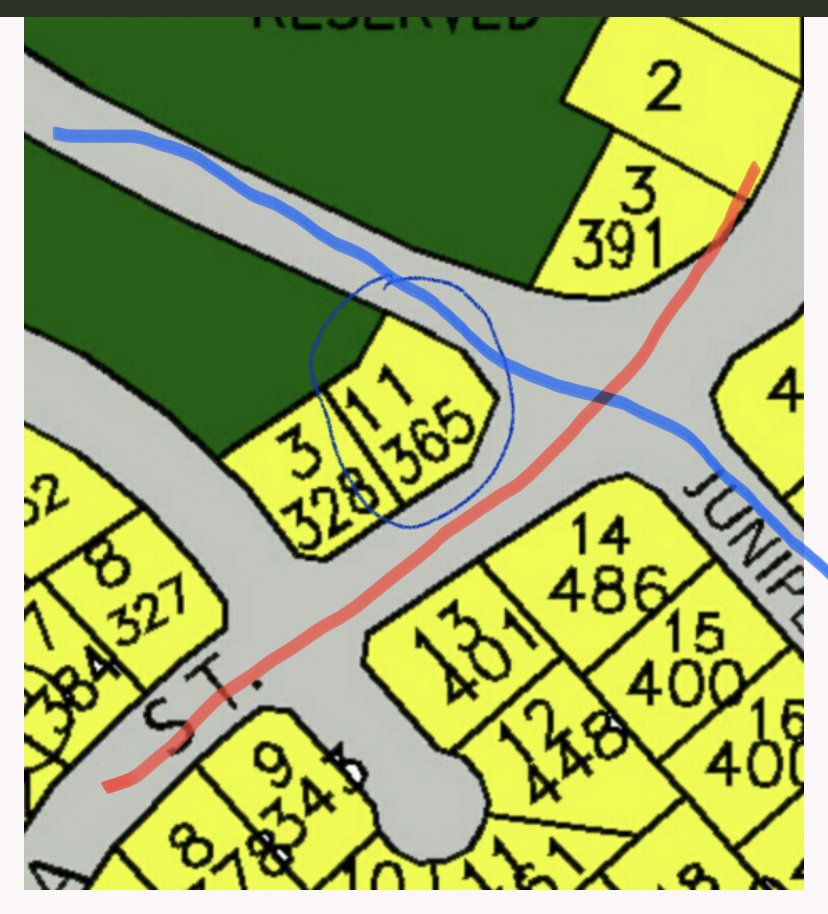
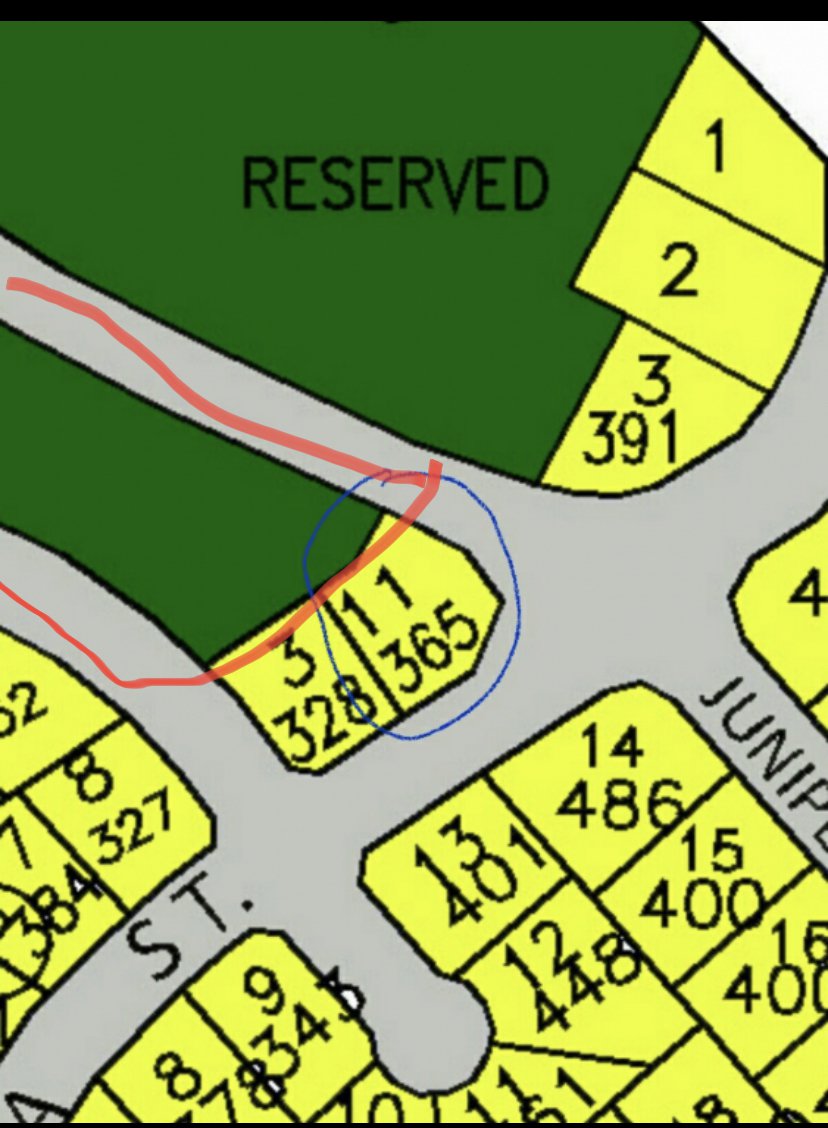
 Related:Yes, for selecting the frontage, someone has to use Feng Shui techniques, prepare and evaluate. And certainly does not come from personal memory. Furthermore, no one else in this forum is interested if such a home’s…….As mentioned, it depends on the build of this home ie. not perfect plot but not a “fatal error”…plot.1. So long blue and red lines are service roads to the surrounding estate and not busy highways. 2. Also proper design of the home makes or break this site/home.
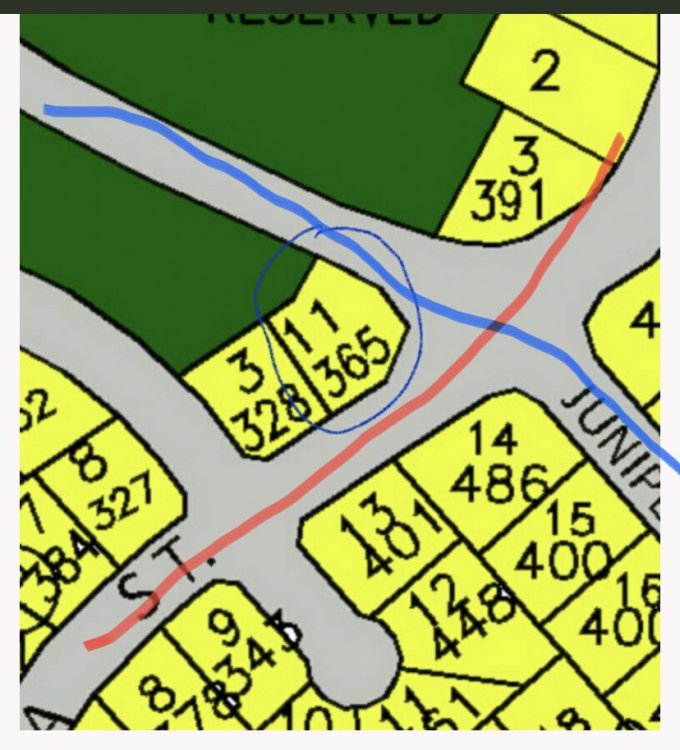 1. Circled I assume are also neighbouring homes. 2. Vehicles drive are Left handed drive as in US etc…
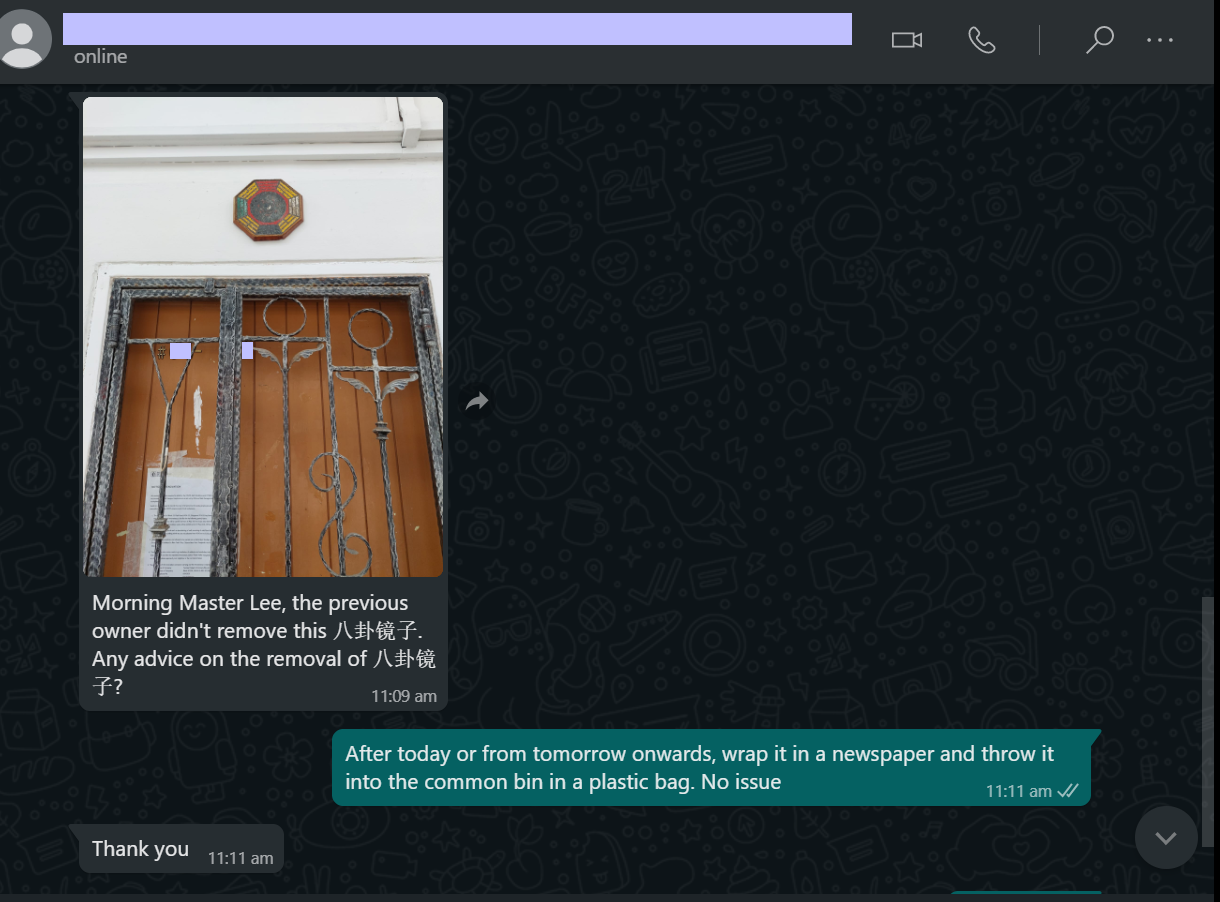
 Morning Master Lee, the previous owner didn't remove this 八卦镜子. Any advice on the removal of 八卦镜子? Reply: After today or from tomorrow onwards, wrap it in a newspaper and throw it into the common bin in a plastic bag. No issue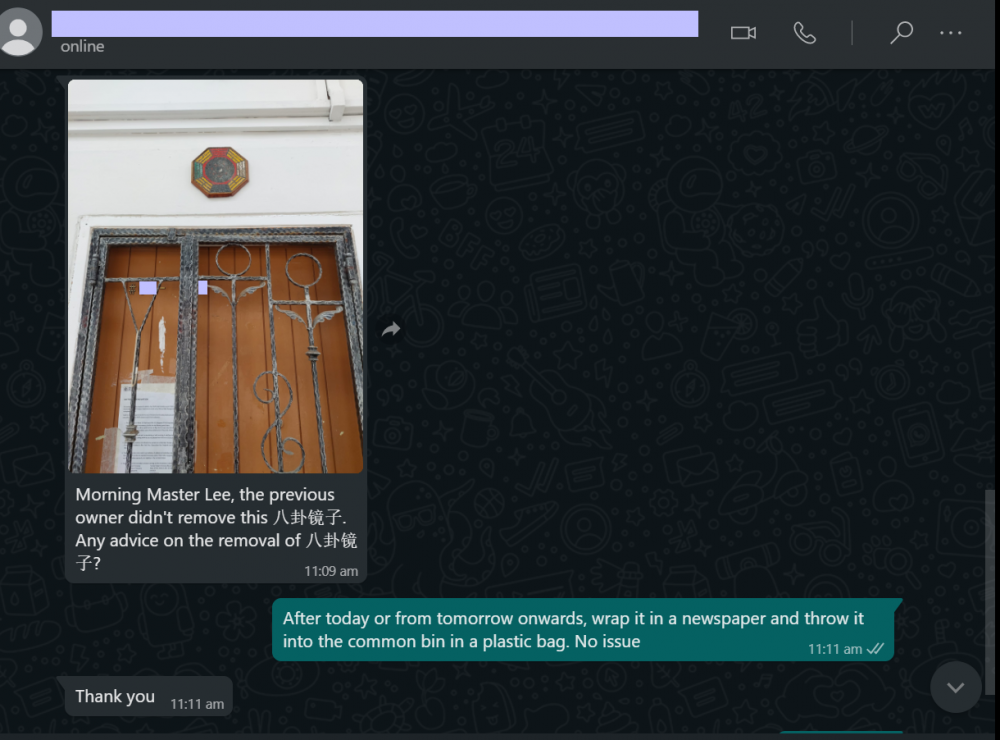






















Background Picker
Account
Navigation
Search
Configure browser push notifications
Chrome (Android)
- Tap the lock icon next to the address bar.
- Tap Permissions → Notifications.
- Adjust your preference.
Chrome (Desktop)
- Click the padlock icon in the address bar.
- Select Site settings.
- Find Notifications and adjust your preference.
Safari (iOS 16.4+)
- Ensure the site is installed via Add to Home Screen.
- Open Settings App → Notifications.
- Find your app name and adjust your preference.
Safari (macOS)
- Go to Safari → Preferences.
- Click the Websites tab.
- Select Notifications in the sidebar.
- Find this website and adjust your preference.
Edge (Android)
- Tap the lock icon next to the address bar.
- Tap Permissions.
- Find Notifications and adjust your preference.
Edge (Desktop)
- Click the padlock icon in the address bar.
- Click Permissions for this site.
- Find Notifications and adjust your preference.
Firefox (Android)
- Go to Settings → Site permissions.
- Tap Notifications.
- Find this site in the list and adjust your preference.
Firefox (Desktop)
- Open Firefox Settings.
- Search for Notifications.
- Find this site in the list and adjust your preference.