



Cecil Lee
Staff
-
Joined
-
Last visited
Everything posted by Cecil Lee
-
How many sold? Total 300+….

-
You might want to consider a scientific and holistic overview, given that these are the three major considerations: External Feng Shui = 35 marks Internal Feng Shui = 35 marks How suitable is the house to main breadwinner = 30 marks Total = 100 marksCecil Lee commented on Cecil Lee's blog entry in FAQ: Home Feng Shui / Cannot Cannot Buy / Baby Name / Auspicious DatesCase Study: Flying Star #7? Still unlucky under Period 9? Yes, unfortunately, #7 = Robbery star is unlikely under all Periods 1 to 6, 8 to 9. #7 is only lucky under the Period 7 Feng Shui.Are you interested in buying a home at The Nautical condo? Is my existing house or potential new home still lucky today?Are you interested in buying a home at The Makena condo? Is my existing house or potential new home still lucky today?Location, Location, Location 4 Stars out of 5 Leasehold 99 Years


 We are near Katong. Not within Katong! How’s this…. Okay, we are at the fringe of the city or CBD area!
 Launching 2nd half 2021…
 Real and unreal discount? Real is $40K but limited time…
 One Price Promo
 Parc Greenwich EC
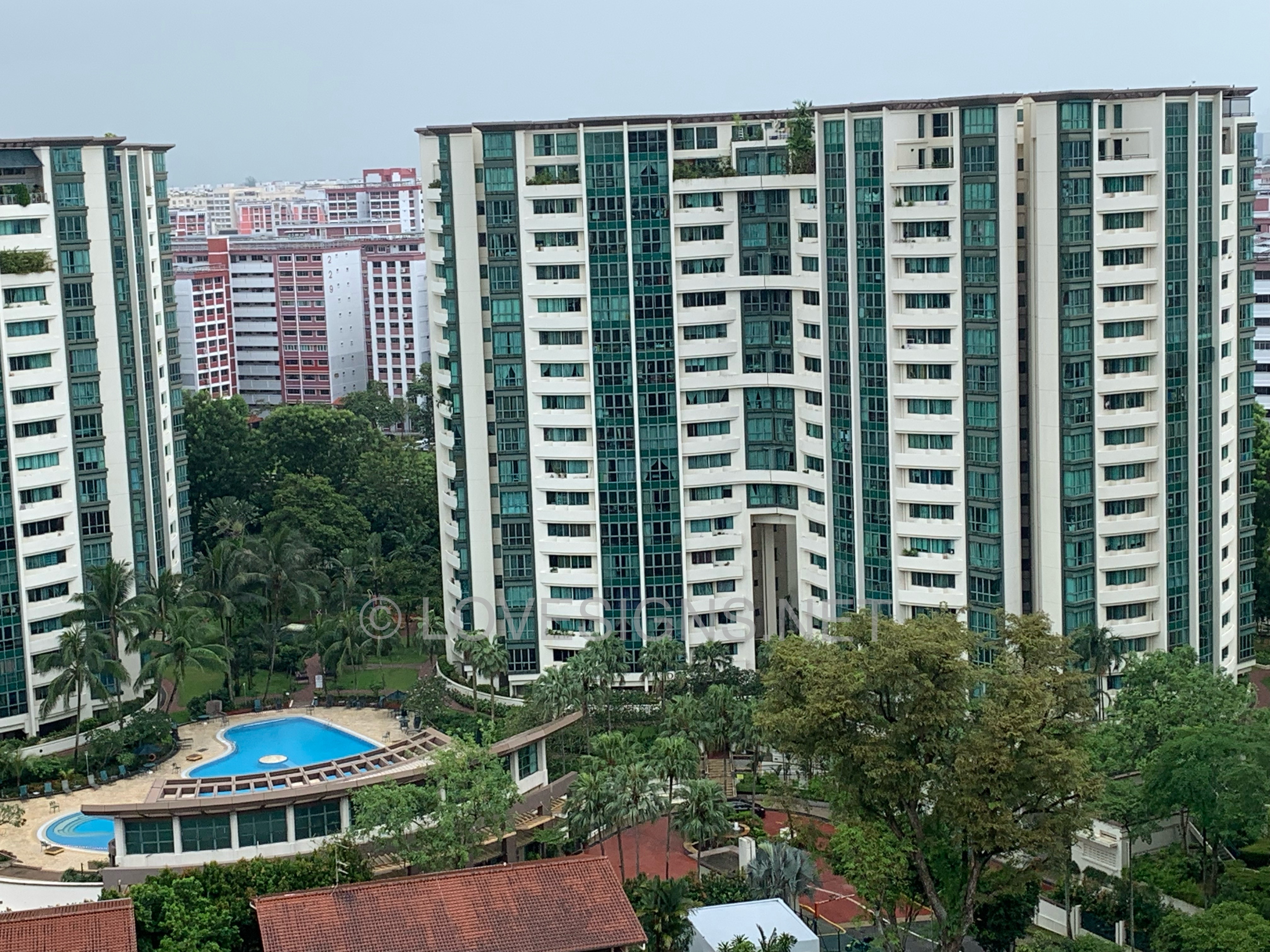
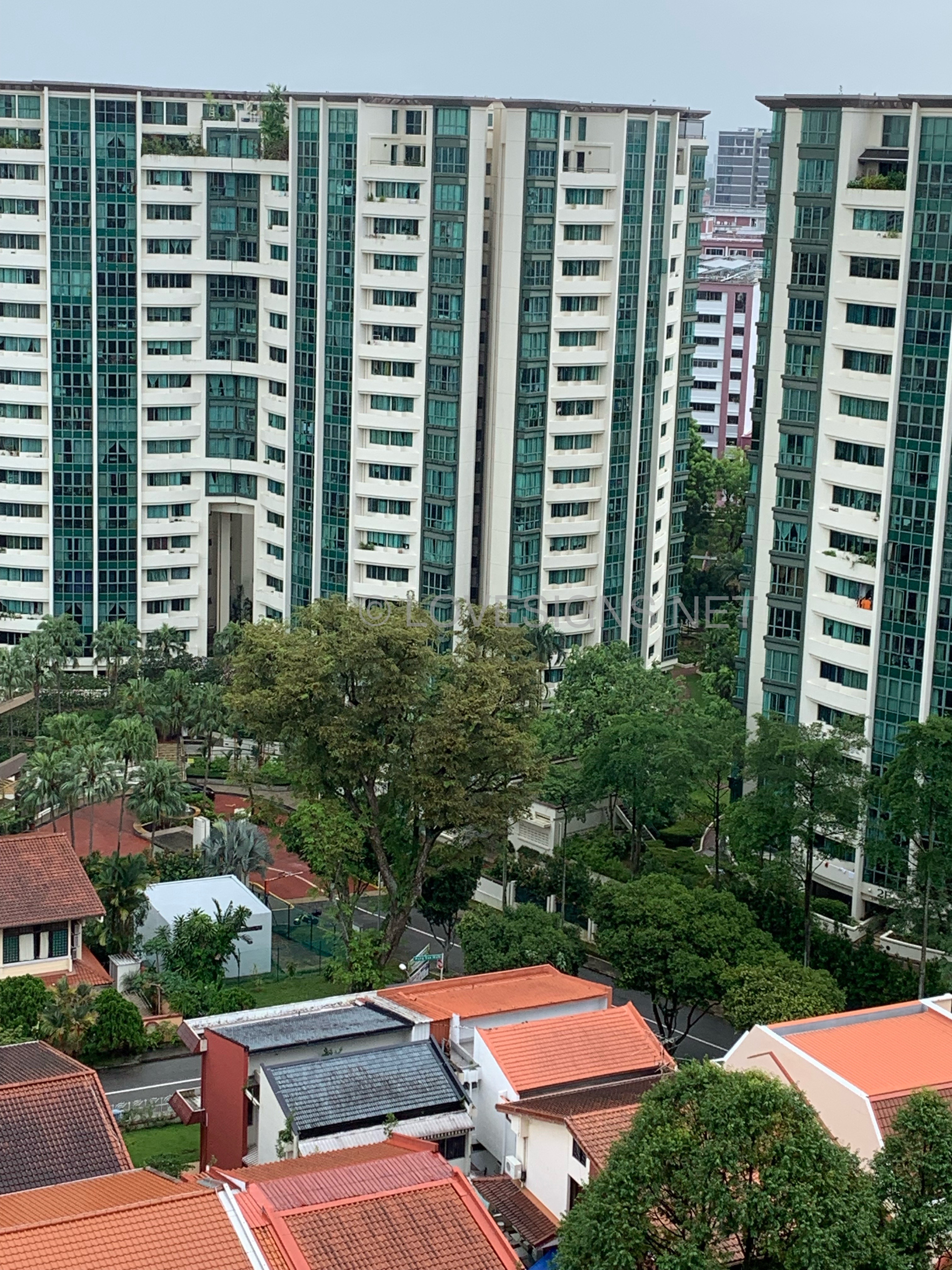
 Nearest condo to Sol Acres Palm Gardens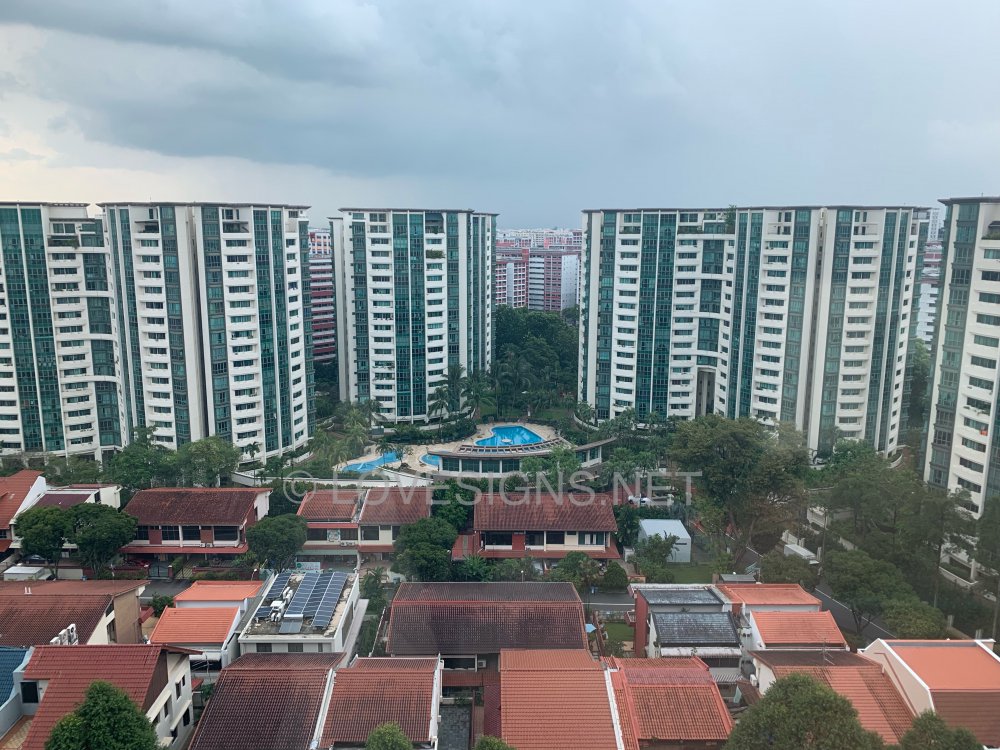
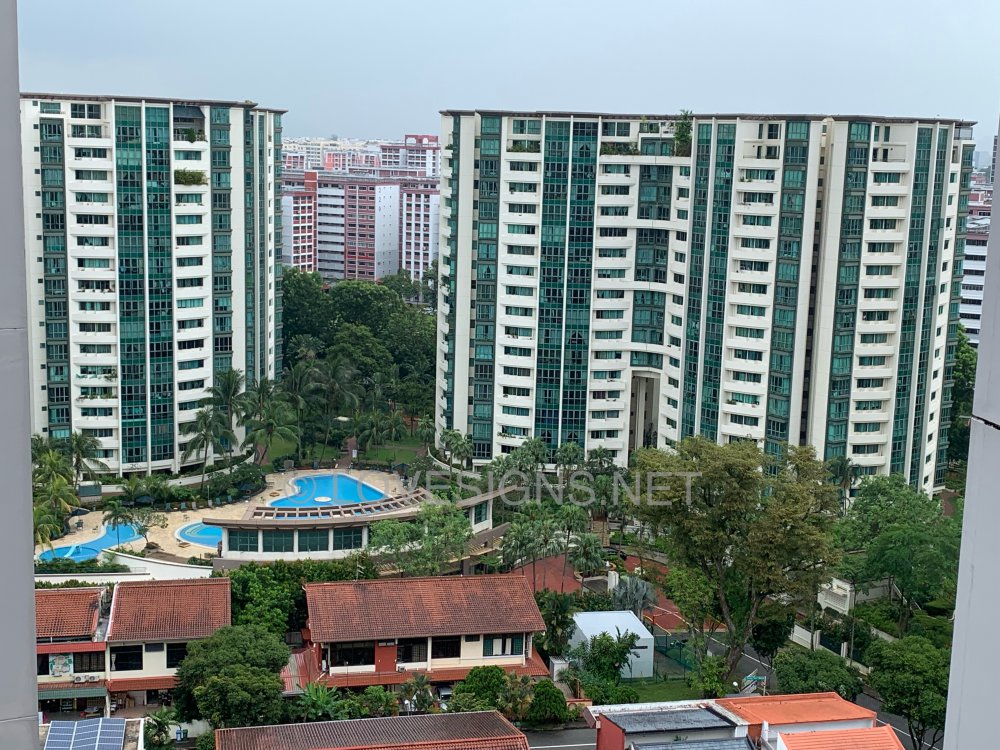
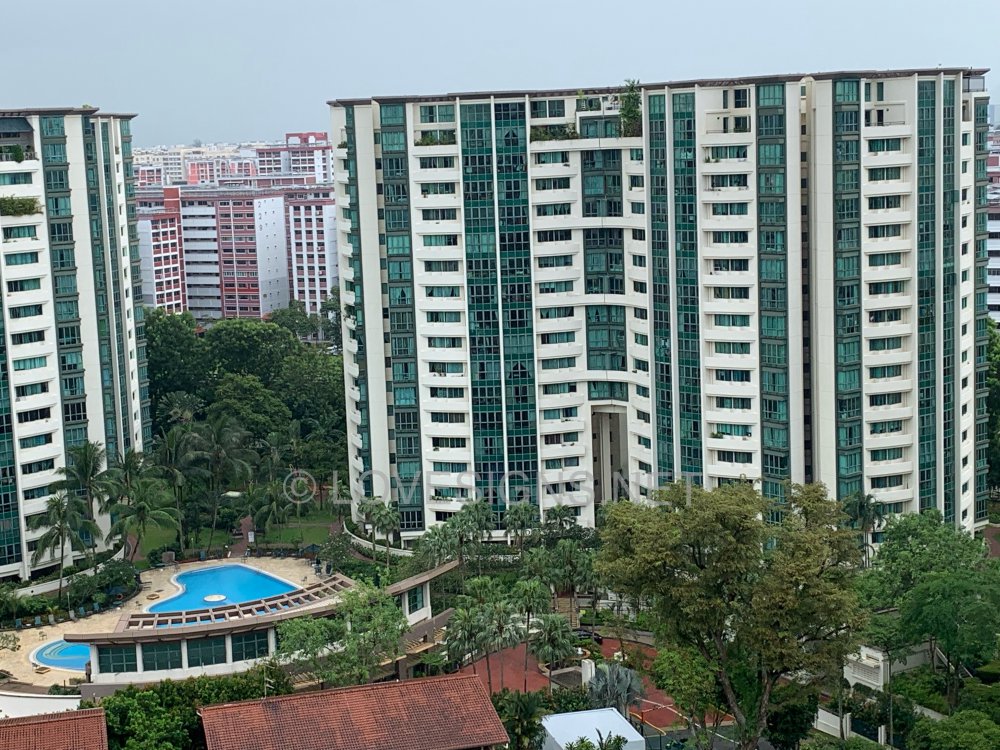
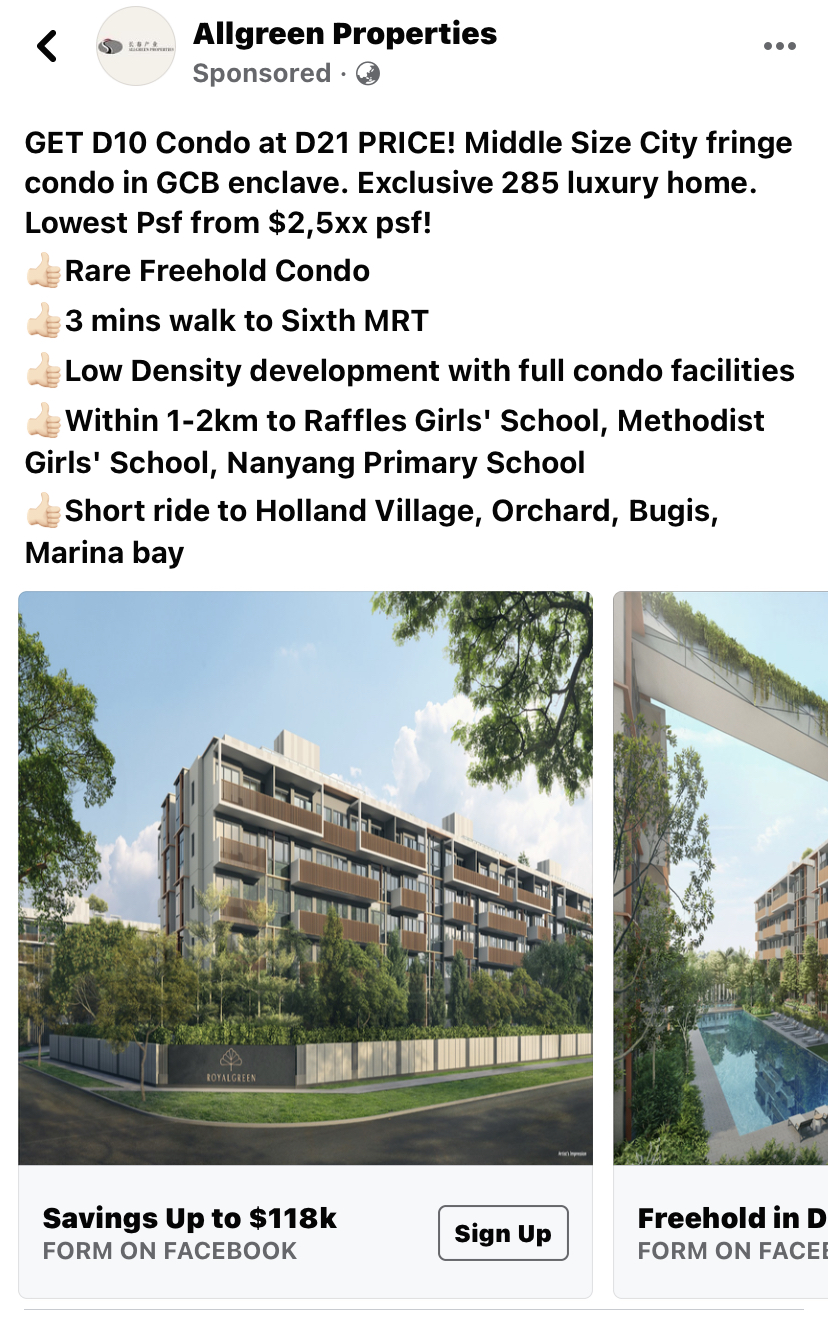
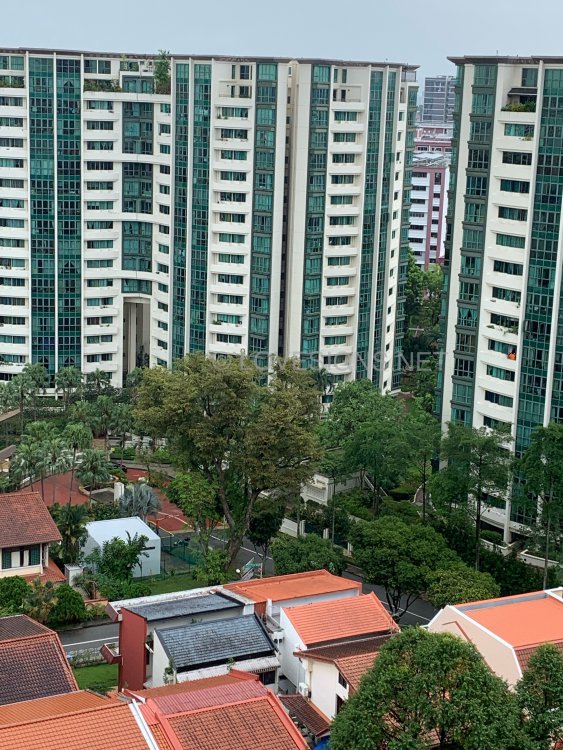 AD: Please buy me! Savings up to $118K
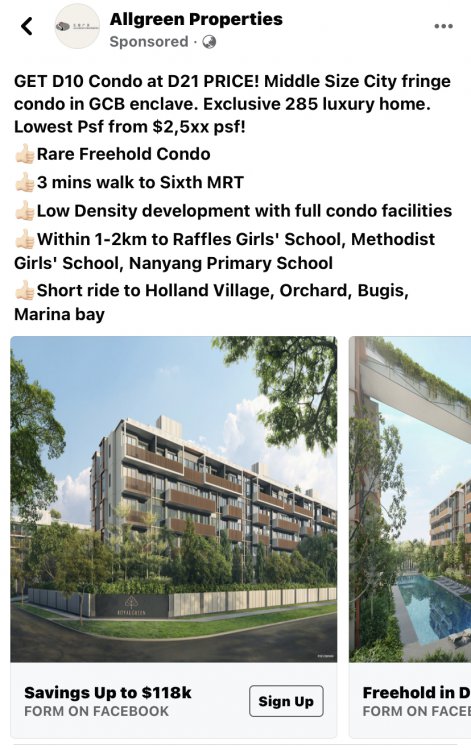 Help? Have e-Brochure to spare? As wanted to review....
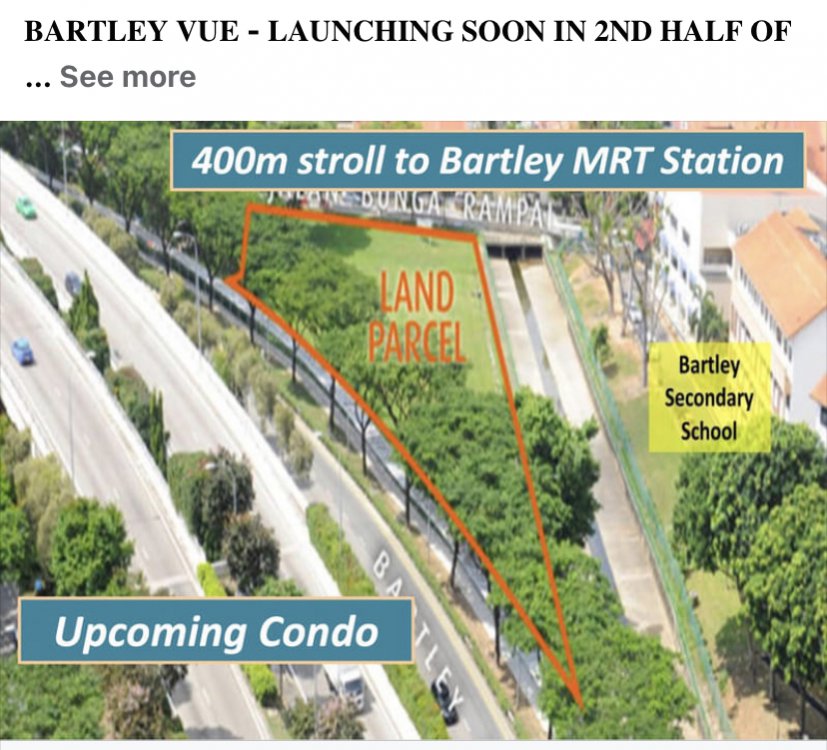
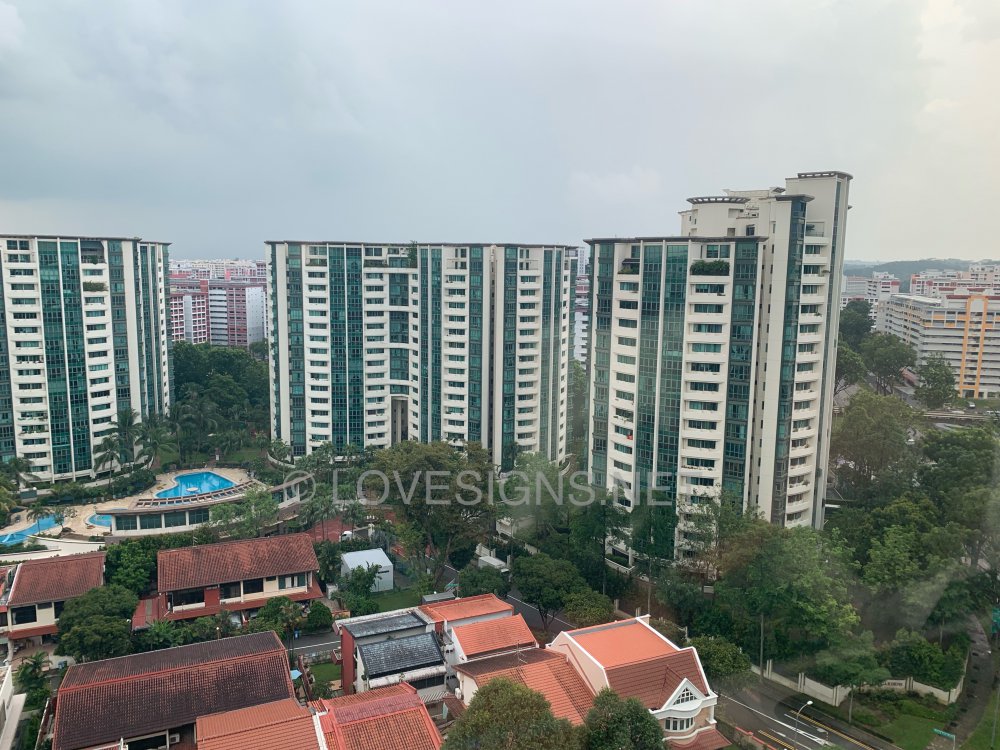
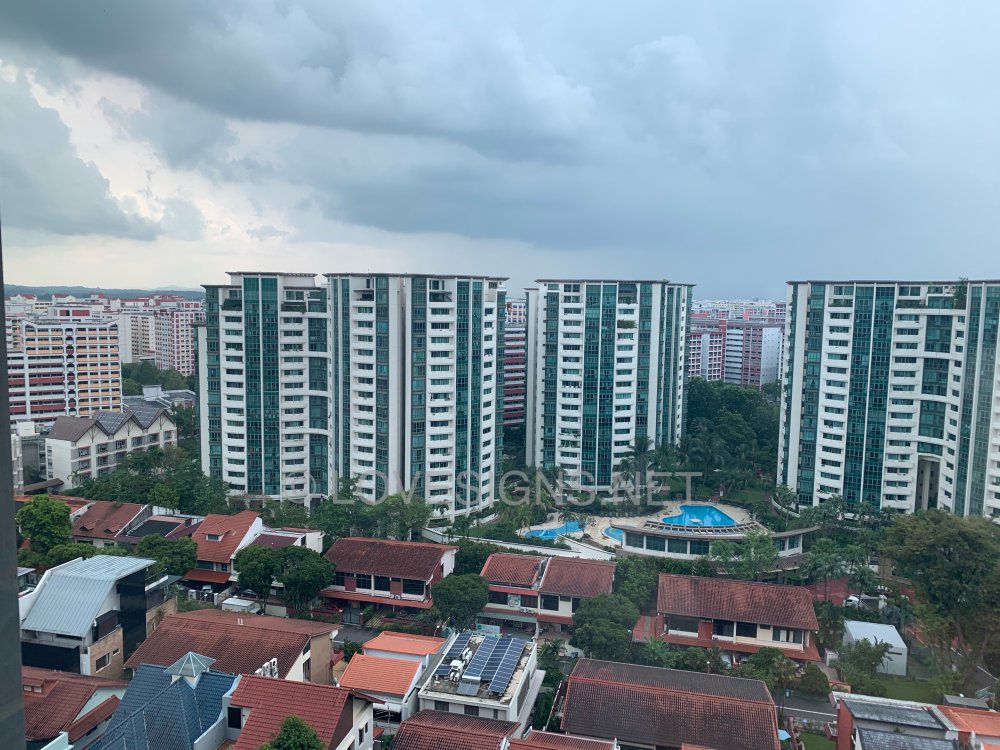
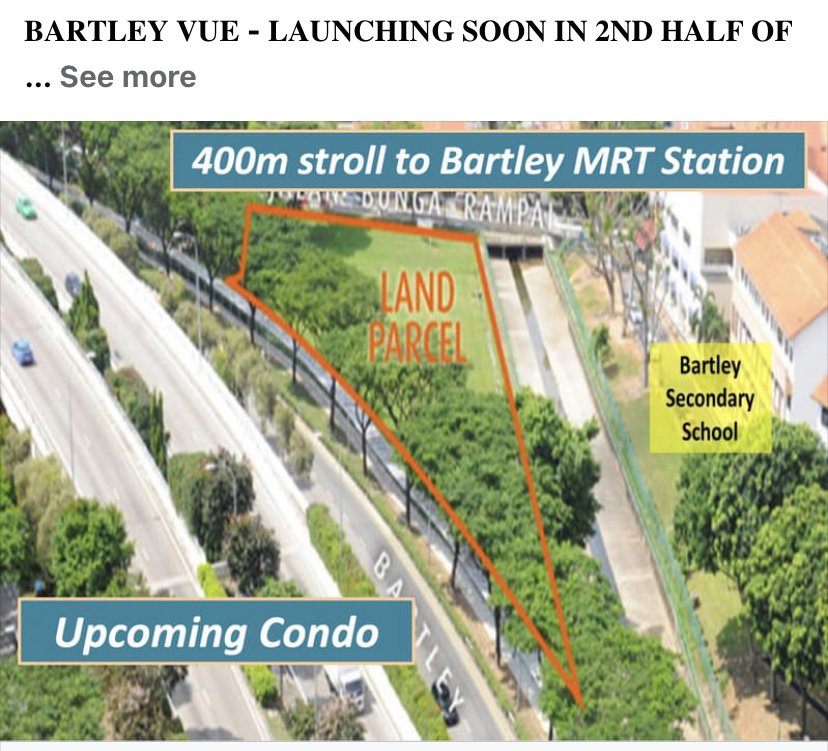
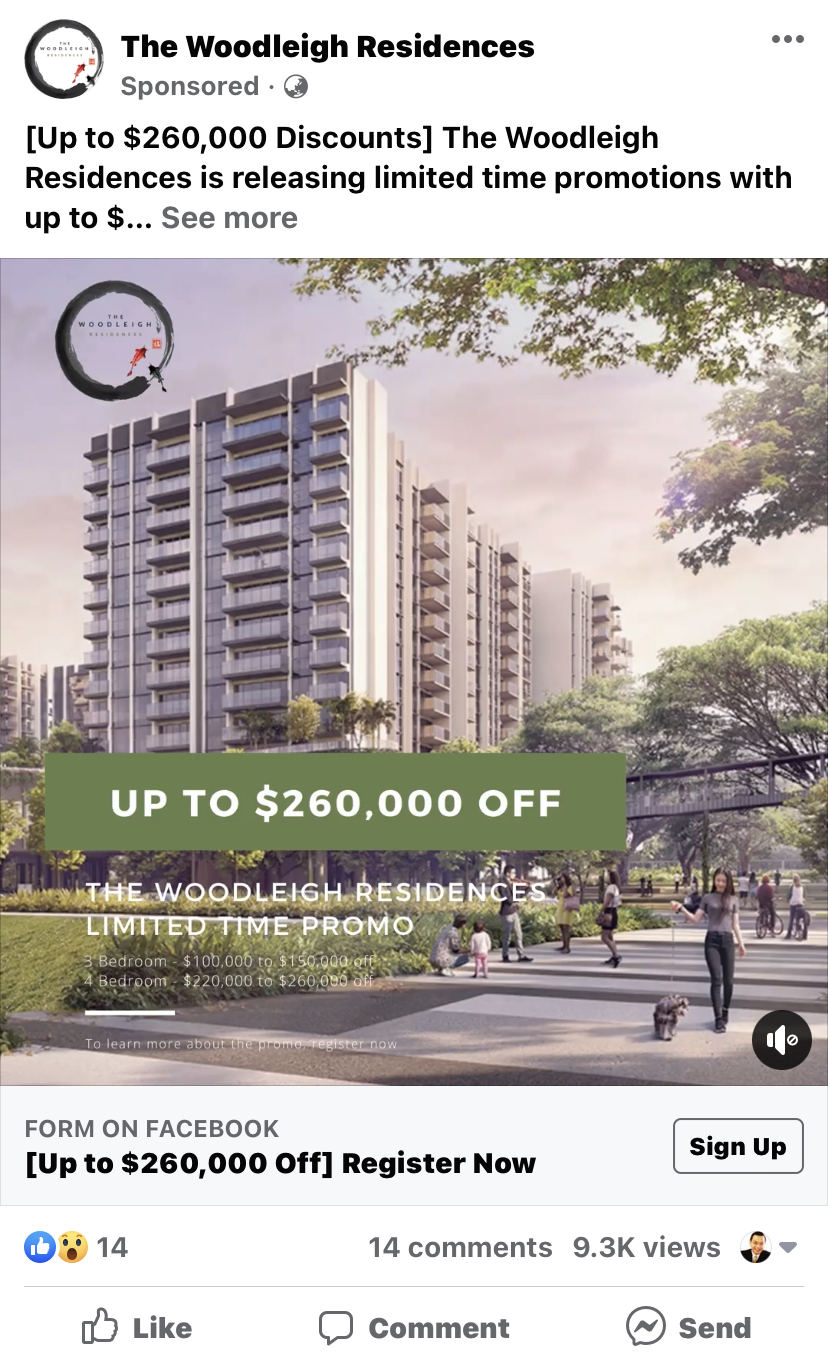
 Bartley Vue launching in 2021 With a total of 115 units Leasehold 99 years @ 6,8 Jalan Bunga Rampai To confirm Expected TOP. To determine Flying Star Feng Shui Period 8 or 9?Ad says “Must Buy” UP to $260K discount… This discount can still be from $10K onwards … I think…
 Can Help?
 Looking for the Sales Brochure Do you have the ebrochure? Thank You!
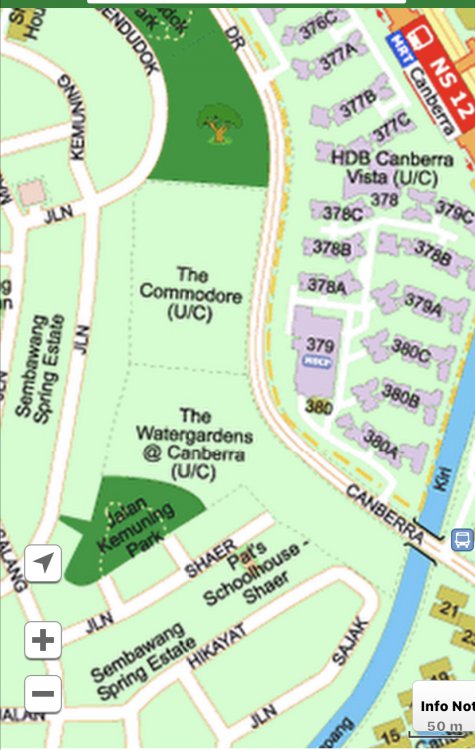
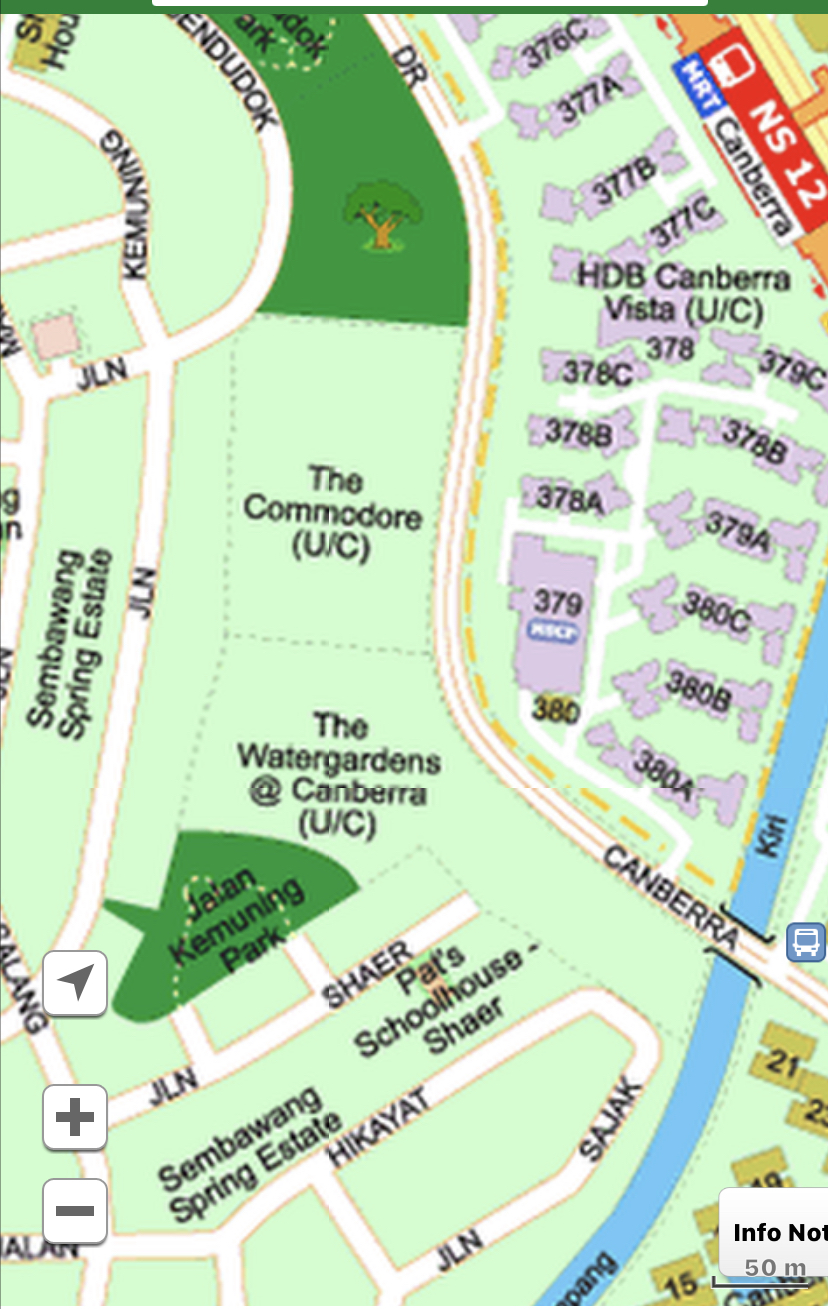
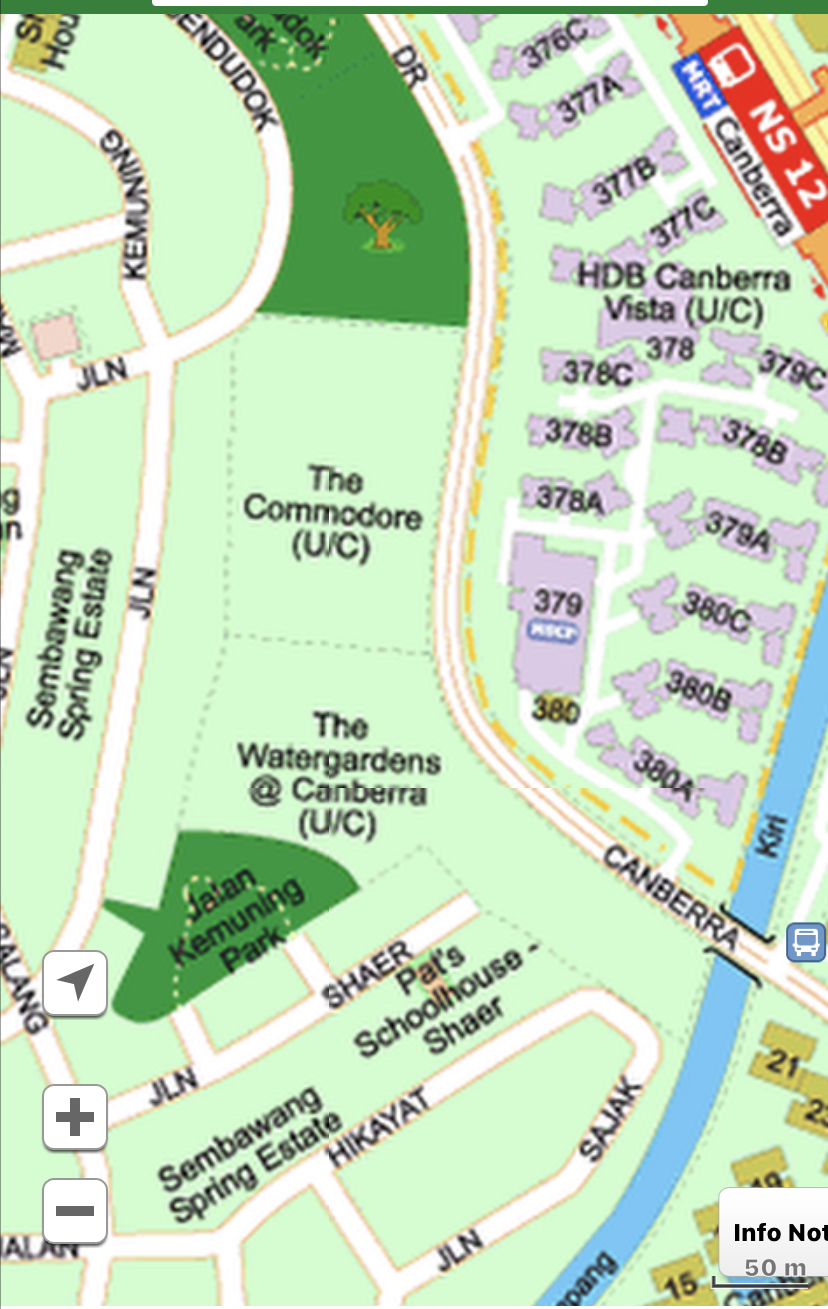
 The Watergardens @ Canberra
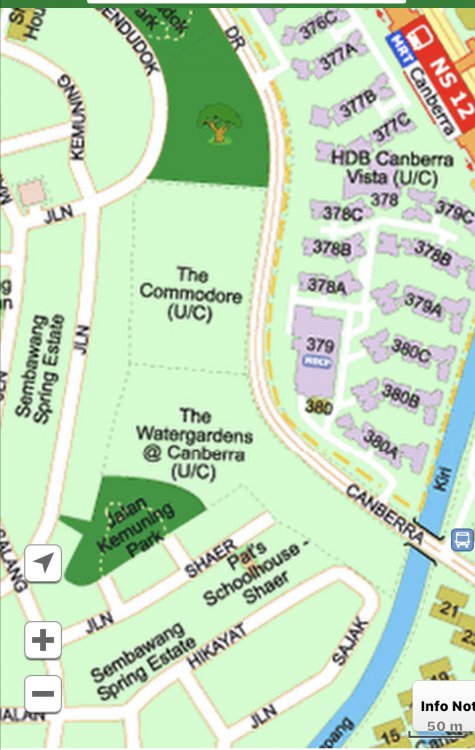 Streetmap view of The Commodore
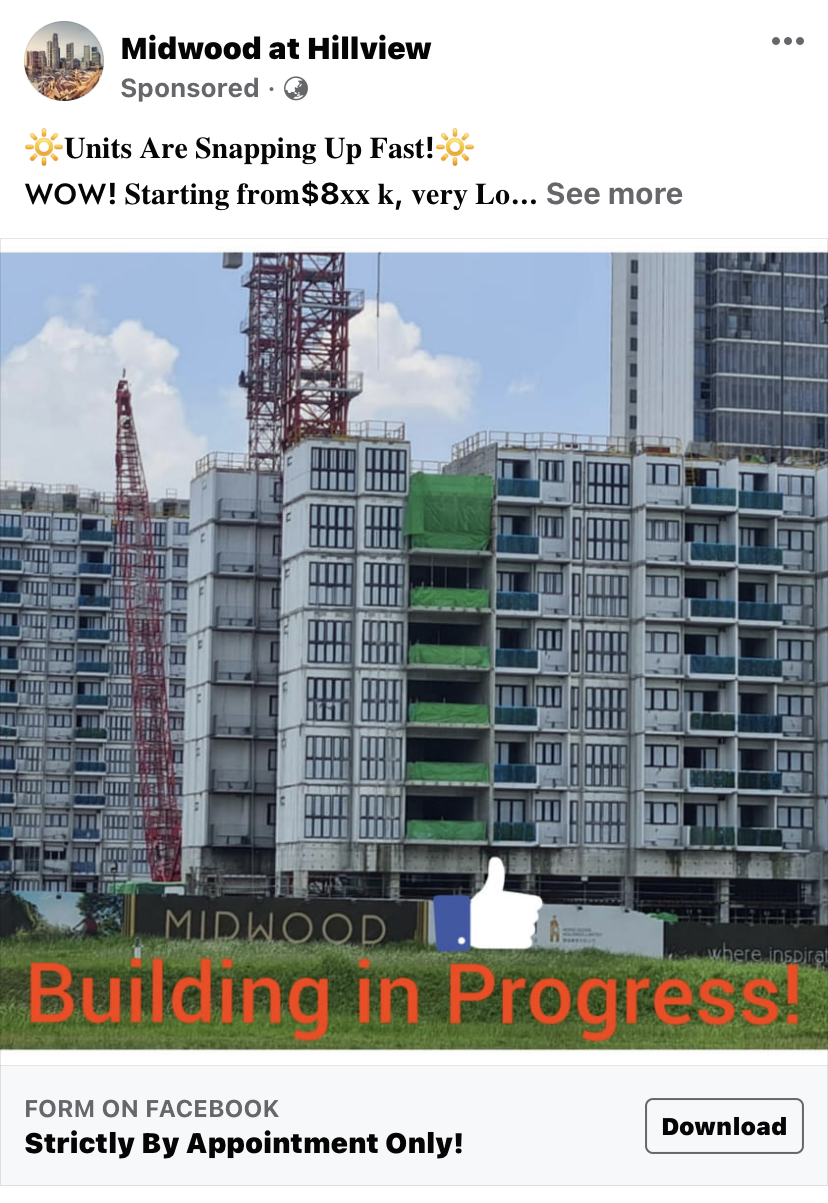
 Ad Yells: Buy me! Buy me! Please, please, please!
 Ad hints: “I am steadily going up.. how come you don’t want to buy me? huh?” Sorry, this is my interpretation of this ad that’s all! I may be wrong!










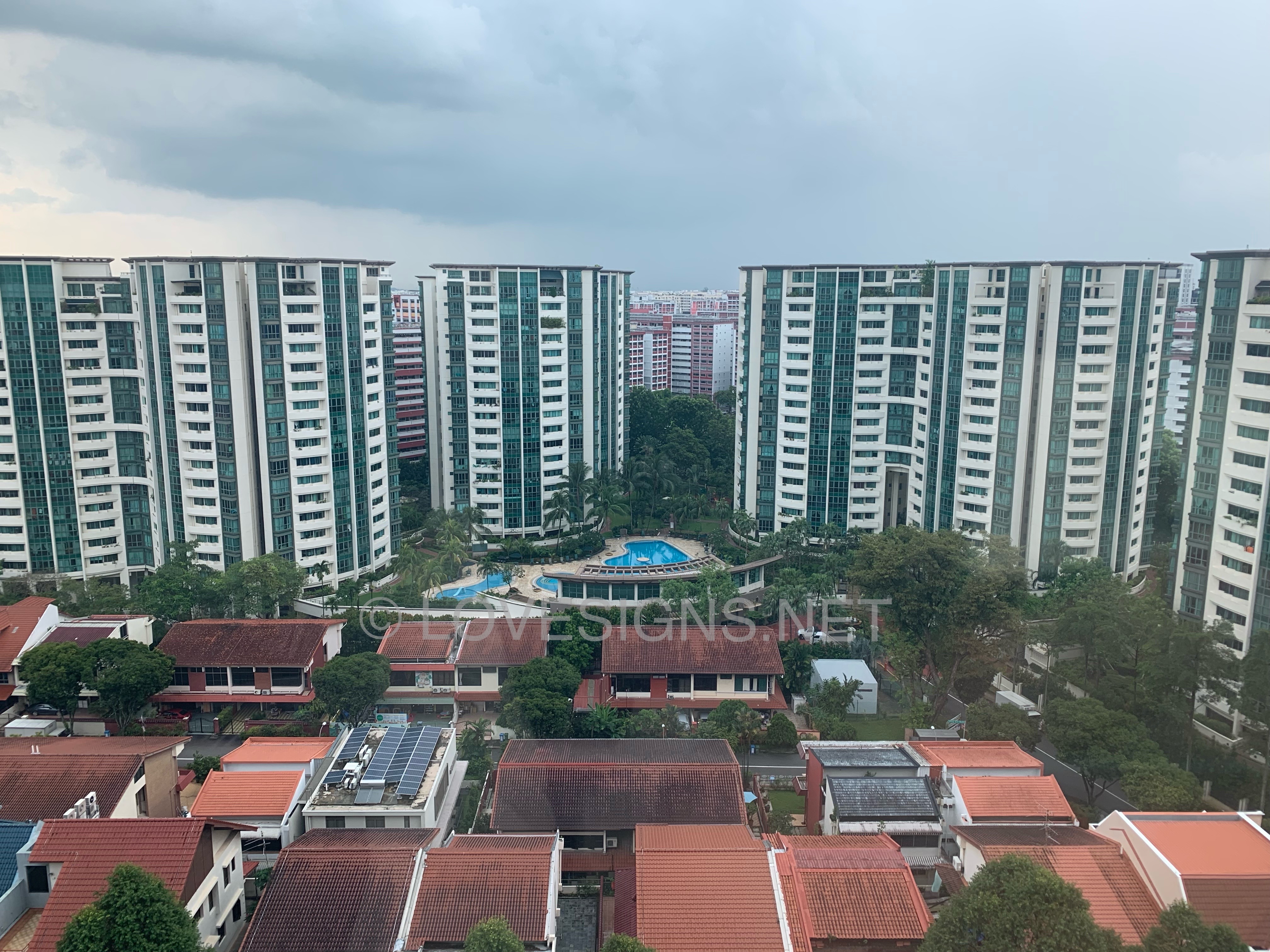
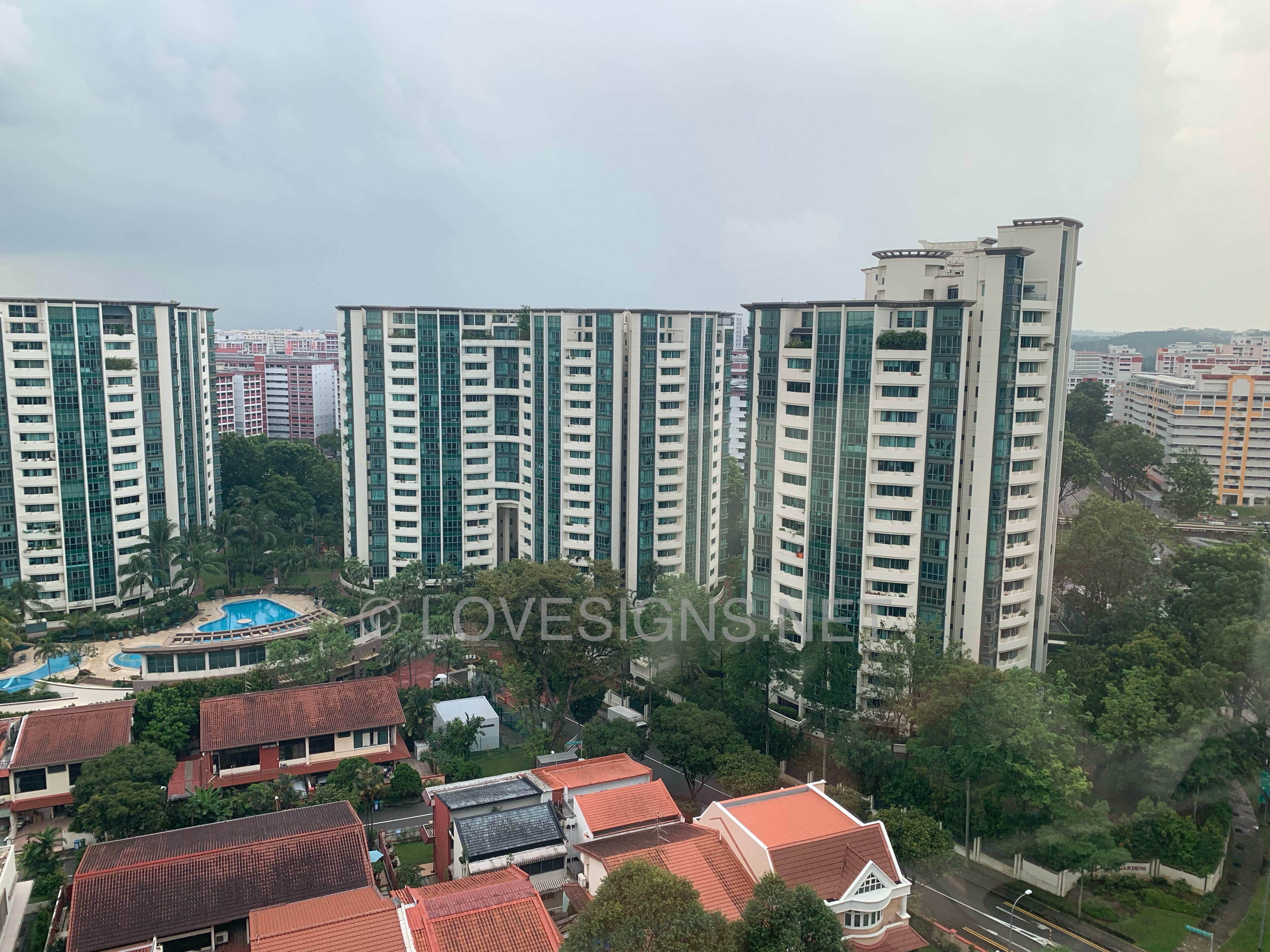
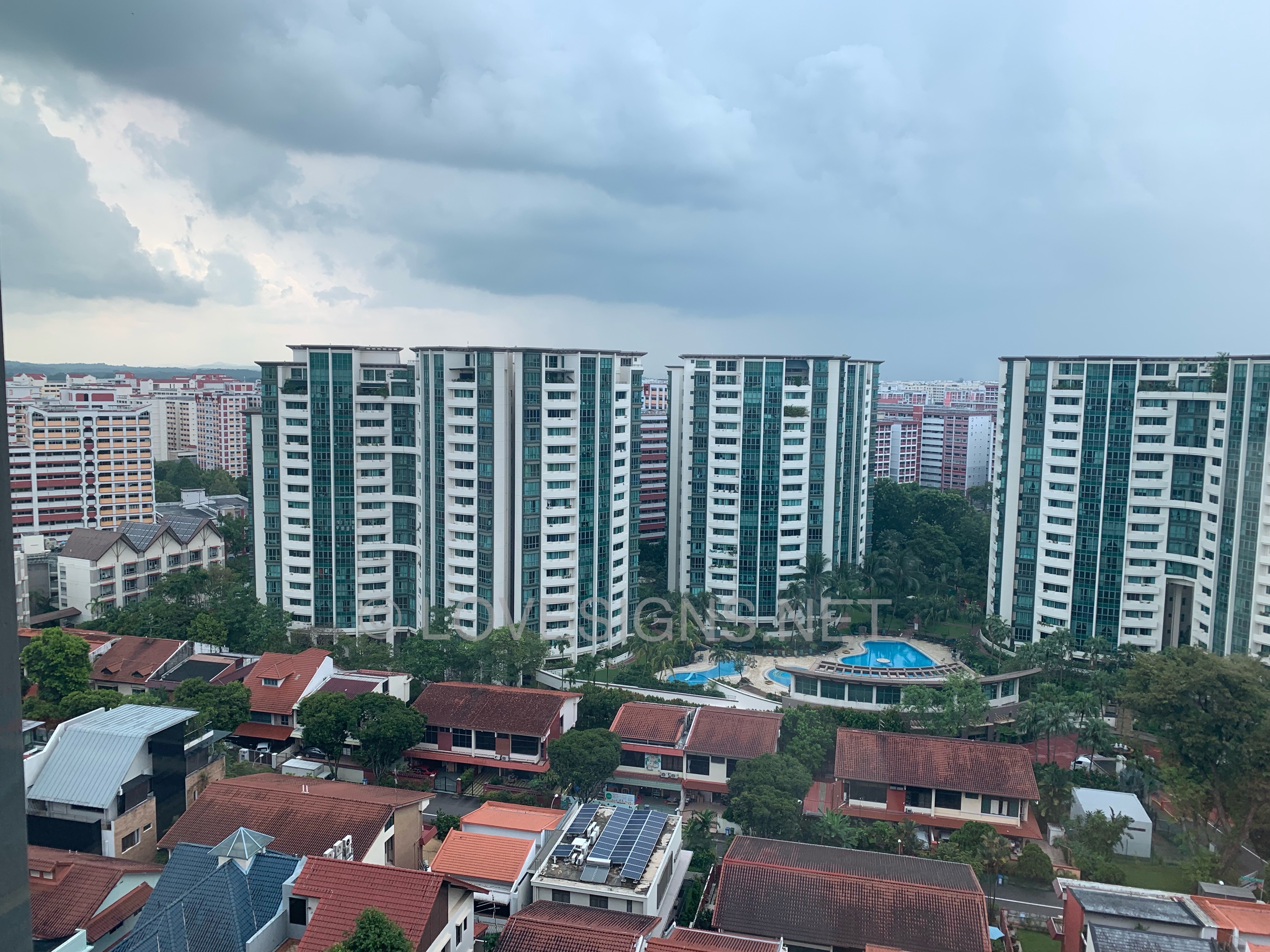
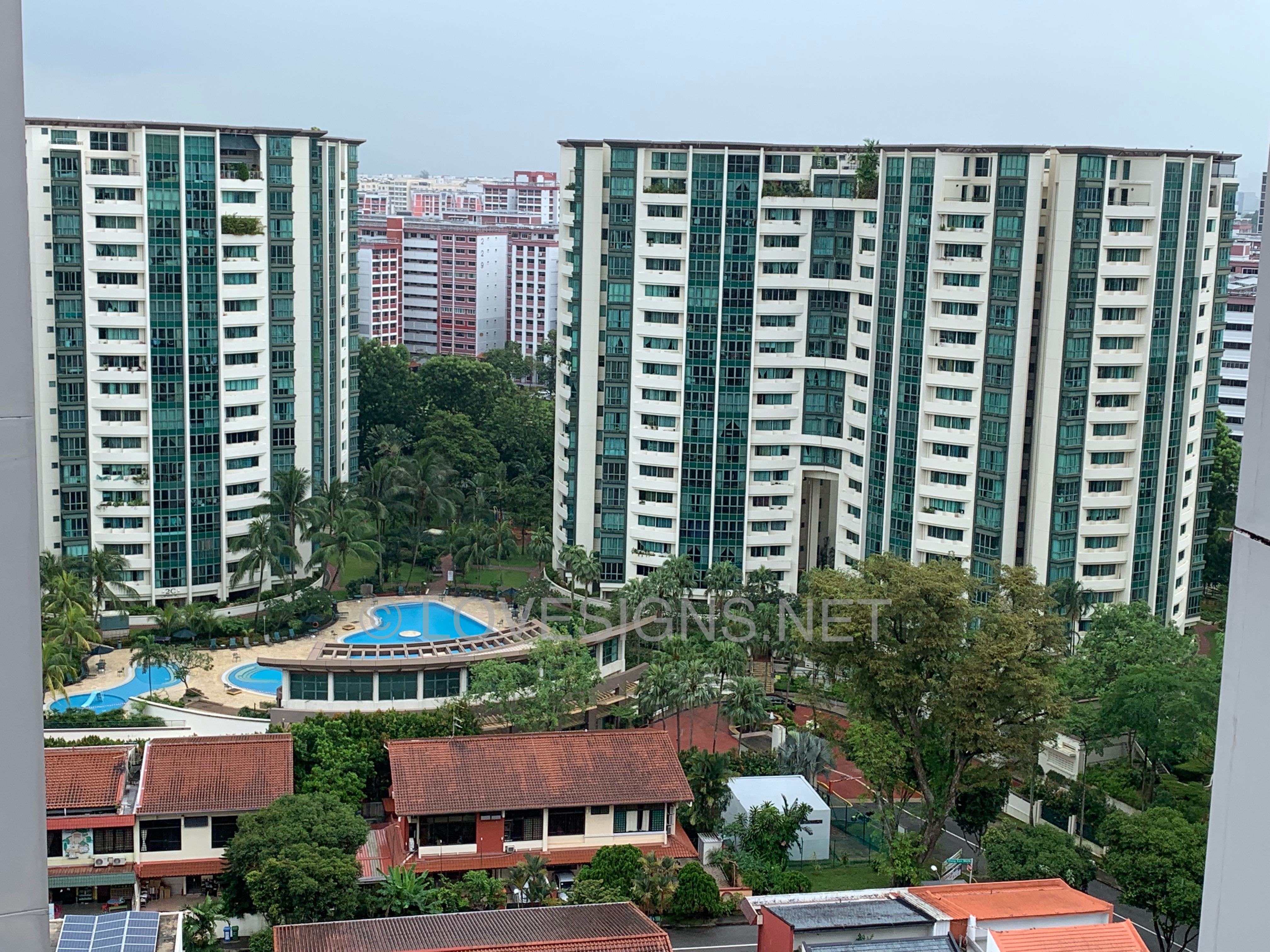



Background Picker
Account
Navigation
Search
Configure browser push notifications
Chrome (Android)
- Tap the lock icon next to the address bar.
- Tap Permissions → Notifications.
- Adjust your preference.
Chrome (Desktop)
- Click the padlock icon in the address bar.
- Select Site settings.
- Find Notifications and adjust your preference.
Safari (iOS 16.4+)
- Ensure the site is installed via Add to Home Screen.
- Open Settings App → Notifications.
- Find your app name and adjust your preference.
Safari (macOS)
- Go to Safari → Preferences.
- Click the Websites tab.
- Select Notifications in the sidebar.
- Find this website and adjust your preference.
Edge (Android)
- Tap the lock icon next to the address bar.
- Tap Permissions.
- Find Notifications and adjust your preference.
Edge (Desktop)
- Click the padlock icon in the address bar.
- Click Permissions for this site.
- Find Notifications and adjust your preference.
Firefox (Android)
- Go to Settings → Site permissions.
- Tap Notifications.
- Find this site in the list and adjust your preference.
Firefox (Desktop)
- Open Firefox Settings.
- Search for Notifications.
- Find this site in the list and adjust your preference.