


Cecil Lee
Staff
-
Joined
-
Last visited
Everything posted by Cecil Lee
-
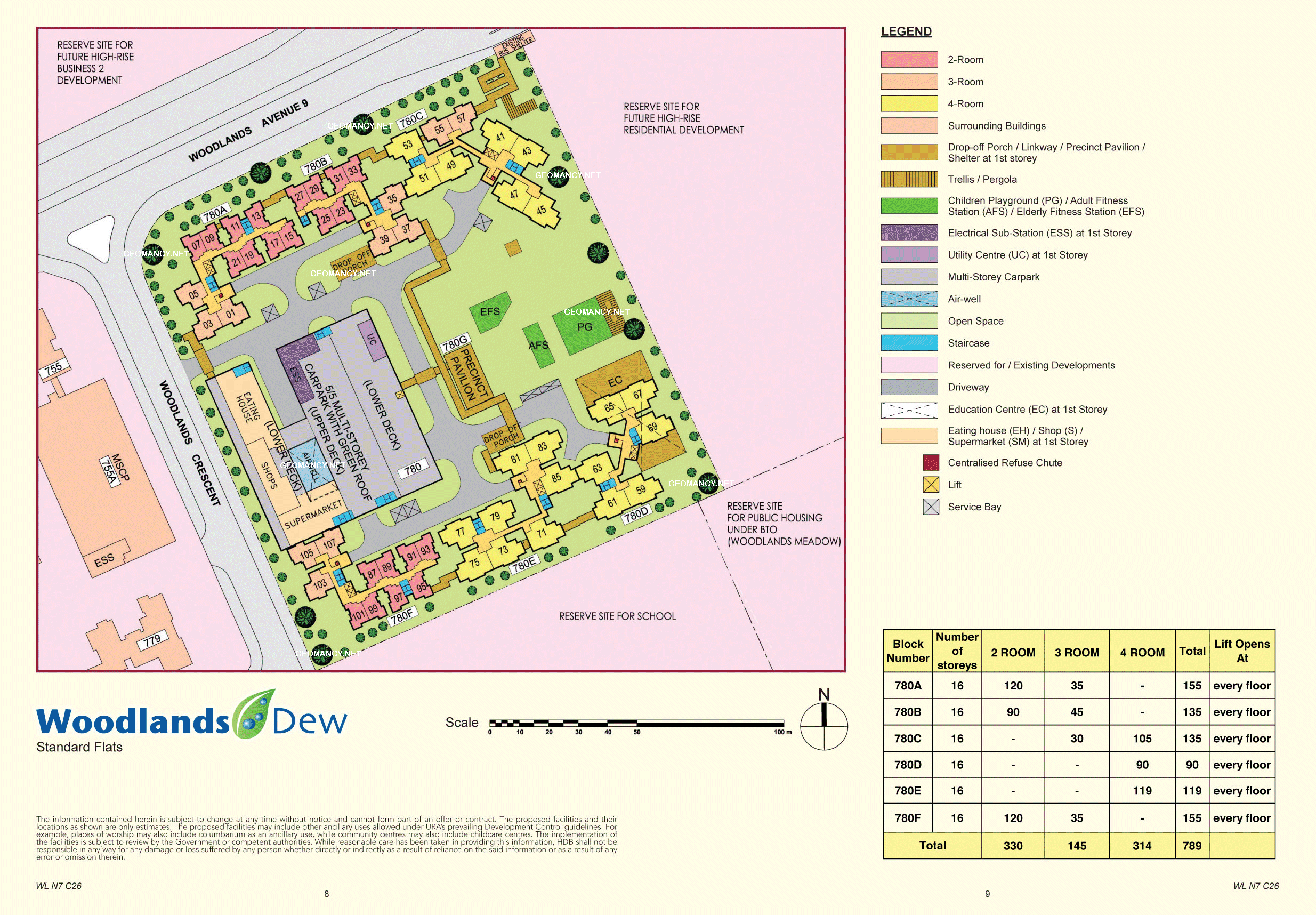
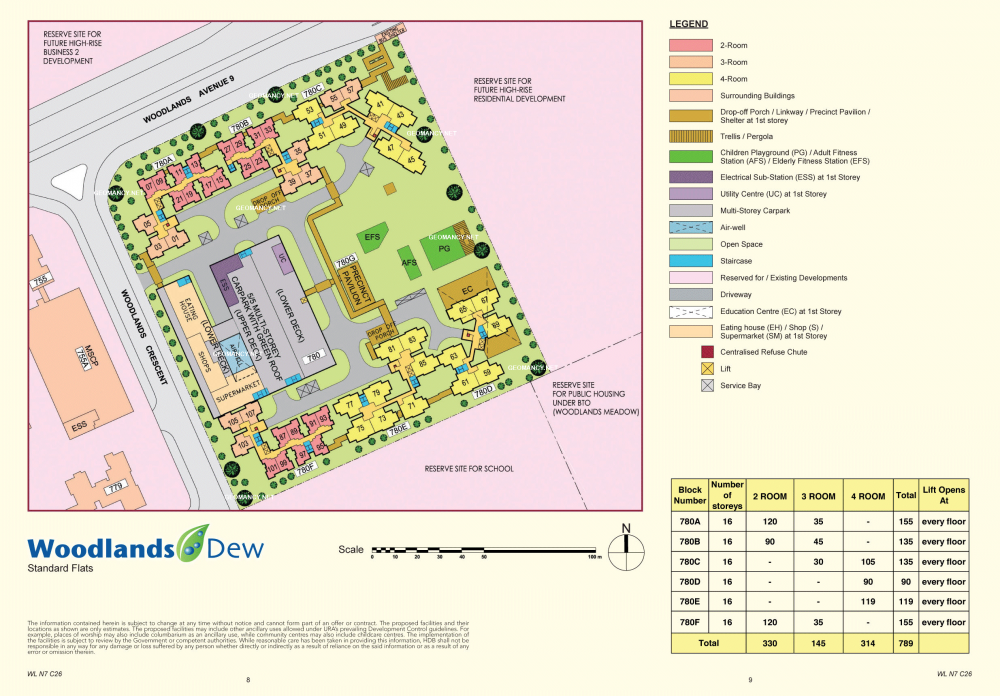
HDB Woodlands Dew Site Map / Site Plan woodlands-dew.pdf
-
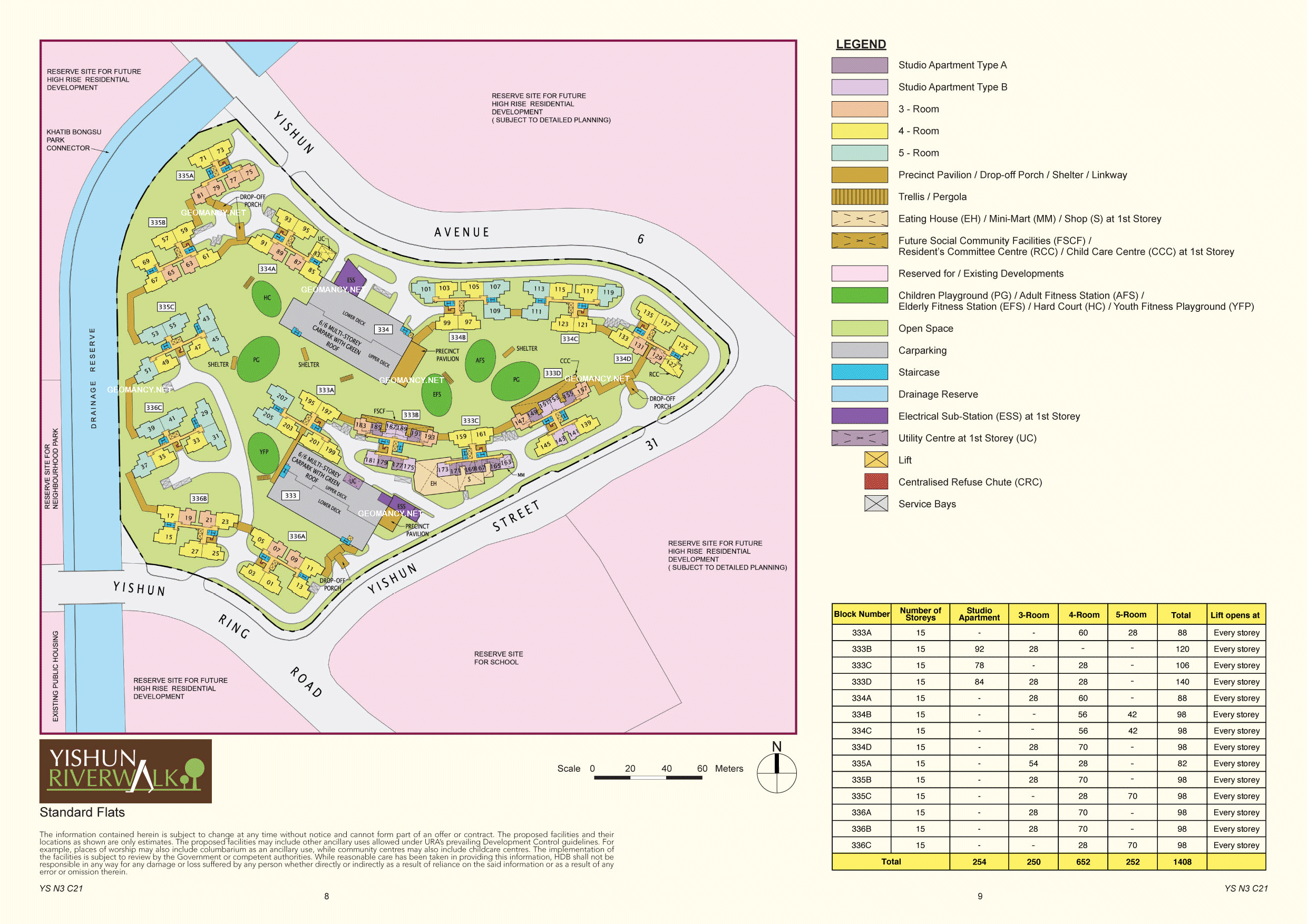
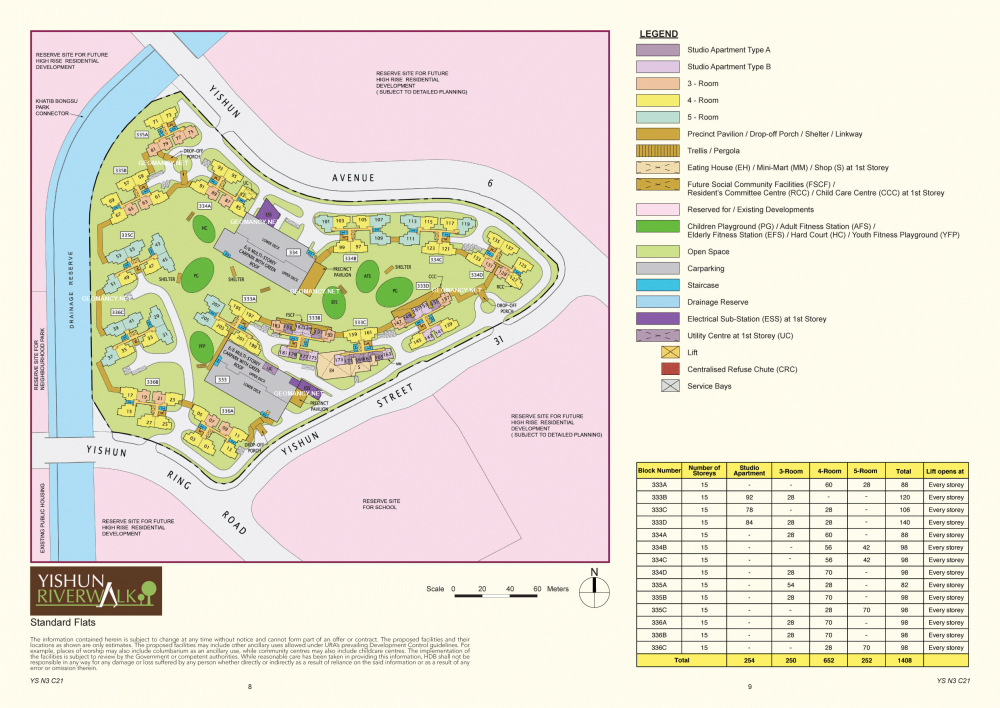
HDB Yishun Riverwalk Site Map / Site Plan
-
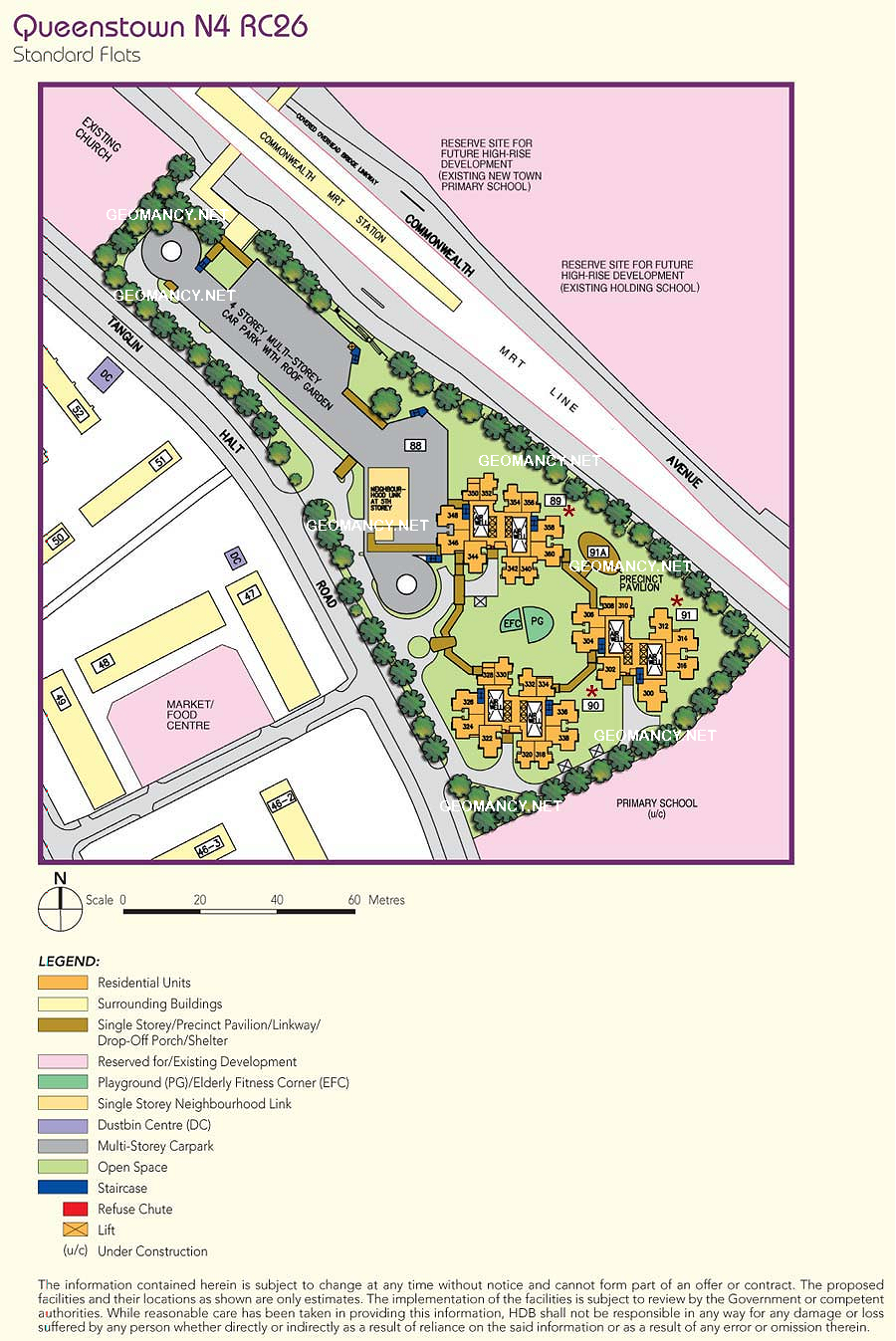
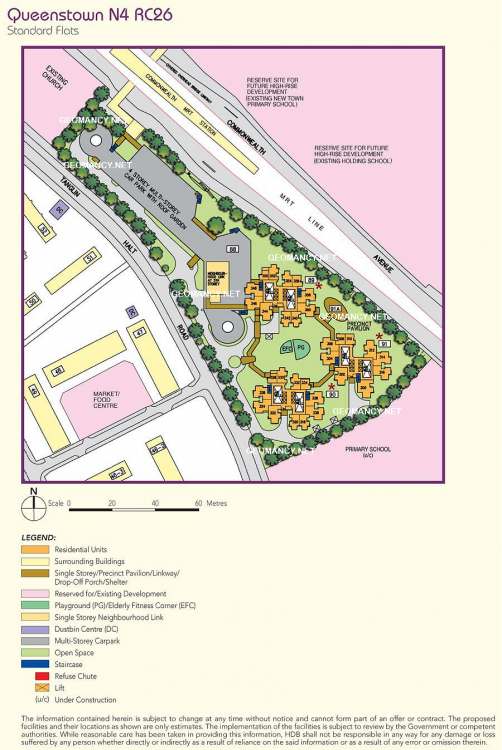
Queenstown N4 RC26: HDB Commonwealth View Site Map / Site Plan
-
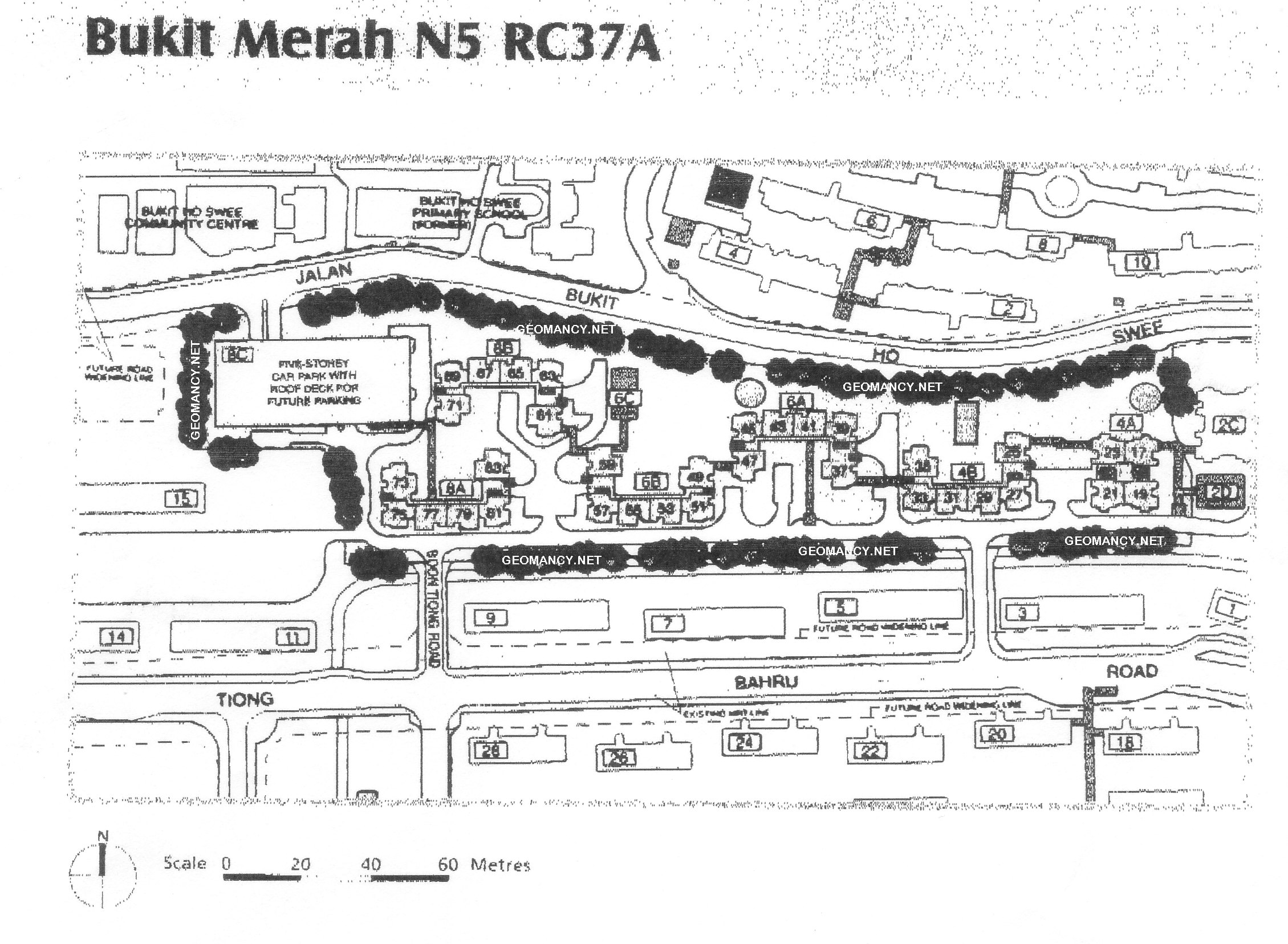
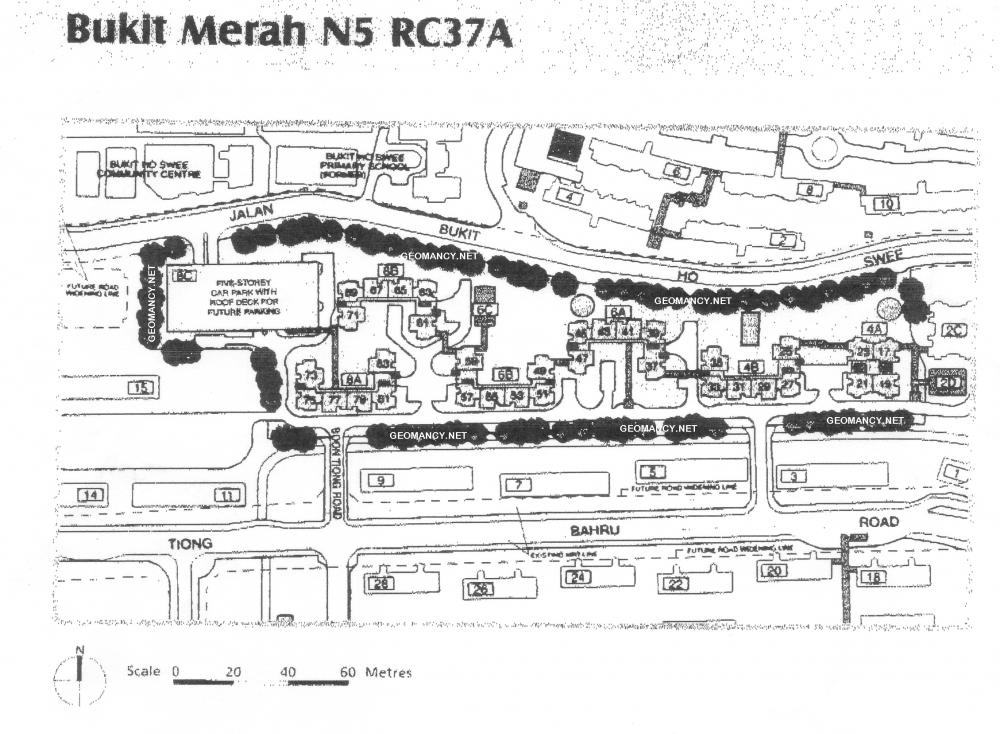
Bukit Merah N5 RC37A: HDB Boon Tiong Arcadia Site Map / Site Plan
-
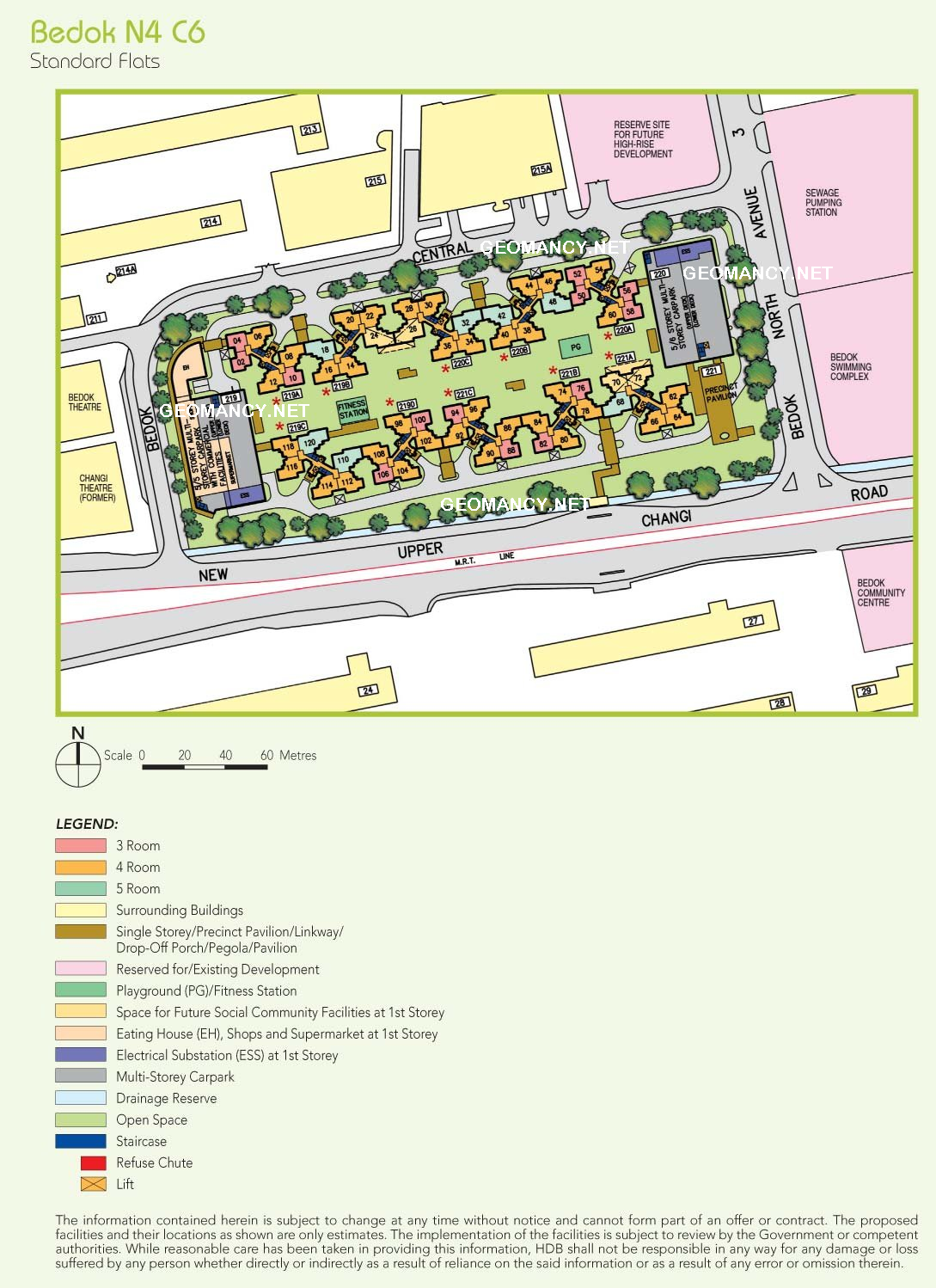
Bedok N4 C6: HDB Linear Green @ Bedok Site Map / Site Plan
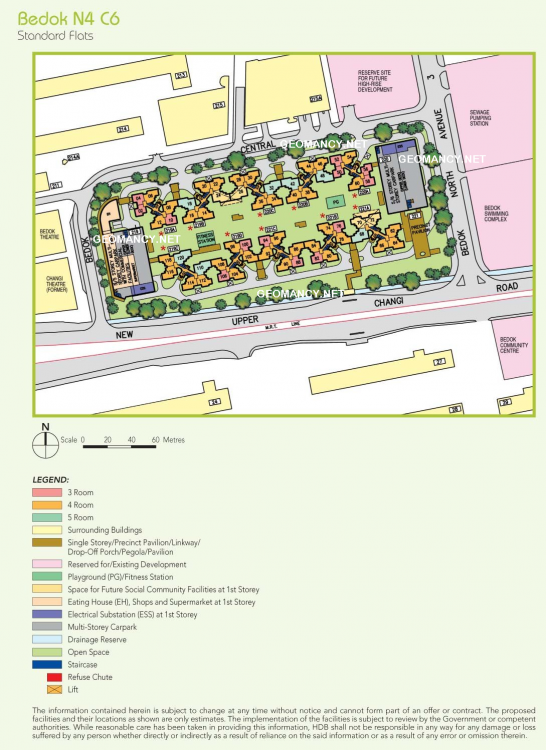
-
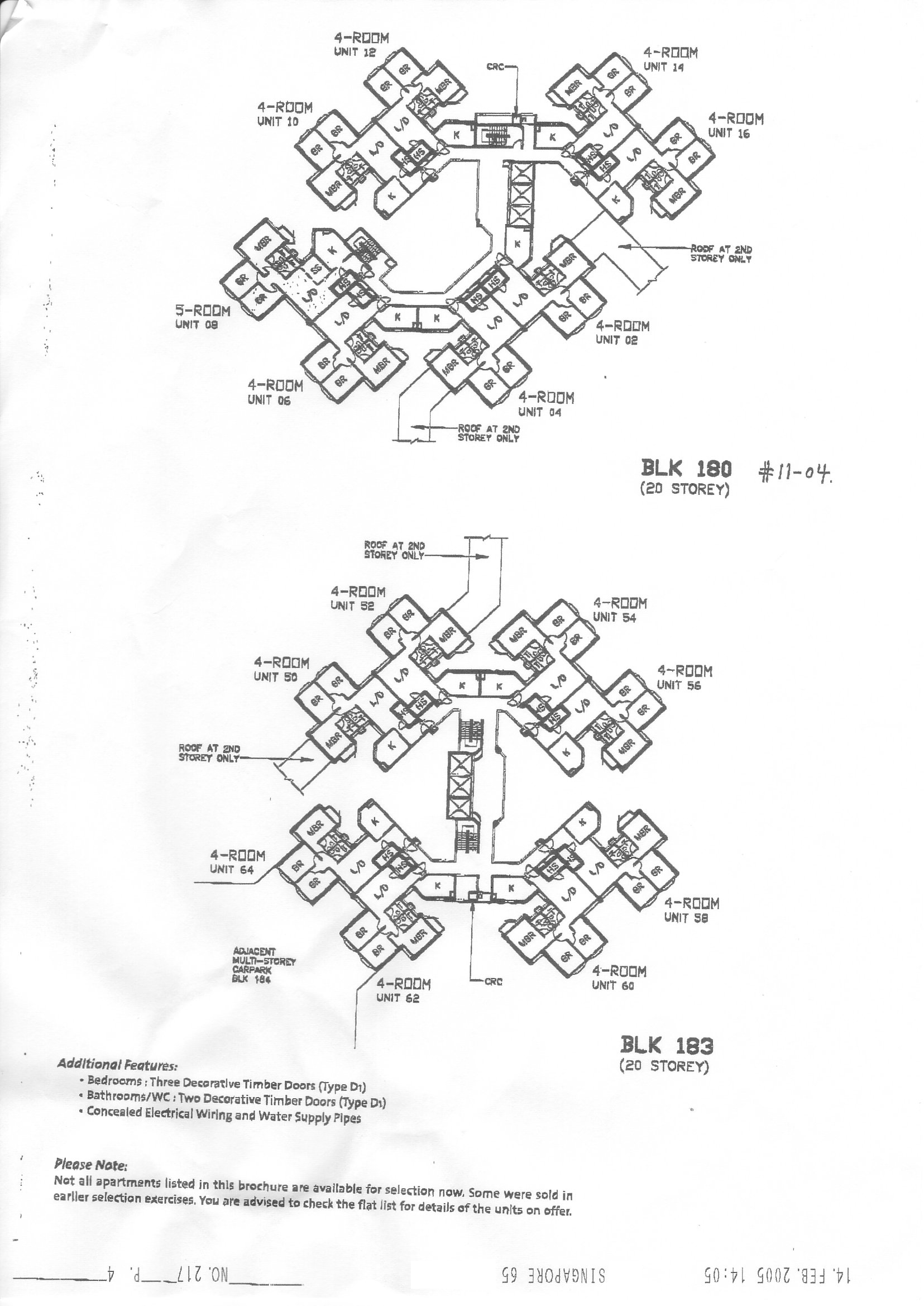
Year : 14 Feb 2005
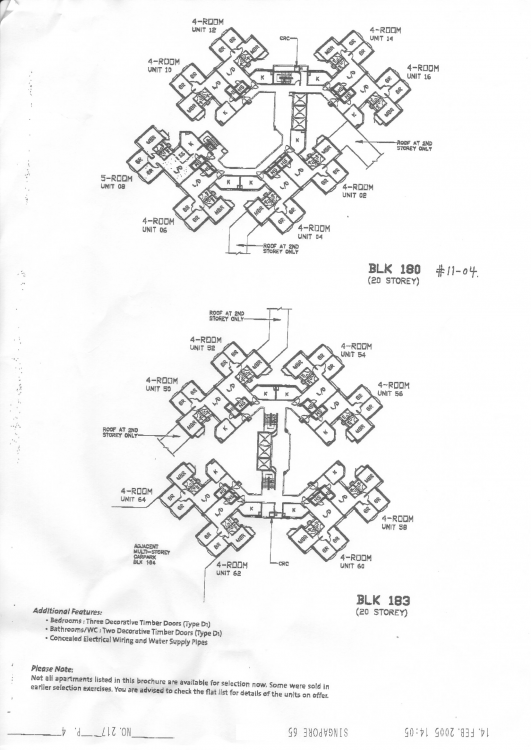
-
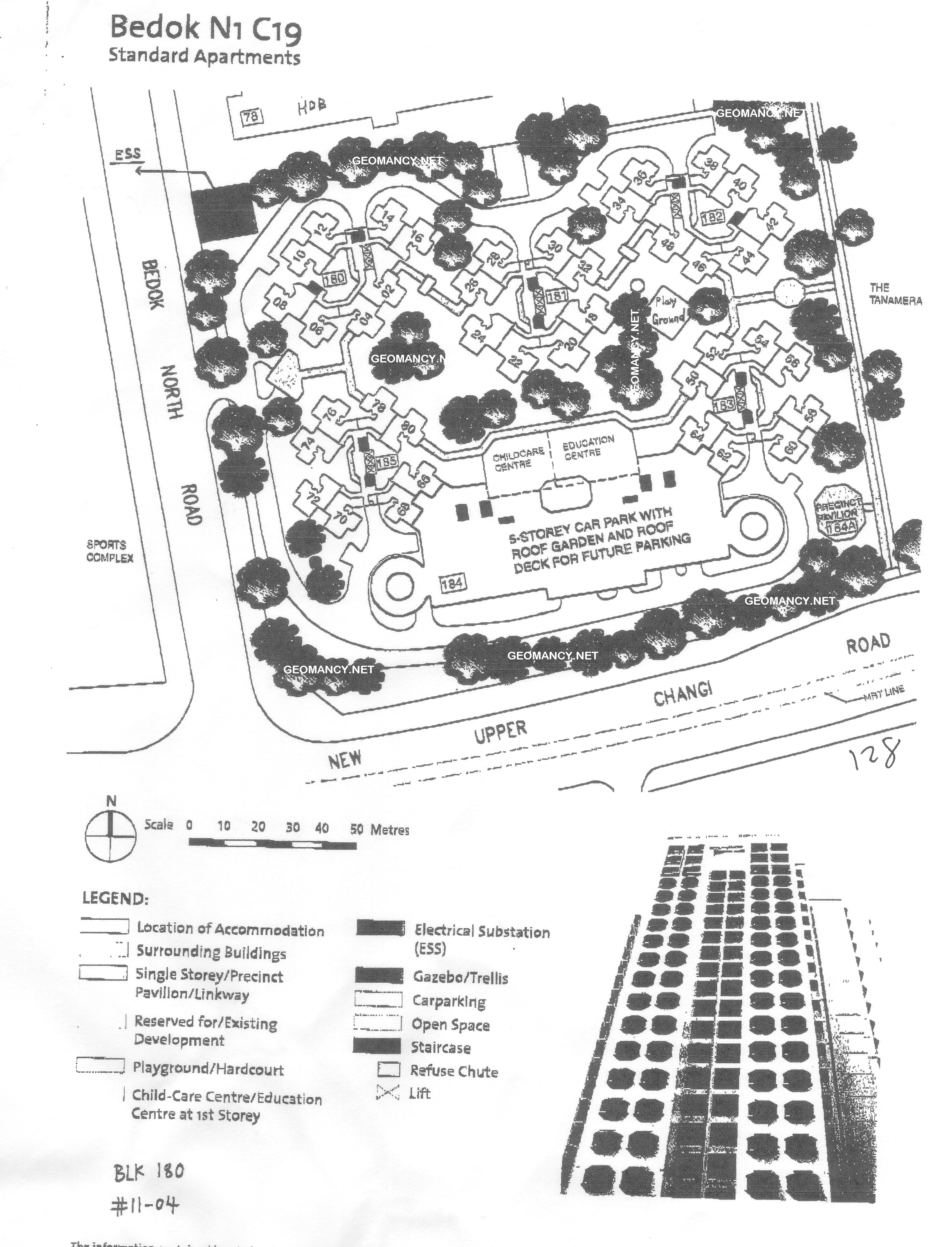
Bedok N1 C19: HDB Vista 8 @ Bedok North Road Site Map / Site Plan
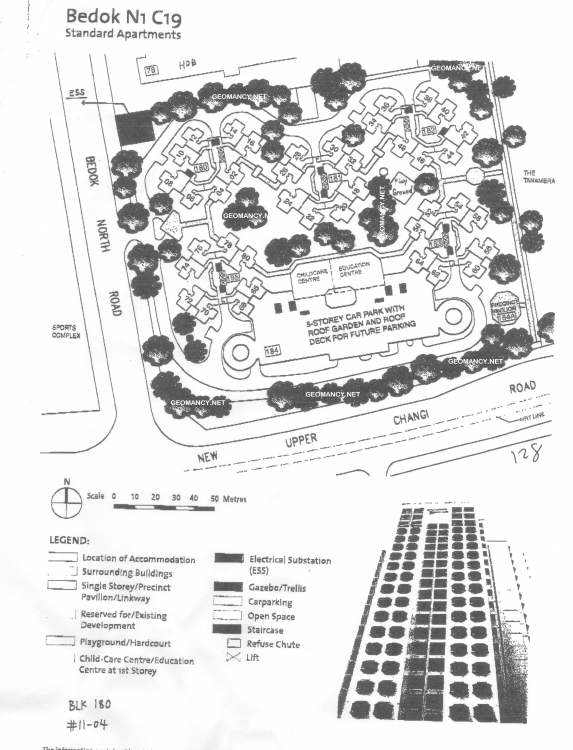
-
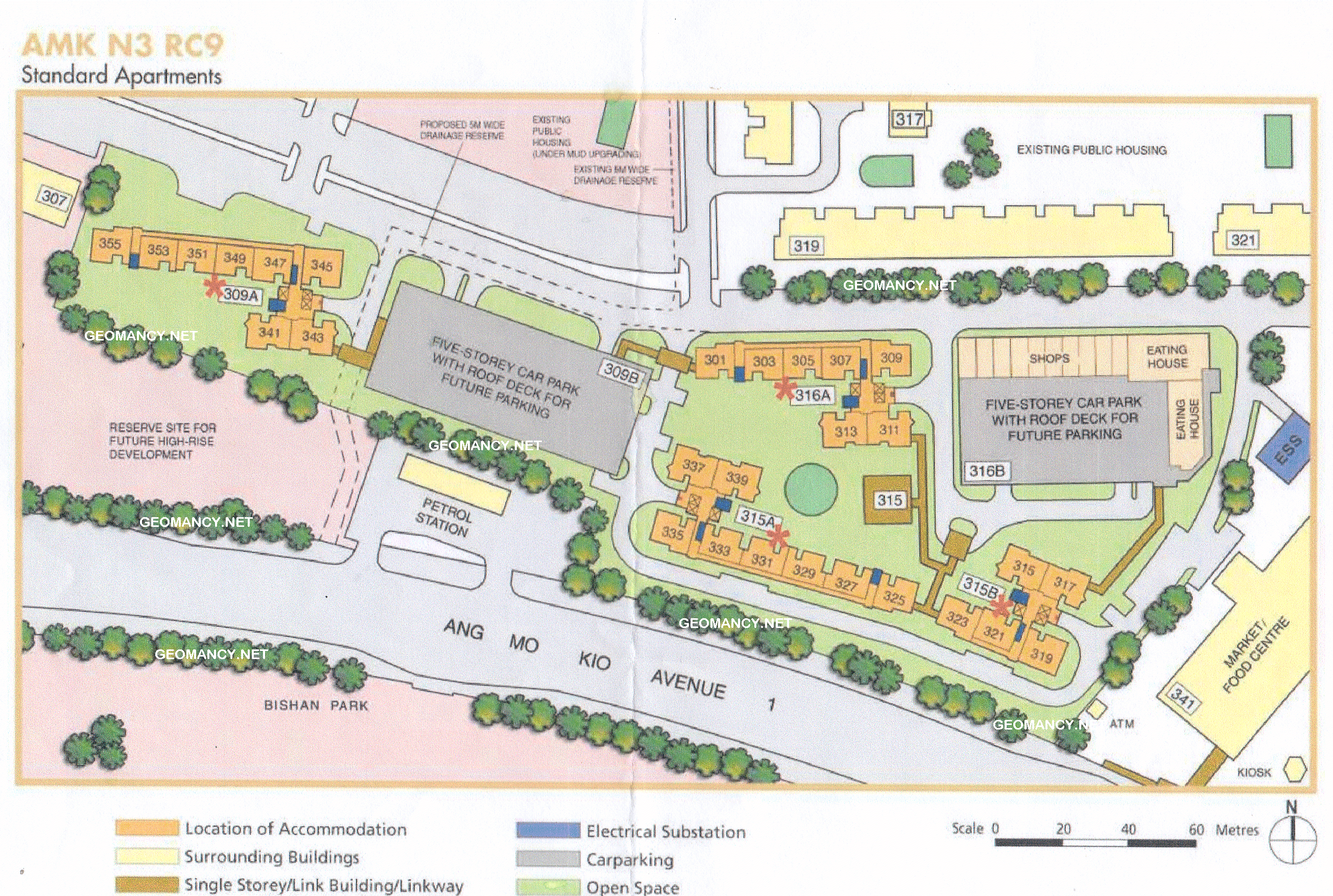
HDB Teck Ghee Vista at Ang Mo Kio Street 31 Site Map / Site Plan
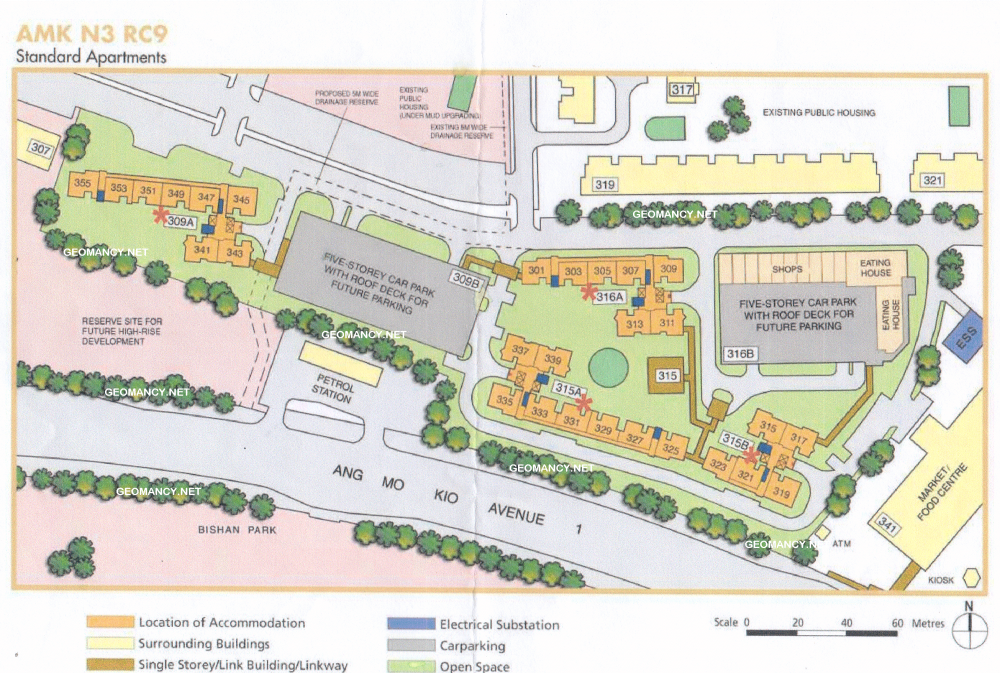
-
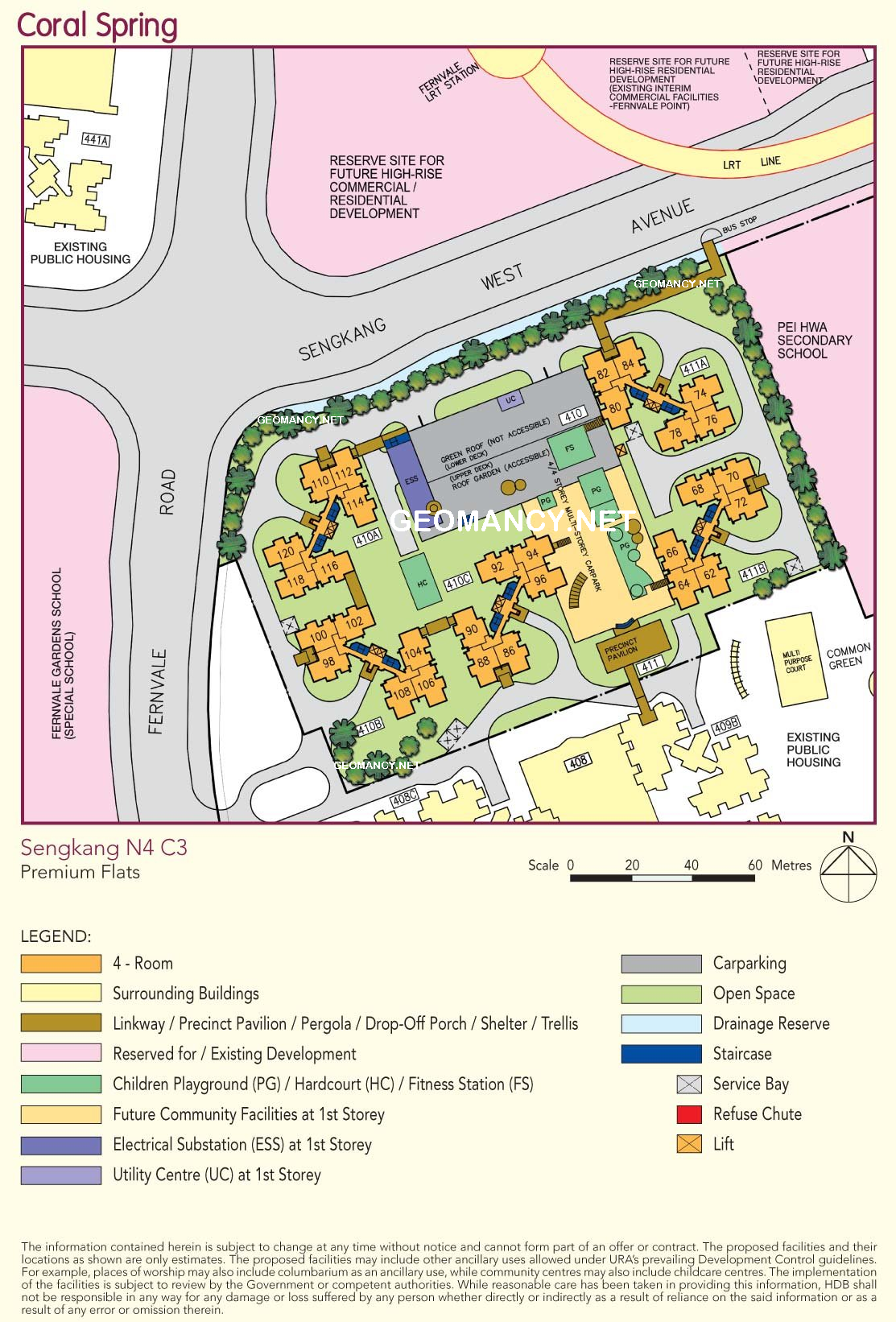
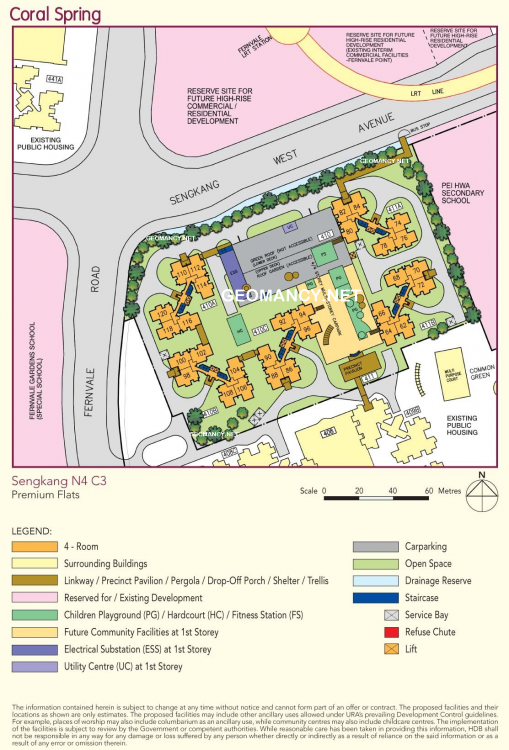
HDB Coral Spring at Fernvale Road Site Map / Site Plan
-
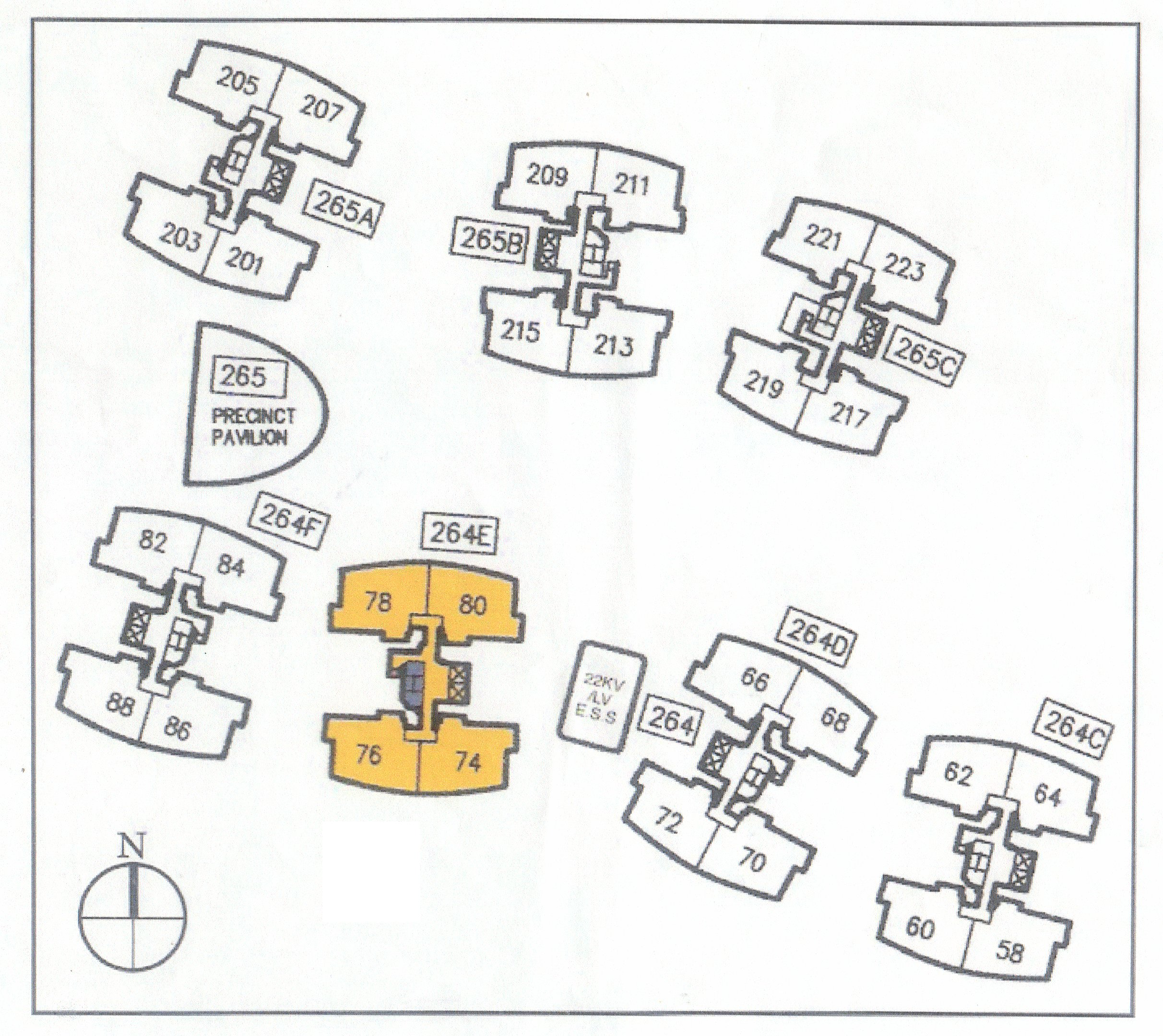
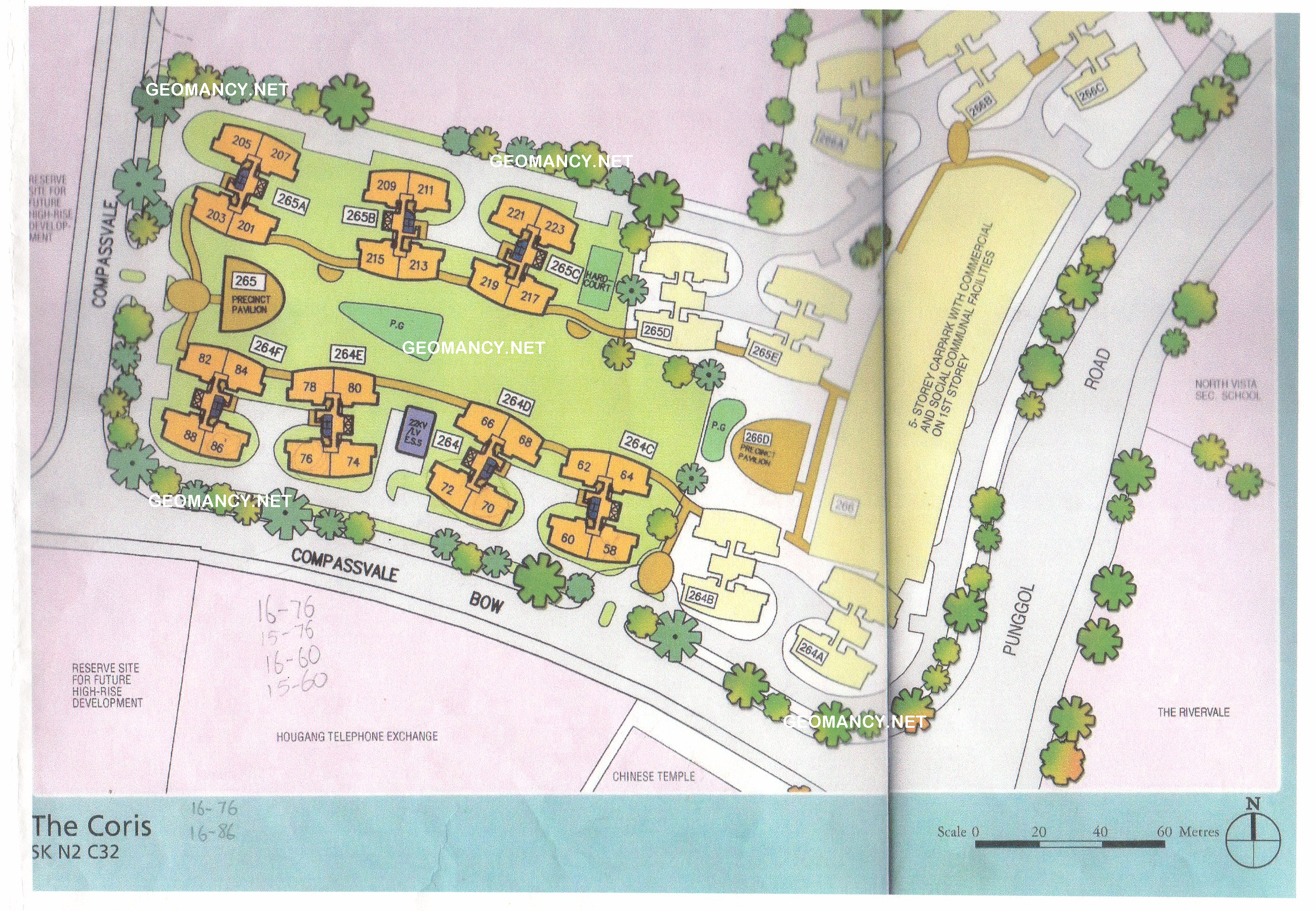
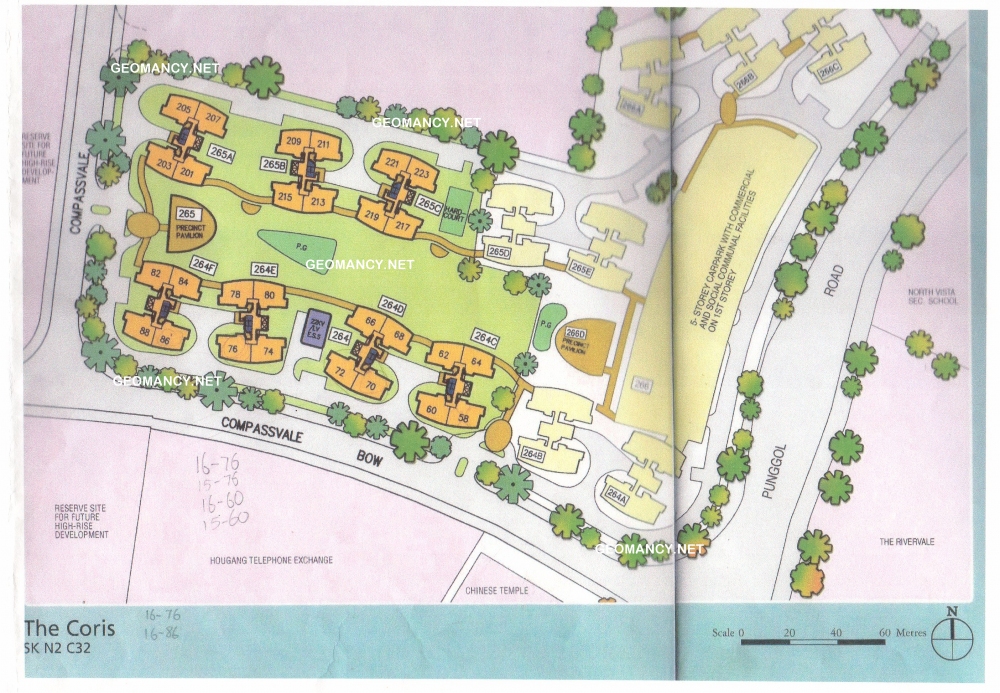
HDB The Coris at Compassvale Bow Site Map / Site Plan
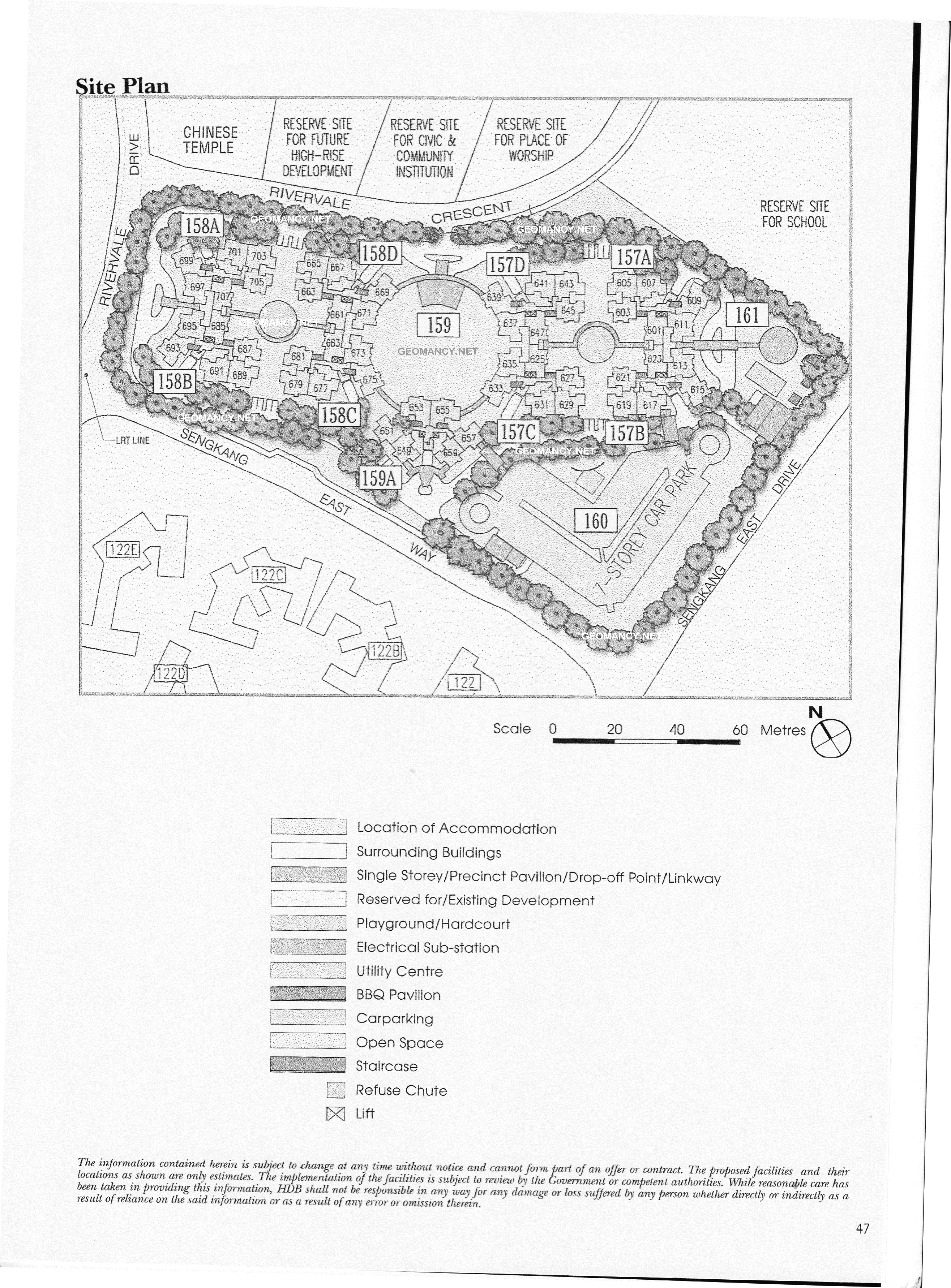
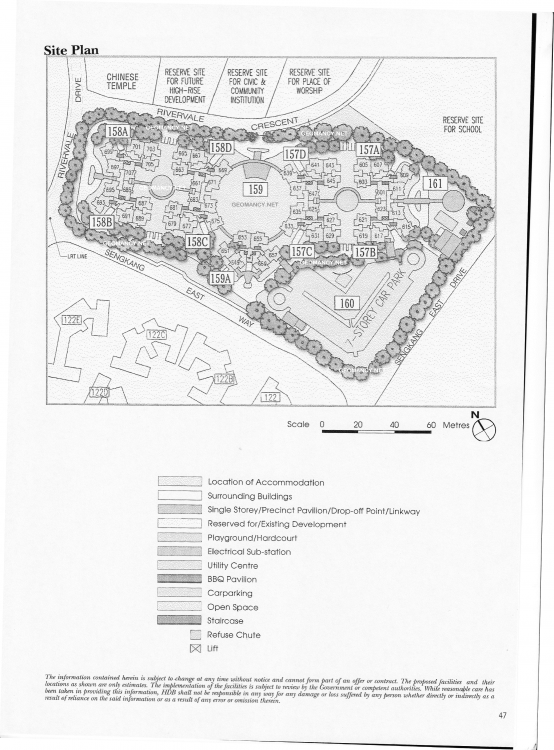
 HDB Rivervale View Site Map / Site Plan For older HDB Site Maps, please take note of the actual compass marking on the bottom right of the drawing.
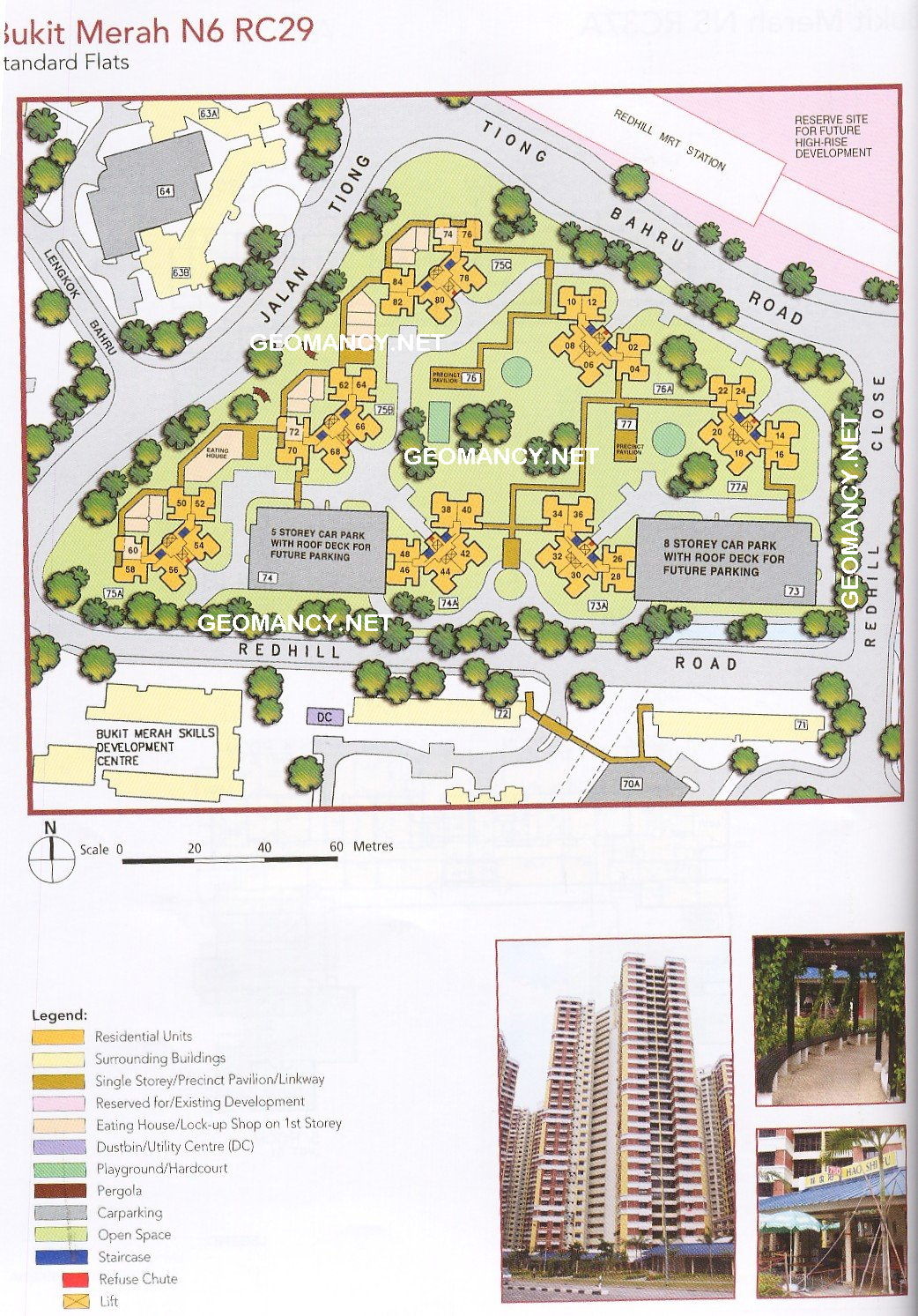
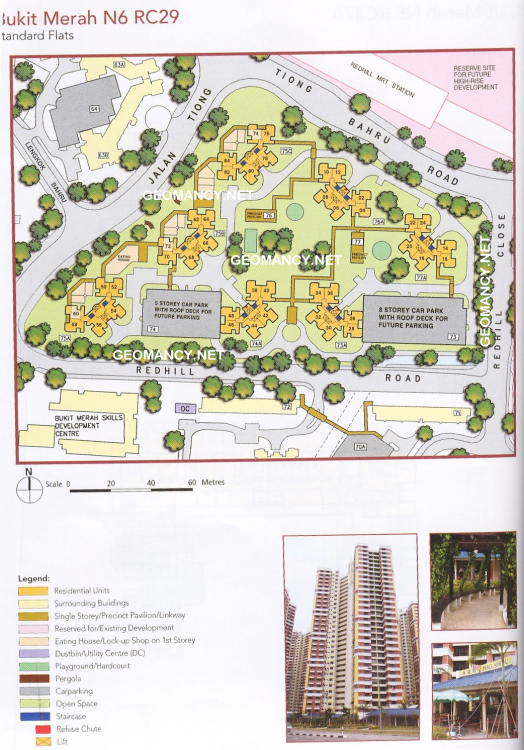
 Bukit Merah N6 RC29: HDB Redhill Rise Site Map / Site Plan
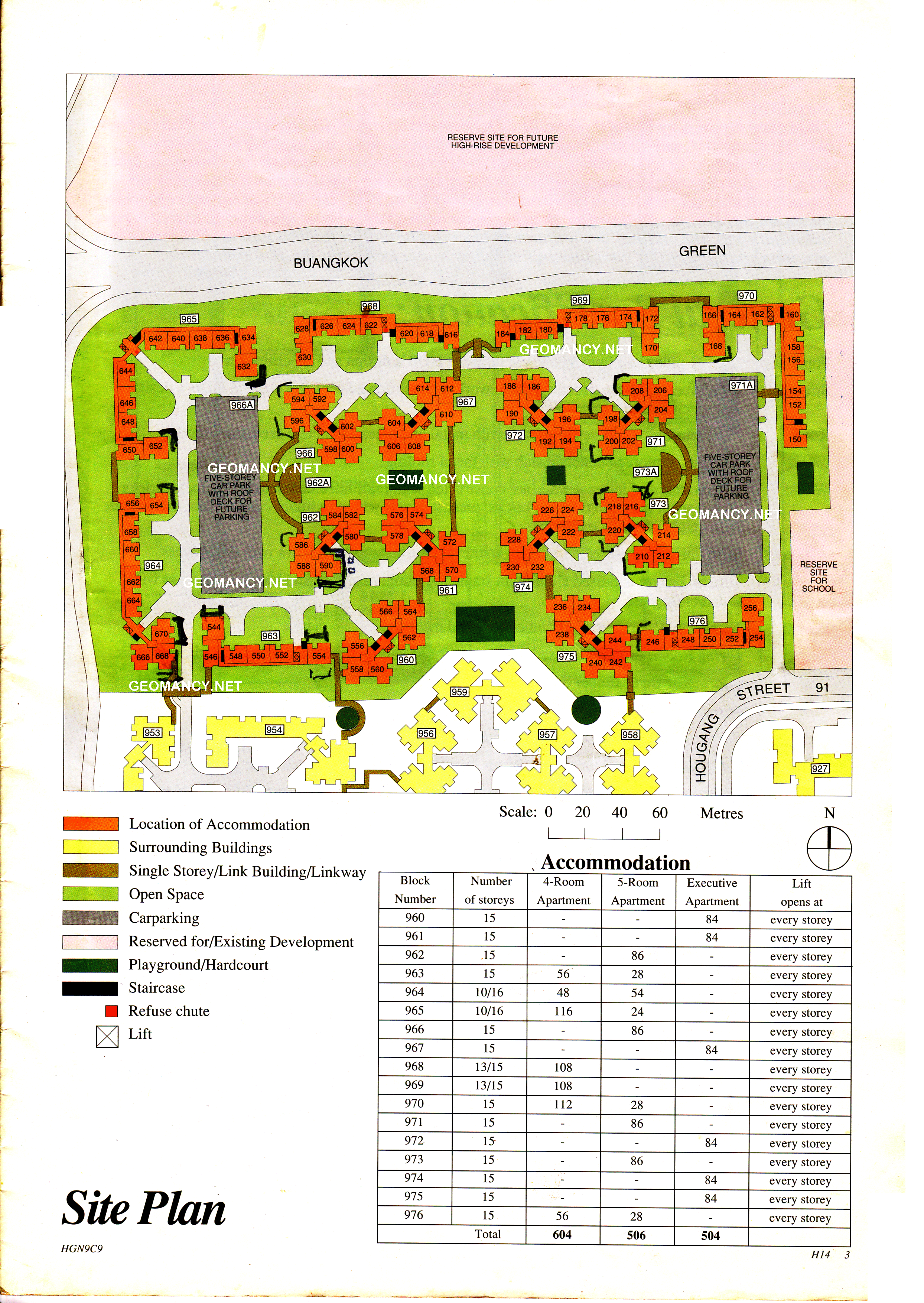
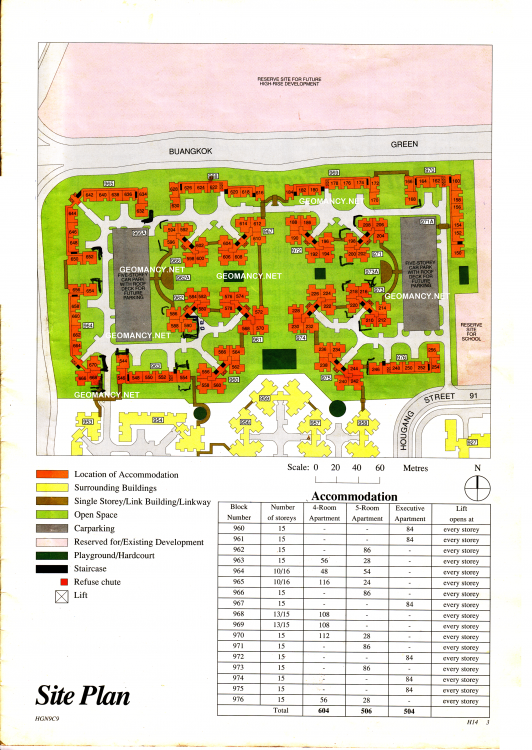
 HDB Hougang Street 91: Blocks 960, 961, 962, 963, 964, 965, 966, 967, 968, 969, 970, 971, 972, 973, 974 Site Map / Site Plan
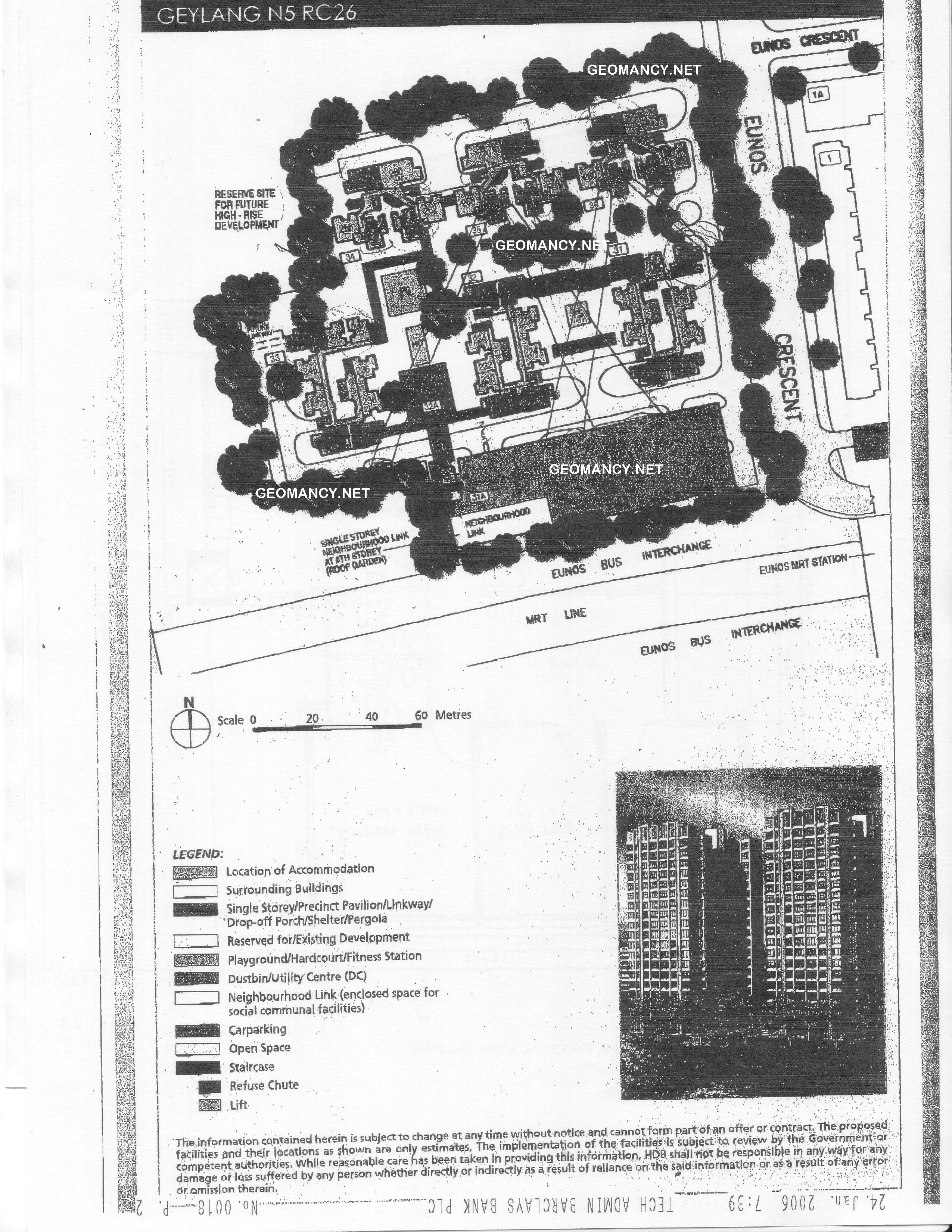
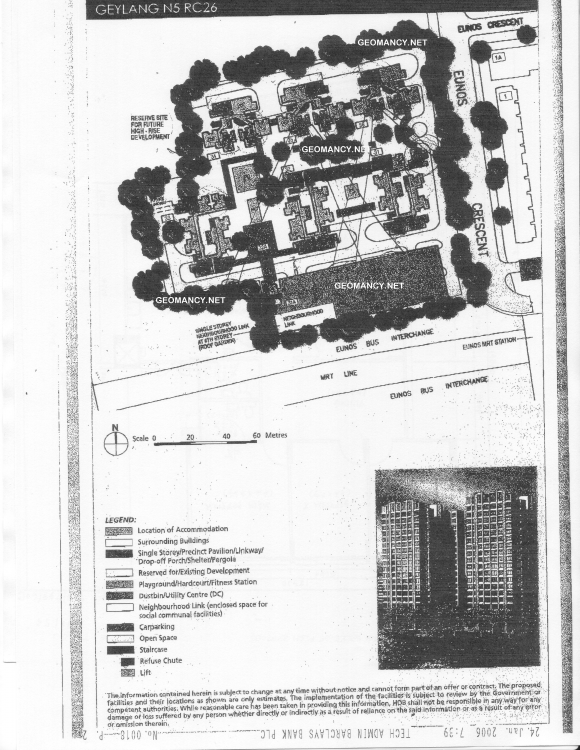
 Phase I Eunos Court Site Map / Site Plan
 CCK N6 C12: HDB Choa Chu Kang Crescent Blocks 683, 683A, 683B, 683C, 684A, 684B, 684C & 684D Site Map / Site Plan
 Toa Payoh N4 RC30: HDB Toa Payoh Towers Site Map / Site Plan
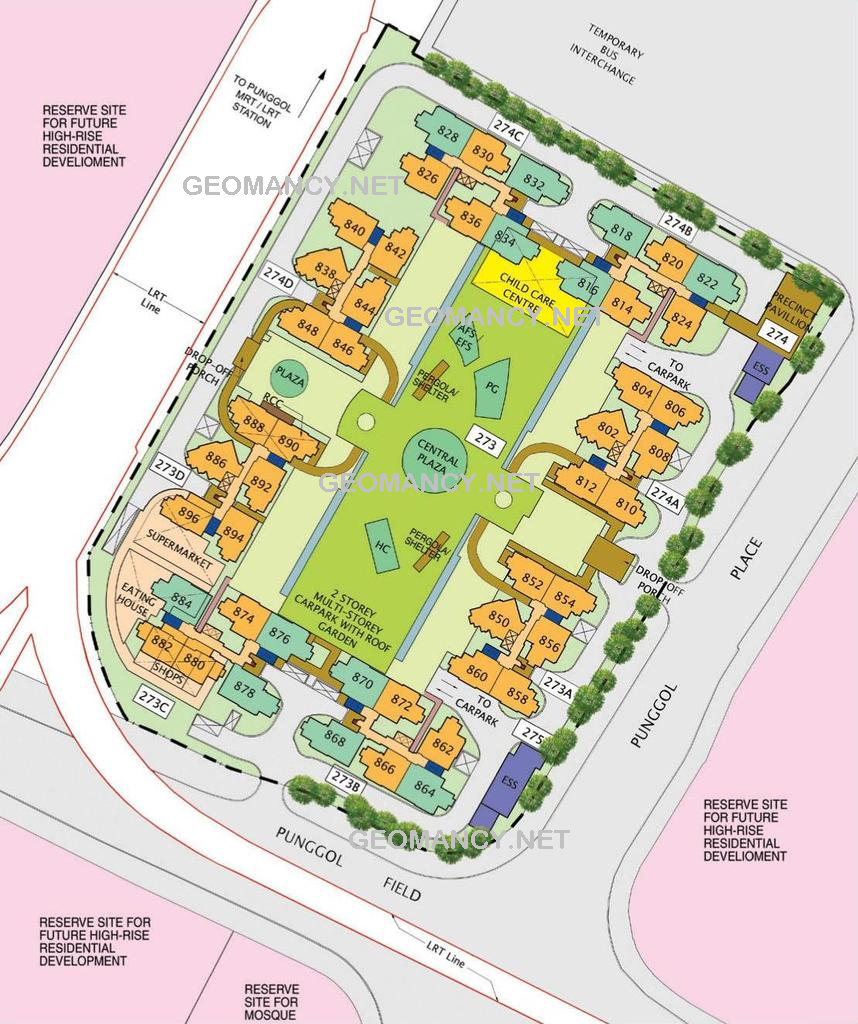
 Punggol West S2 C2: HDB Punggol Field Blocks 203A, 203B, 204, 204A, 204B, 204C, 204D & 205A Site Map / Site Plan
 HDB Punggol Regalia Site Map / Site Plan
 HDB Whampoa Spring: 76 and 77 Lorong Limau Site Map / Site Plan Dated 30 November 1973
 HDB Woodlands Drive 16: Blocks 579, 579A, 580, 581, 582 and 583 Site Map / Site Plan
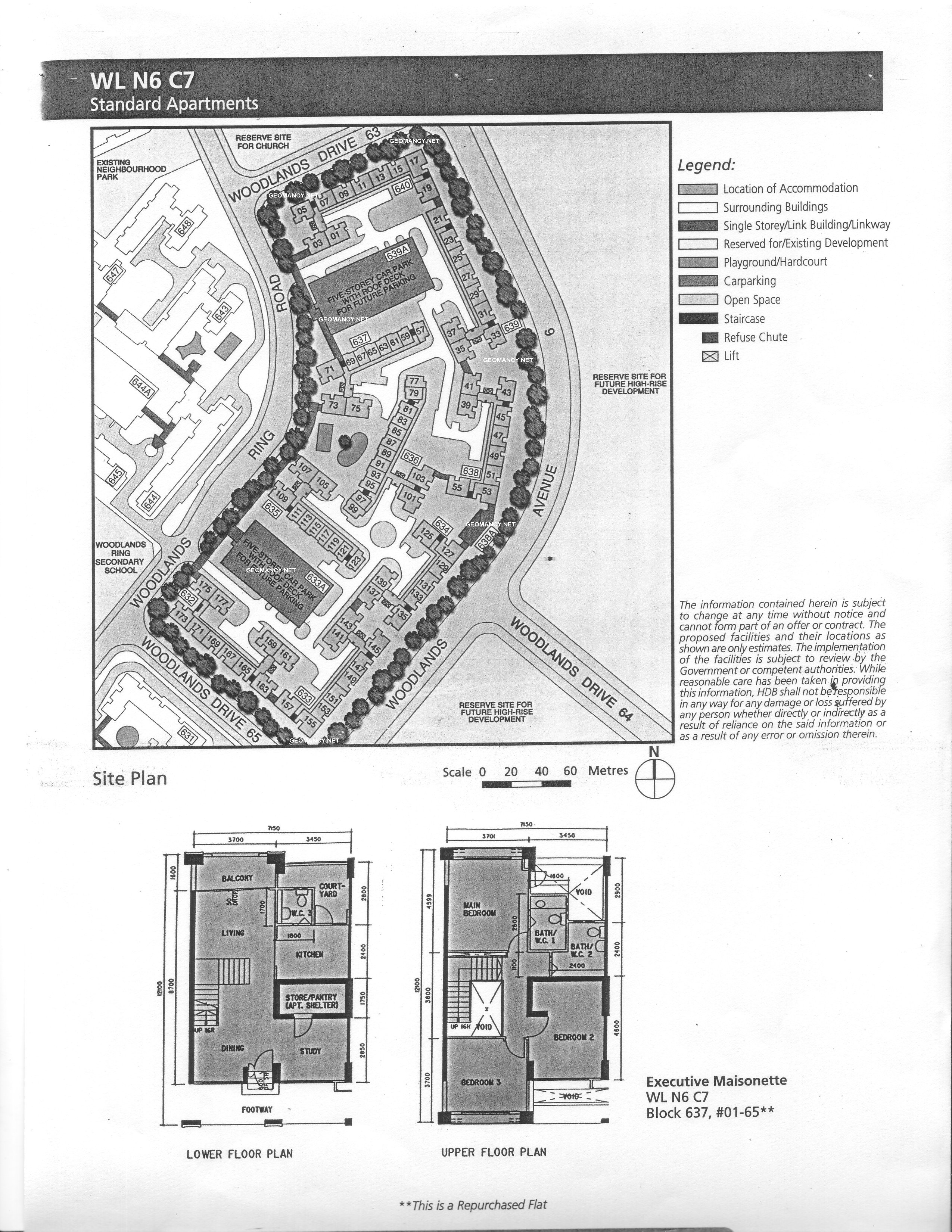
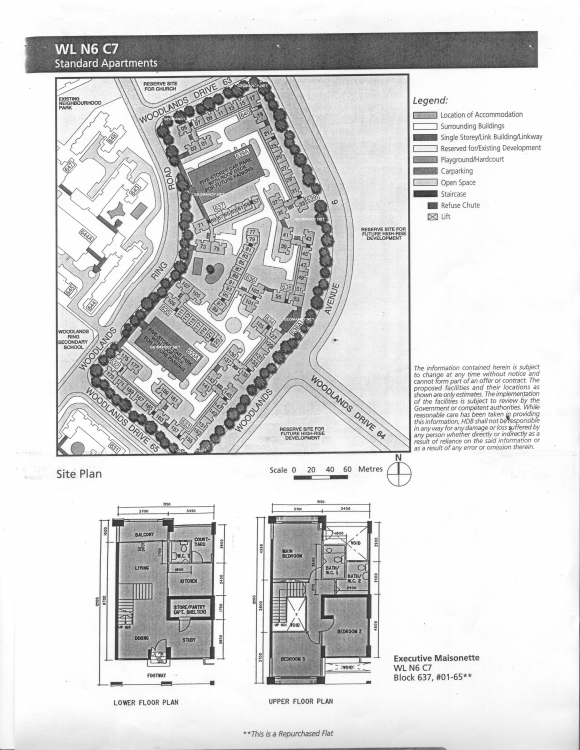
 WL N6 C7: HDB Woodlands Ring Road Blocks 632, 633, 633A, 634, 635, 636, 637, 638, 638A, 639, 639A and 640 Site Map / Site Plan
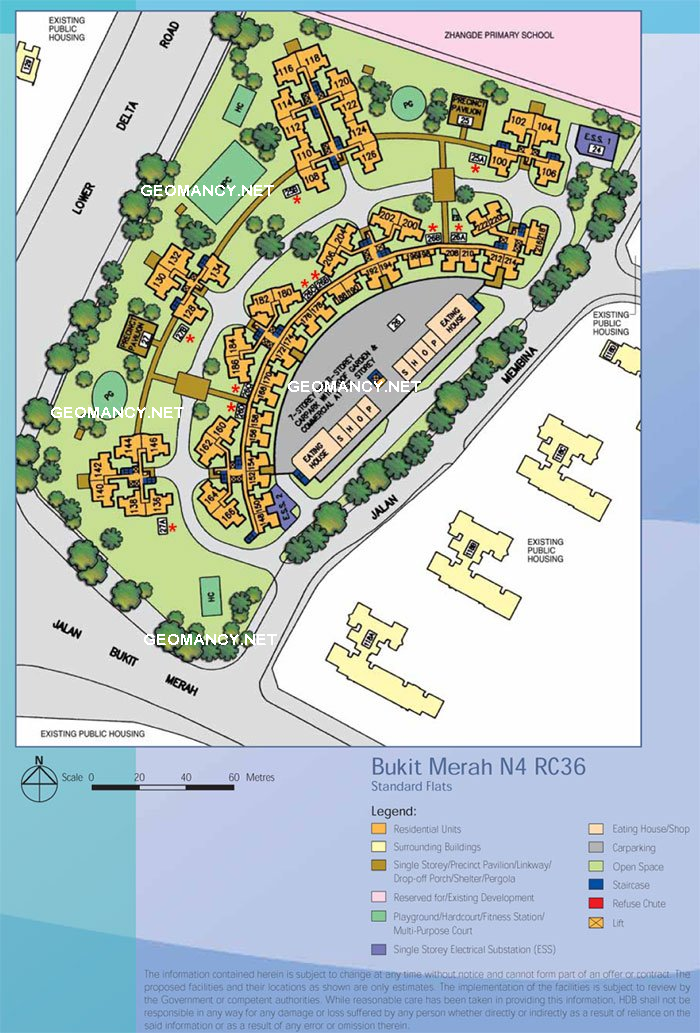
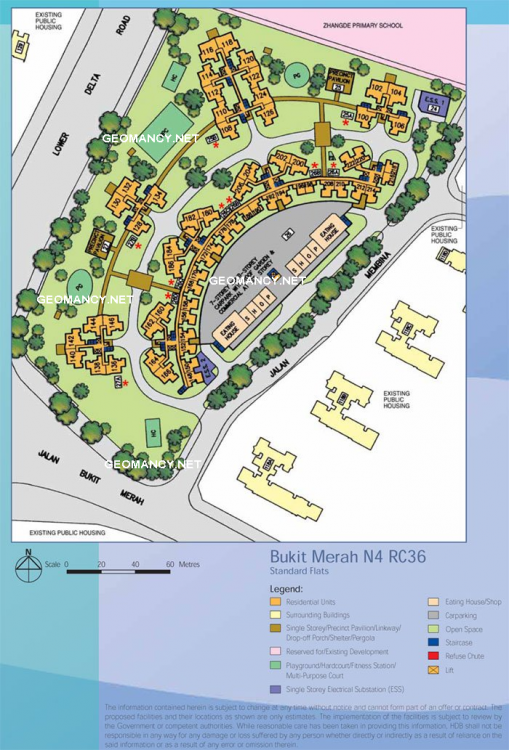
 Bukit Merah N4 RC36: HDB Membina Court = Blocks 25A, 25B, 26A, 26B, 26C, 26D, 27A, & 27B Site Map & Site Plan
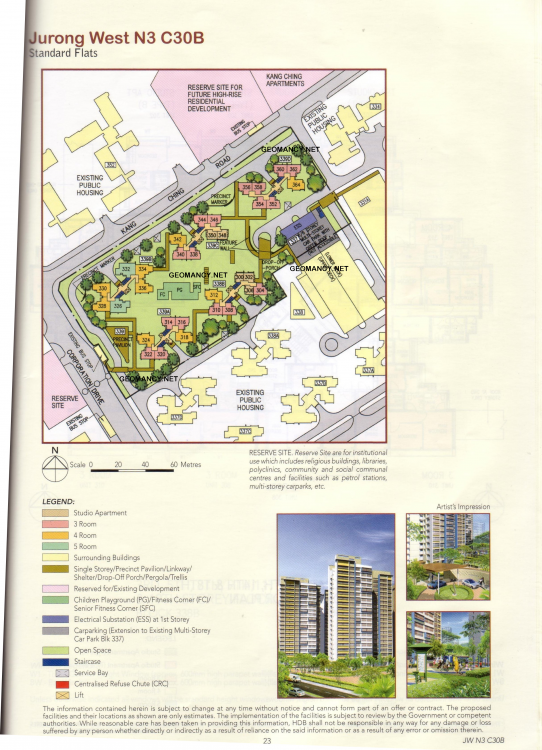
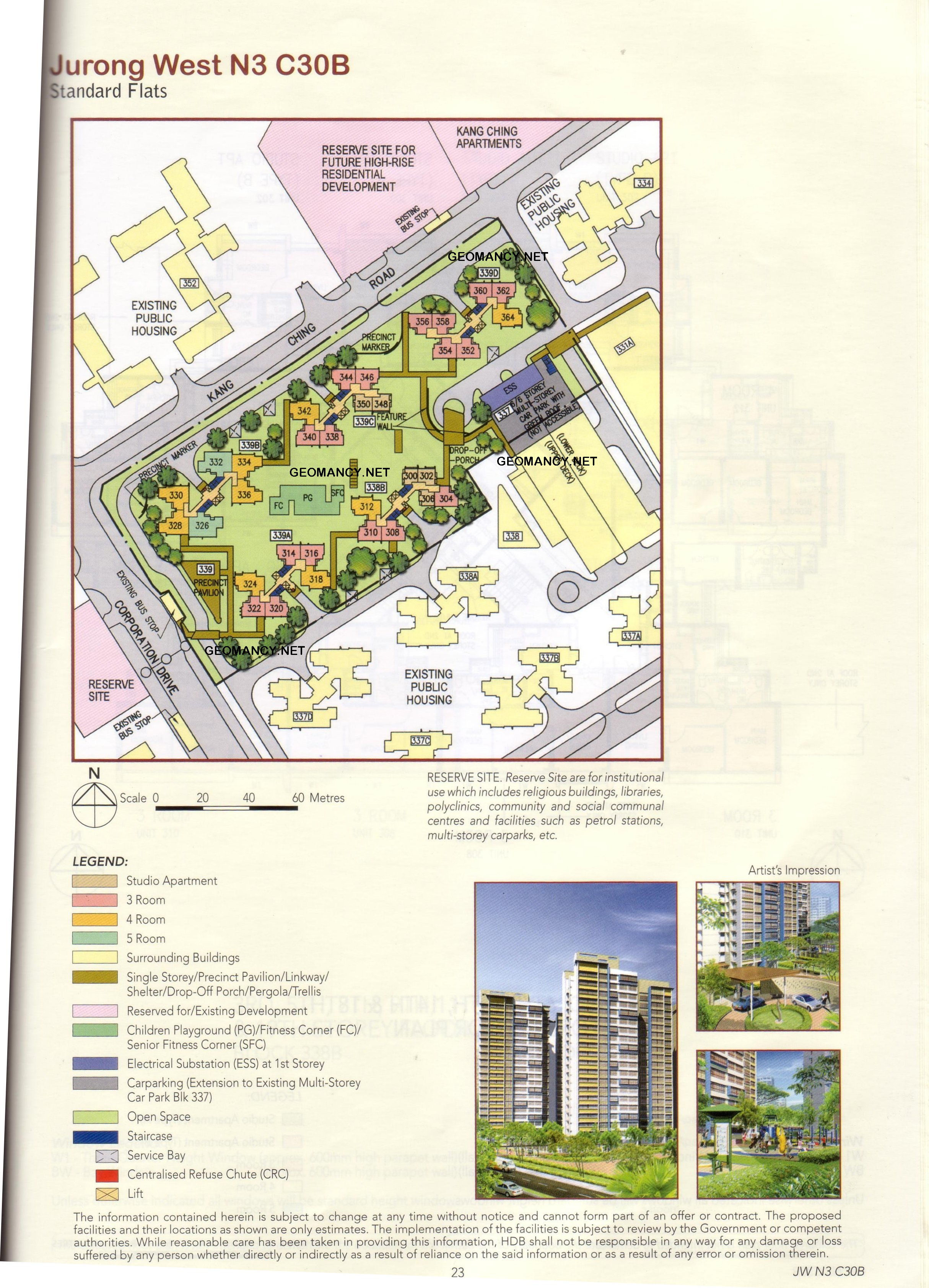
 HDB Kang Ching Road Blocks 337, 338B, 339, 339A, 339B, 339C and 339D Site Map / Site Plan